MAIN MENU NUMBER LIST
SM 5-23 C267
C267 Service
Manual
5.10 USER TOOLS
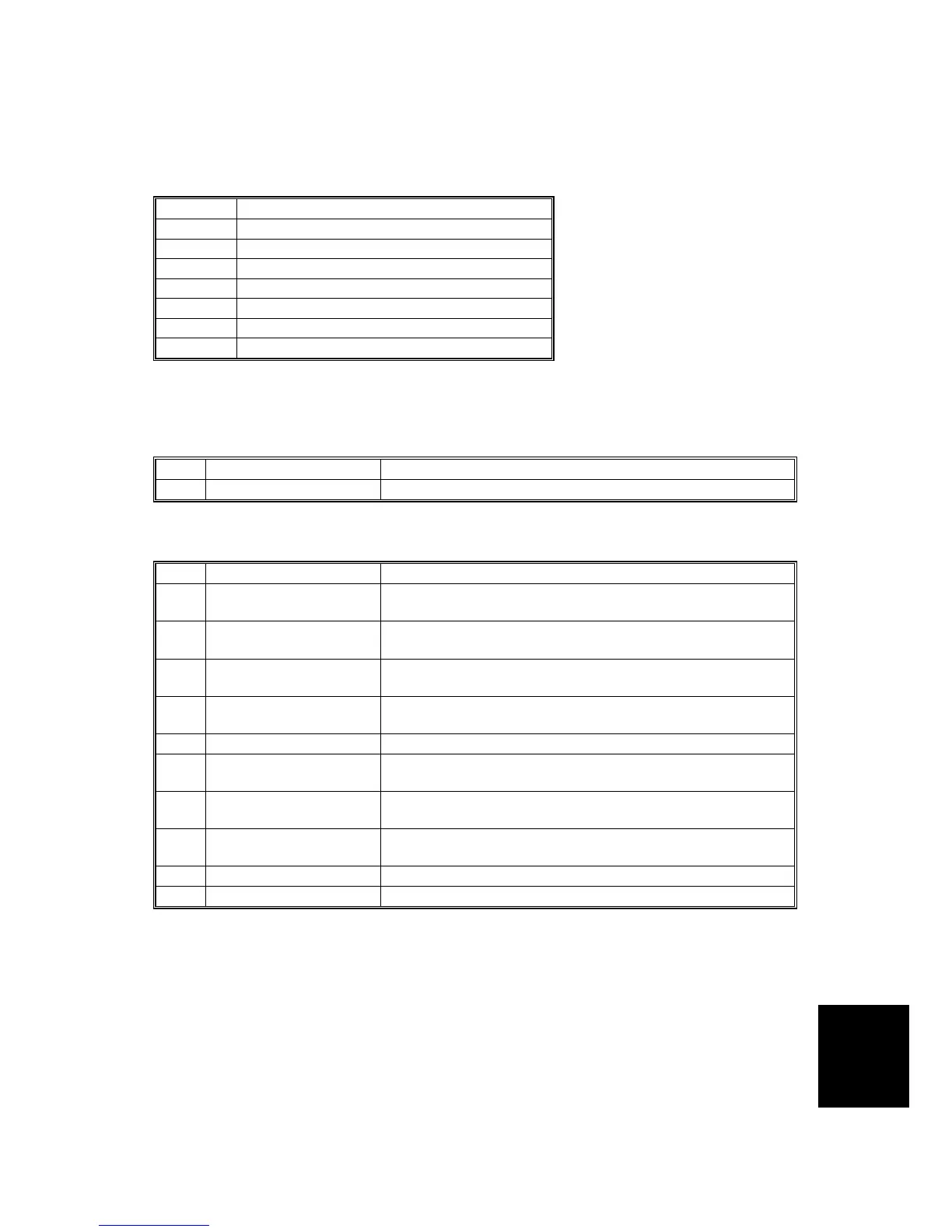
5.10.1 MAIN MENU NUMBER LIST
Number Main Menu
1 Counter
2 System Settings
3 Set Operation Mode
4 Initial Settings
5 Mode Settings
6 Administration Tools
7 Online Settings
5.10.2 USER TOOL LISTS
1. Counter
No. Mode Description
1 Counter Display Shows the total number of masters and prints.
2. System
No. Mode Description
1 Auto Reset Timer
The machine automatically returns to its initial condition if
it has not been operated for a certain period of time.
2
Disp. Resettable
Counter
Shows the total number of masters and prints after
resetting.
3
Reset Resettable
Counter
You can select whether or not to clear the number of
resettable counter
4 mm/inch
You can select the units of measurement used on the
panel display.
5 Language on LCD You can select the language for the panel display.
6 Date/Time
You can set the date and time for the machine's internal
clock using the number keys.
7 Energy Saver Option
You can select the energy saver mode from Energy
Saving or Auto Off.
8 Energy Saver Timer
You can specify the time taken for the machine to enter
Energy Saver mode.
9 Auto Off Timer You can select to use the auto off timer.
10 Data Print You can print the log data and the counter list.



 To Next Page