SP TABLE (SP 3-XXX)
SM 5-7 C267
C267 Service
Manual
5.4 SYSTEM SETTINGS
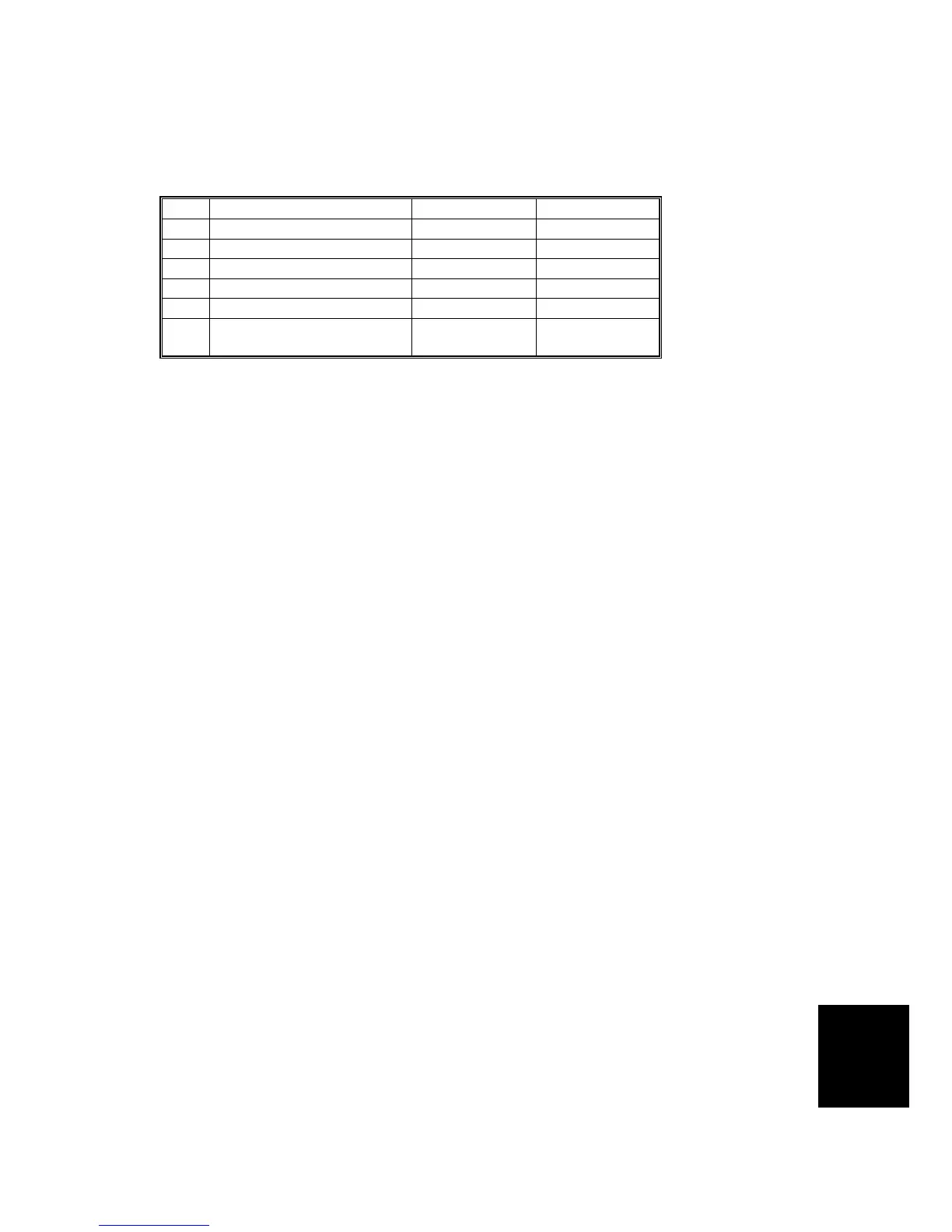
5.4.1 SP TABLE (SP 3-XXX)
No. Menu Items Default Settings
1 Input the present time (00/01/01 0:00) 99/12/31 23:59
2 Input TEL number -
3 Input serial number -
4 Input installation data (00/01/01) 99/12/31
9 Key counter setting No No/Yes
10
Key card setting (Japan
only)
No No/Yes
5.4.2 SP3-1: INPUT THE PRESENT TIME
Input the year, the month / date, and the time in that order. Press the Enter key
between each one.
Input the last two digits of the present year (two-digit number).
↓#
Input the present month (two-digit number).
↓#
Input the present date (two-digit number).
↓#
Input the present hour (two-digit number).
↓#
Input the present minute (two-digit number).
↓#
Input the present second (two-digit number).
↓#
Example: 2006/May/27th/13:00:00
06
↓#
05
↓#
27
↓#
13
↓#
00
↓#
00
↓OK



 To Next Page