PCRIP-EZ1
USER’S
GUIDE
User's Guide 8-15 PCRIP-EZ1
G.
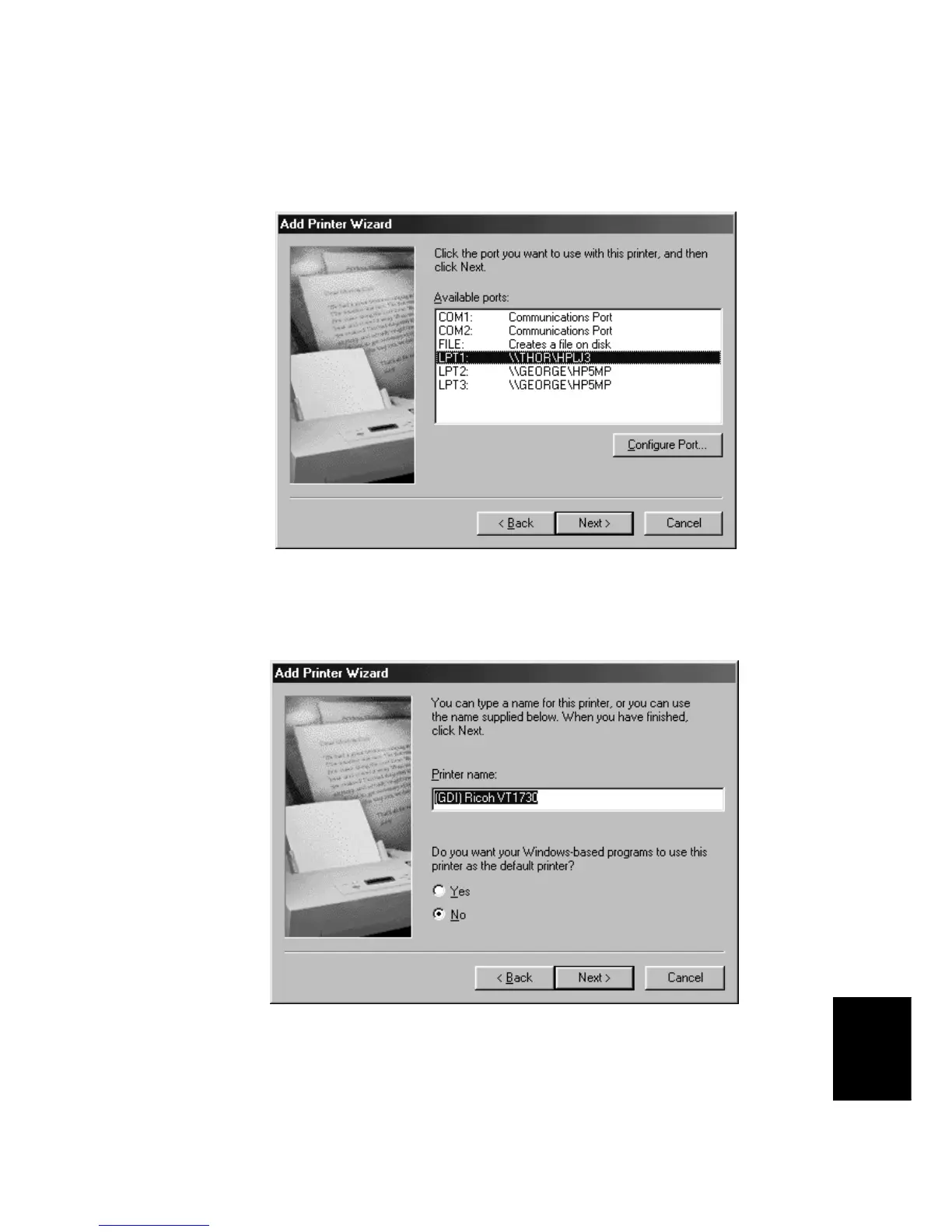
On this screen, verify that the correct computer output port is selected. To change computer output ports,
highlight the correct port and then click
Next
.
H.
On this screen, you have the option to change the name displayed for the printer or you can use the name
provided by the driver. You may also choose the Priport as your default printer here. Click
Next
to
proceed.



 To Next Page