INSTALLATION PROCEDURE
SM 1-7 C231/C237/C238
Installation
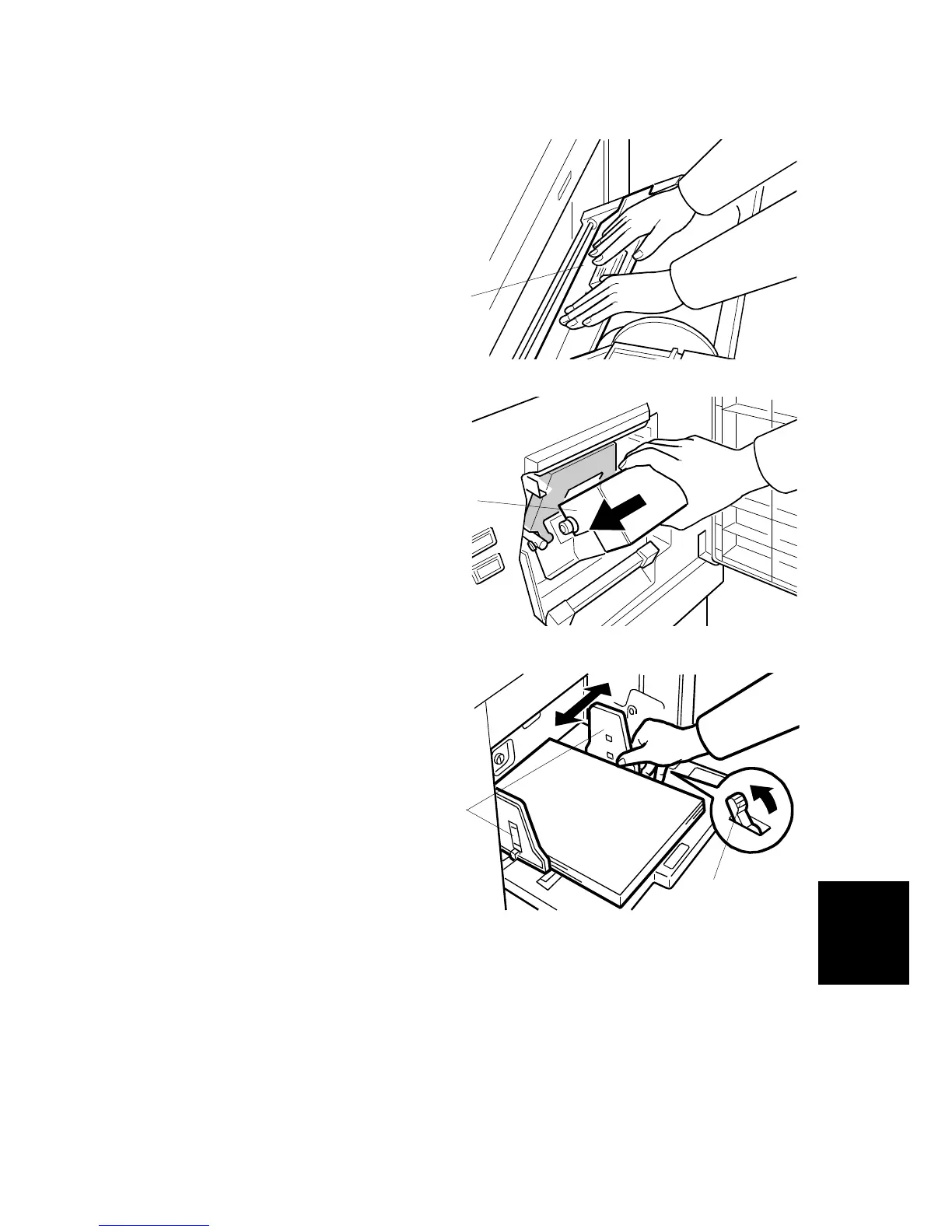
7. Close the cover [C] using both hands.
8. Set the master making unit.
9. Open the door, and insert a new ink
cartridge [D].
10. Open the paper table, and load a
stack of paper .
11. Make sure that the side plates [E]
touch the paper gently. Shift the lock
lever [F] in the direction of the arrow.
C238I031.WMF
C238I034.WMF
C238I028.WMF
[D]
[C]
[E]
[F]



 To Next Page