DRUM
SM 3-45 C267
C267 Service
Manual
• Do not scratch the cloth screen or metal screen.
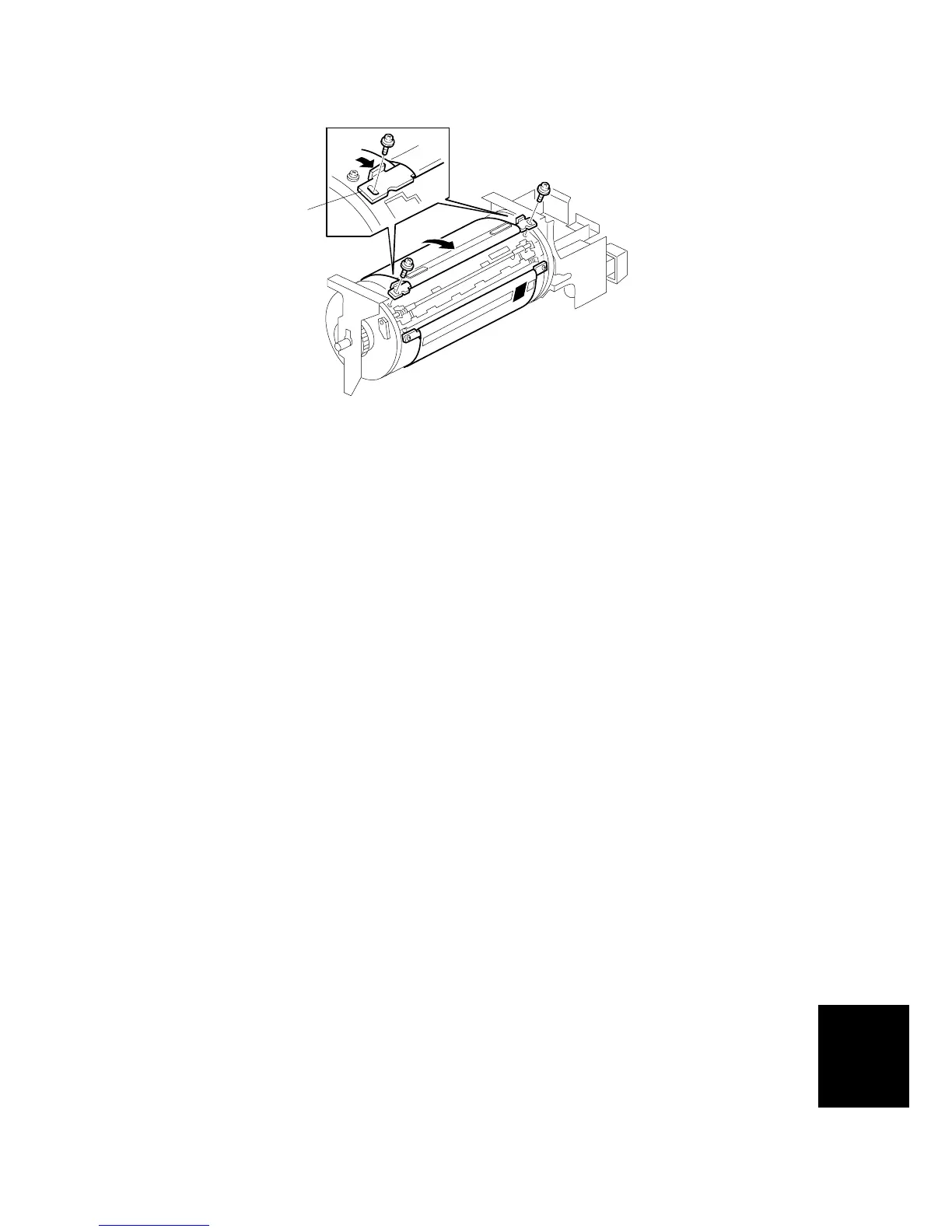
• Properly insert the edge of the cloth screen [A] on the cloth screen under the
mylar [B] on the metal screen, as shown above.
Otherwise, ink will leak from the trailing edge of the master on the drum during a
long printing run.
• Make sure that the correct side of the screen is facing up. In addition, make sure
that the stays for securing the cloth screen are positioned correctly.
• When replacing the cloth screen, spread the screen around the metal screen
while pulling the stay [C]. Adjust the stay so that it is parallel to the master
clamper, then tighten the screws.
• Make sure that the cloth screen is not wrinkled while spreading it around the
drum.
C267R067.WMF
[C]



 To Next Page