VDR Installation & Commissioning Checklist, Rev 1.2
VDR Installation Manual 06/10/2008
7
2g. Power Subsystem is functioning properly
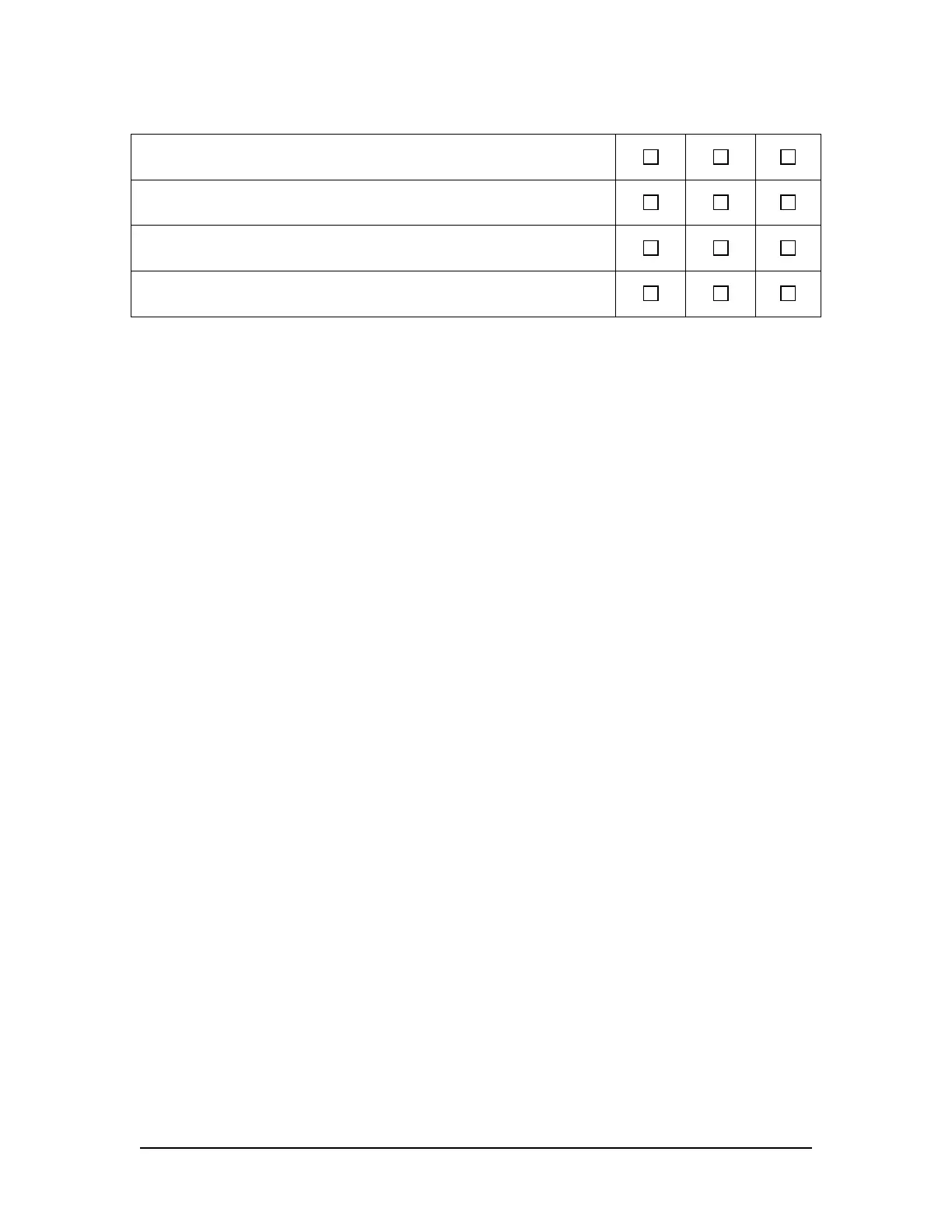
All devices powered from Power Supply are operating.
When power is removed a power failure alarm is generated in the log window.
When power is restored a power restore message will appear in the log window.
Activate an “Emergency Download” to secure the data for later inspection.
Technician Initialed: ______________________ Date: __________



 To Next Page