OPERATION 5
MHL360 E 5.77
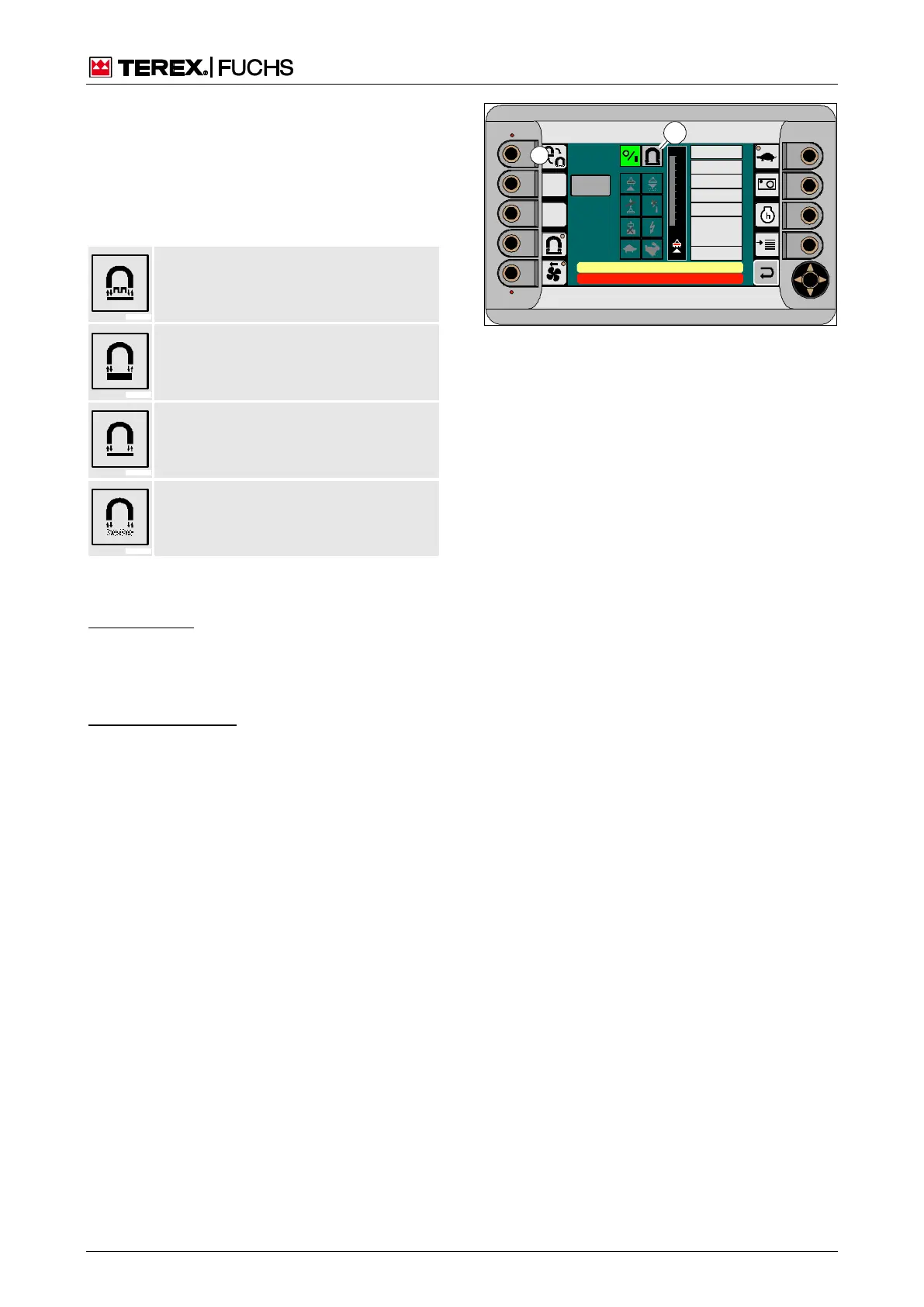
Changing the operating mode
Various operating modes for magnetization
and demagnetization are available depending
on the material to be loaded. The comfort
magnet system display indicator (210/1)
shows the current operating mode.
Large parts
Button (210/9) is used to change the mode.
Function keys
►
Briefly press function key (210/9) next to
the button repeatedly until the symbol for
the required operating mode appears.
Multifunction button
►
With the mini-joystick, navigate the focus to
button (210/9).
►
Briefly press the button repeatedly until the
symbol for the required operating mode
appears.
09 :43 11 .03. 2 011
XX X / XXXX / LE X X X
18 00 U PM
0 5 1 0 15 20 2 5
95°C 7 5°C
0 ½ 1
9 %
120 0
24.X V
120 %
0 %
100 %
80 %
60 %
40 %
20 %
F
100
90
80
70
60
50
40
30
20
10
0 %
CAN
M AG NE T V OL TA GE
M AG NE T C UR R E NT
M AG NE T P OW ER
E L EC T R. T EM P.
TO RQU E
S PE ED
M C U -P LC ST AT US
0
0 [1/min]
0 [N m]
0 [° C]
0 [W ]
0 [A]
0 [V]
ARB EITSHYDRAULIK IST GE SPE RRT
FEHLE RMELDUNG
ISO
0 kOhm
Se lftest
BSB51143
1
9
Fig. 210 Comfort magnet system display and op-
erating mode



 To Next Page