110
11-7. SUB EFFECT
The SUB EFFECT menu allows users to add MONO COLOR, DEFOCUS, and PAINT COLOR
effects. Access the SUB EFFECT menu as shown below.
(1) Press MENU in the CONTROL block, then the KEY1 button to display the [M/E1 KEY1
SETUP] menu.
(2) Turn F1 to select SUB EFF, then press F1 or the page down button to display the [M/E1
KEY1 - SUB EFF] menu.
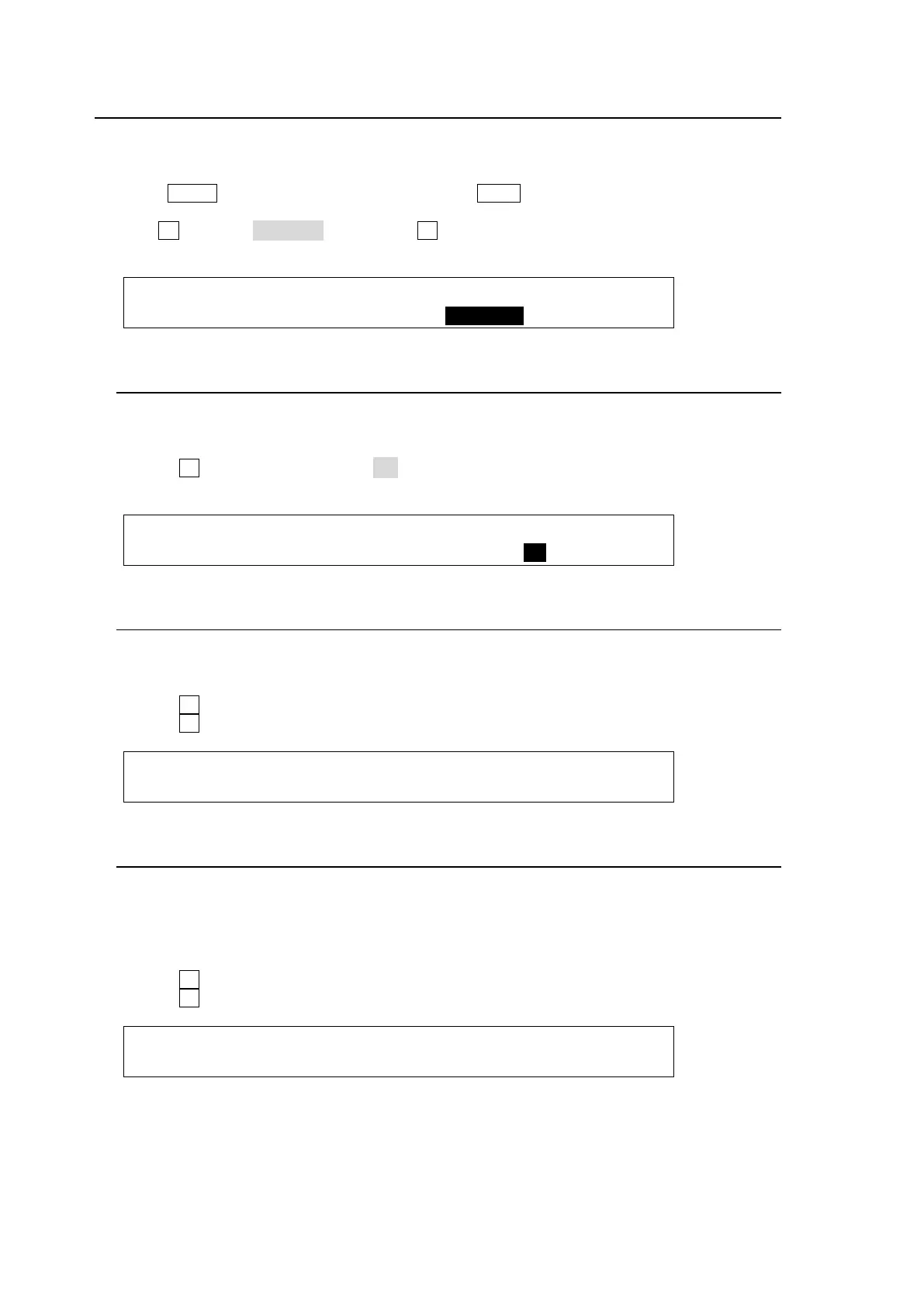
ME1 KEY1:>INS/SRC >EDGE >MASK >CK
SETUP :>POS/SIZ >BORDER >SUB EFF >INIT
11-7-1. MONO COLOR
Monochrome effects can be configured via this menu.
(1) Go to PAGE 1 of the [M/E1 KEY1 - SUB EFF] menu.
(2) Turn F4 to set EN (ENABLE) to ON.
(3) Set the color by adjusting its S (SATURATION) and H (HUE) values.
ME1 KEY1: : MONO COLOR : 1/3
SUB EFF : :S=0 H=0 En=ON :
11-7-2. DEFOCUS
The DEFOCUS function allows users to add an effect that will blur the output image.
(1) Go to PAGE 2 of the [M/E1 KEY1 - SUB EFF] menu.
(2) Turn F1 to set the horizontal defocus level at item H (HORIZONTAL).
(3) Turn F2 to set the vertical defocus level at item V (VERTICAL).
ME1 KEY1: DEFOCUS : PAINT : 2/3
DEFOCUS : H=40.0 V=50.0:Y=0 C=0 :
11-7-3. PAINT COLOR
The Paint color effect allows users to add an effect, which makes the image look like a
painting. Increasing the value decreases the degree of gradation, so the image becomes like
a painting.
(1) Go to PAGE 2 of the [M/E1 KEY1 - SUB EFF] menu.
(2) Turn F3 to set the luminance level at item Y (LUMINANCE).
(3) Turn F4 to set the chroma level at item C (CHROMA).
ME1 KEY1: DEFOCUS : PAINT : 2/3
DEFOCUS :H=0.0 V=0.0 :Y=10 C=10 :



 To Next Page