207
26-2. Router Control
26-2-1. Crosspoint Switches using the Menu
To execute the following commands:
Connect Source channel 2 to Destination channel 1.
Connect Source channel 4 to Destination channel 2.
Proceed as follows:
(1) Display the [SETUP - EXT I/F - ROUTER] (2/6) menu.
(2) Turn F1 to select a level. Press F1 or press ENTER on the keypad to confirm the setting.
(3) Turn F2 to select 1 under DEST (destination). The currently connected source is
displayed under SRC (source).
(4)Turn F3 to select 2, and then press F3 to switch the source. The HVS-390HS sends the
crosspoint switch command to the router.
(5) The switcher displays 2 under SRC after having received a successful response from the
router.
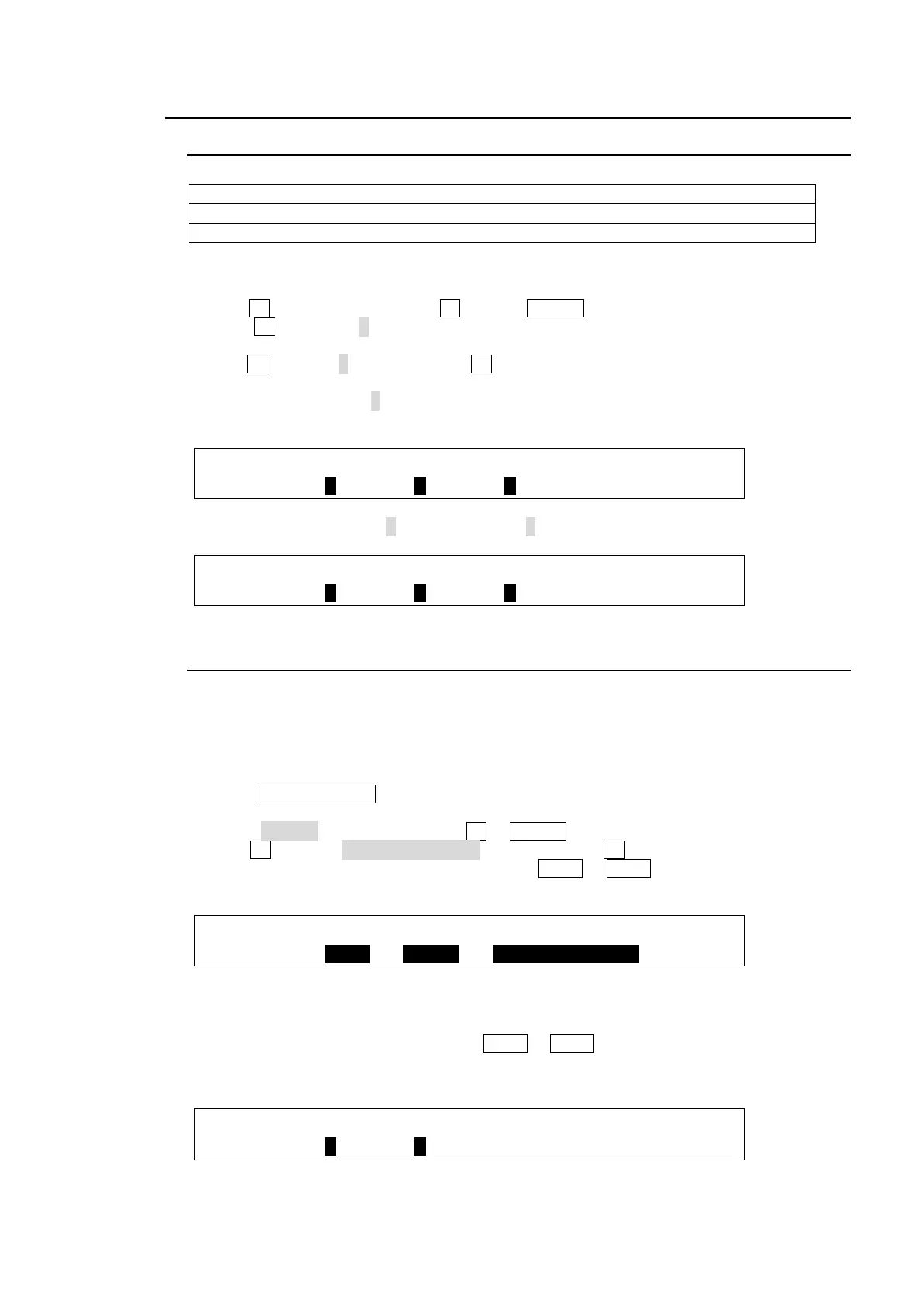
EXT I/F : LEVEL : DEST : SRC : : 2/6
ROUTER : =1 : =1 : =2 : :
(6) In the same way, select 2 under DEST and 4 under SRC.
EXT I/F : LEVEL : DEST : SRC : : 2/6
ROUTER : =1 : =2 : =4 : :
26-2-2. Crosspoint Switches with Bus Buttons (Setup)
Crosspoint switches on the control panel are possible using a user button, AUX buttons (1-8)
in the BUS SELECT block and the KEY/AUX bus buttons. Before switching crosspoints,
these buttons should be set for controlling a router.
Assigning the Router Control ON/OFF function to a User button
(1) Press USER BUTTON in the CONTROL block to display the [USER BUTTON] menu.
(2) Select a desired user button under SELECT. The selected button will blink.
(3) Select OTHER under TYPE. Press F2 or ENTER on the keypad to confirm the selection.
(4) Turn F3 to select ROUTER ENABLE, and then press F3. The user button allows you to
enable or disable the router control buttons (AUX1 to AUX8 in the BUS SELECT block
and the KEY/AUX bus buttons).
USER :SELECT: TYPE : FUNC(F3)
BUTTON : =OU-1: =OTHER: =ROUTER ENABLE
Assigning Destinations and Sources to Buttons
(1) Open the [SETUP - EXT I/F - ROUTER] (1/6) menu.
(2) Select a button under DST BTN from AUX1 to AUX8.
(3) Select a destination channel to be assigned to the button.
(4) Repeat steps (2) and (3) to assign destinations to other buttons.
EXT I/F :DST BTN:DST CH :SRC BTN:SRC CH : 1/6
ROUTER : =1 : =1 : =1 : =1 :
(5) Select a button on the KEY/AUX bus under SRC BTN.
(6) Select a source channel to be assigned to the button.



 To Next Page