236
34. Setup Setting for HVS-30RU
The PGM/PST bus buttons and free functional (USER) buttons on the HVS-30RU can be set on the
HVS-391OU by using menu. The setting procedures are almost the same as those of the control
panel buttons. Selecting which bus is to be controlled with the PGM/PST bus on the HVS-30RU
between M/E1 and M/E2 is also possible.
If HVS-391OU is used with HVS-30RU, you can select the same or different signal assignments for
the M/E1 and M/E2 between OU and RU units.
34-1. Assigning Sources to PGM/PST Bus buttons
To control M/E1 with Same Assignments between OU and RU:
(1) Press MENU in the CONTROL block and then press SETUP to display the SETUP menu top
page.
(2) Turn F1 to select INPUT. Press F1 or the page down button to display the [SETUP - INPUT]
menu.
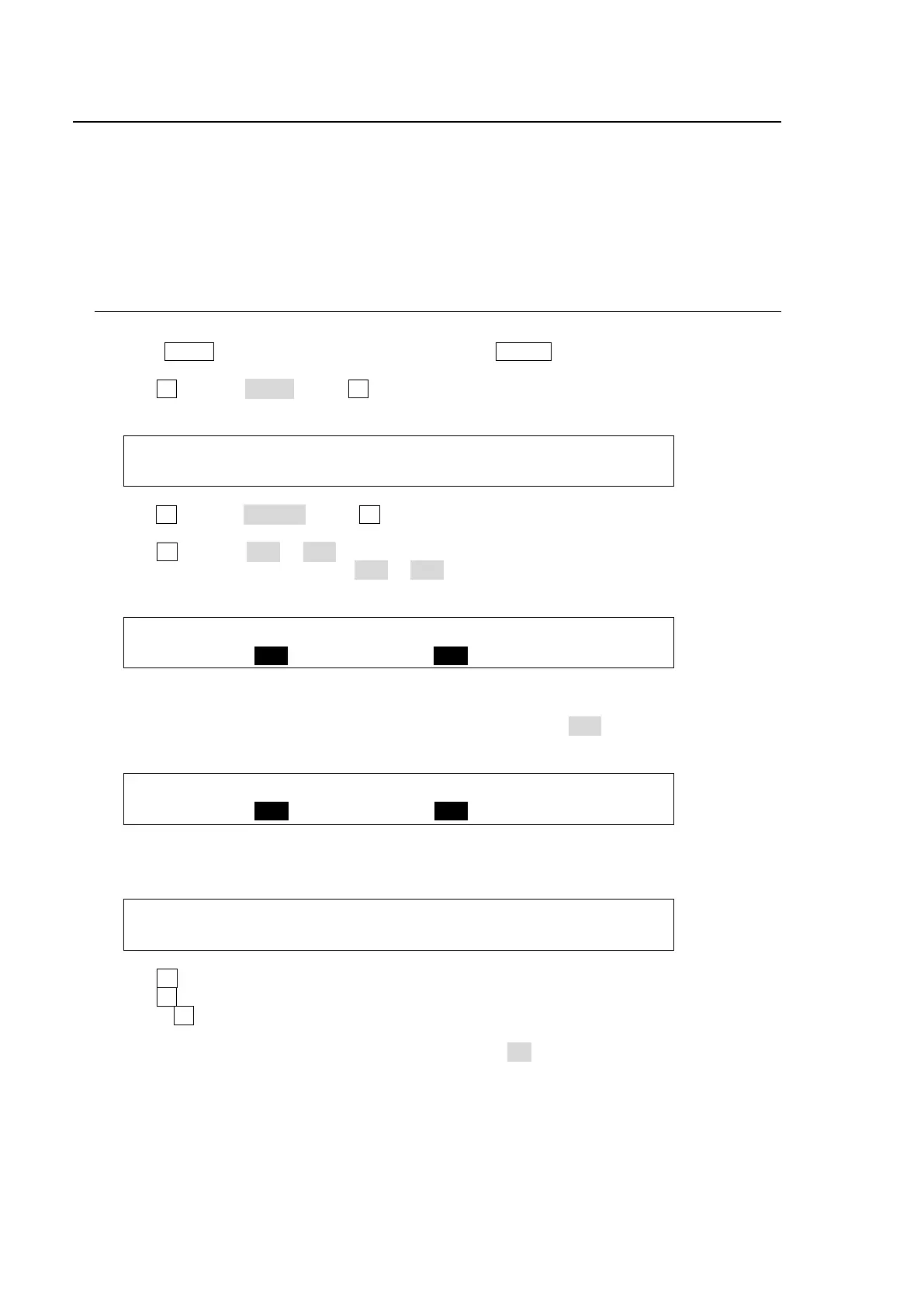
SETUP :>SIGNAL >PROC AMP>RENAME >ASSIGN
INPUT :>CC >COLORBAR
(3) Turn F1 to select ASSIGN. Press F1 or the page down button to display the [SETUP - INPUT
- ASSIGN] menu. Press the page down button to go to PAGE 6.
(4) Turn F2 to select RU1 or RU2 under SELECT.
(5) Select a group to be joined from OU1 to OU3 under LINK.
(6) Select M/E1 under CONTROL
INPUT : SELECT: SHIFT : LINK :CONTROL: 6/6
ASSIGN : =RU1 : =NORML: =OU1 : =M/E1 :
To control M/E2 with Different Assignments between OU and RU:
(1) In the [SETUP - INPUT - ASSIGN](6/6) menu, set LINK to OFF and select M/E2 under
CONTROL
INPUT : SELECT: SHIFT : LINK :CONTROL: 6/6
ASSIGN : =RU1 : =NORML: =OFF : =M/E2 :
(2) Press the page up button to go back to the [SETUP - INPUT - RU1 ASSIGN] (4/6) menu or
the [SETUP - INPUT-RU2 ASSIGN] (5/6) menu.
INPUT :BUTTON : SIGNAL NAME :INHIBIT: 4/6
RU1 ASGN: =01 : =IN04 =CAM4 : =ON :
(3) Turn F1 to select a button under BUTTON.
(4) Turn F2 to select the signal to be assigned under SIGNAL. Users can also select a signal by
turning F3 under the NAME parameter. SIGNAL and NAME are linked to each other. (See
section 5-1. "How to Assign User Names to Source" for more details.)
(5) Users can inhibit specific buttons. If INHIBIT is set to ON for a button, the selected button is
inactive. This is useful in helping to reduce the risk of wrong input selection.



 To Next Page