42
5-2. How to Assign Sources to Bus Buttons
Primary and optional video inputs, internally generated signals (black, mattes etc.), captured
stills and macros can be freely assigned to any bus buttons using the procedure below.
Signal-to-Button mappings are shared on the PGM/PST and KEY/AUX bus.
(1) Press MENU, then SETUP to display the SETUP menu top page.
(2) Turn F1 to select INPUT. Press F1 or the page down button to display the [SETUP - INPUT]
menu.
(3) Turn F1 to select ASSIGN. Press F1 or the page down button to display the [SETUP - INPUT
- ASSIGN] (1/6) menu.
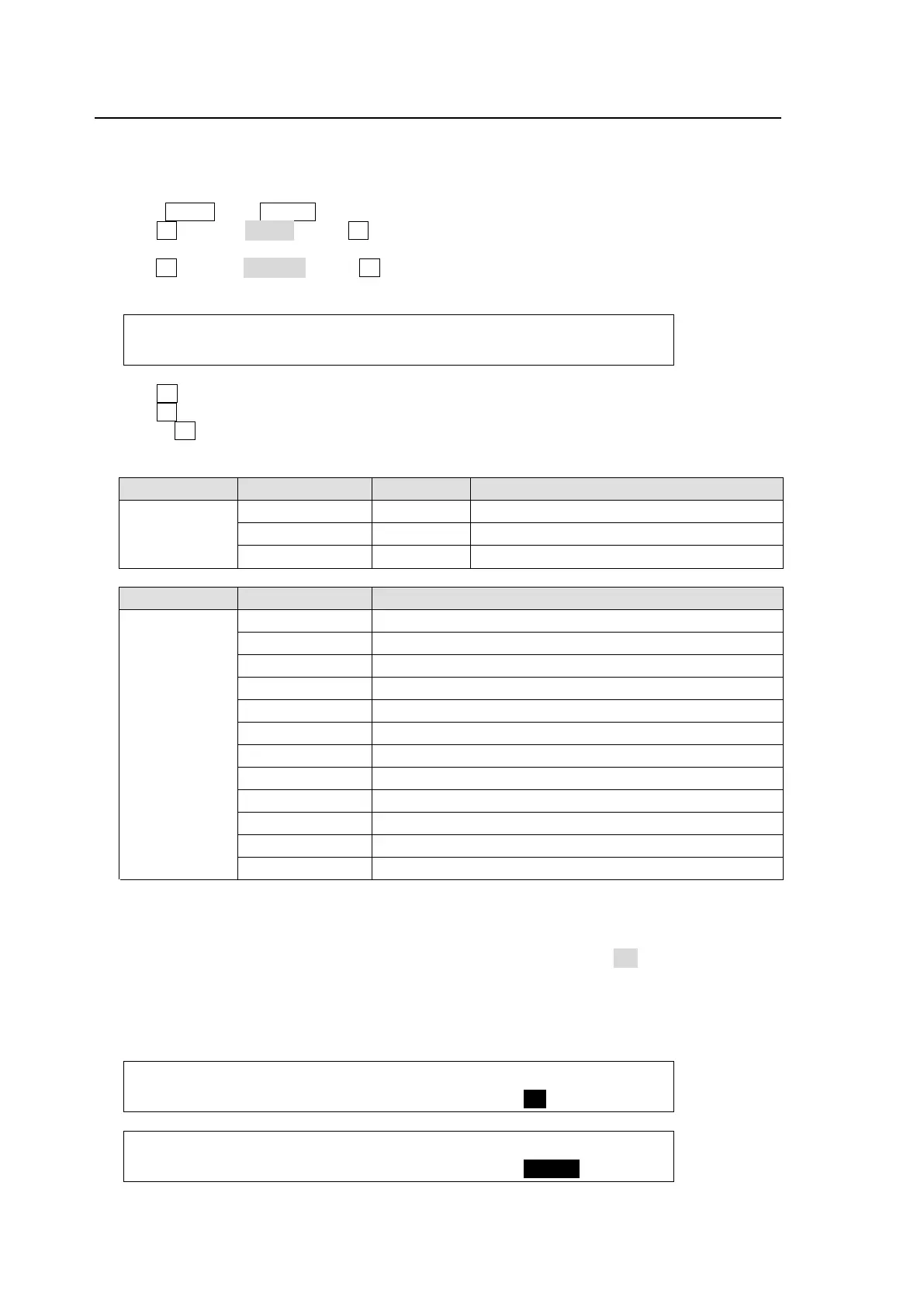
INPUT :BUTTON : SIGNAL NAME :INHIBIT: 1/6
OU ASSGN: =01 : =IN04 : =IN04 : =OFF :
(4) Turn F1 to select a bus button under BUTTON.
(5) Turn F2 to select the signal to be assigned under SIGNAL. Users can also select a signal by
turning F3 under NAME. SIGNAL and NAME are linked to each other. (See section 5-1.
"How to Assign User Names to Source" for more details.)
Submenu Parameter Default Setting range
OU ASSIGN
BUTTON 1 1-20, sft1-sft20 (shifted buttons)
SIGNAL NAME IN01 (See the table below)
INHIBIT OFF OFF, ON
BUTTON SIGNAL setting Description
01 to 20,
sft01 to sft20
(shifted
buttons)
NONE No signal assignment
BLACK Black signal
IN01 to IN16 Video input to rear connectors 1-16
STIL1 to 4 Still pictures 1 to 4
STILK1 to 4 Stillkeys 1 to 4
MATT1, MATT2 BUS MATT Color 1 and 2
CLBAR Internally generated color bar signal
M/E M/E1 program re-entry (M/E2 bus only)
MCR00 to 39 Macro 00 to 39. (See section 18-6-2.)
SHIFT Shift button function
INA1-INA4 Optional video input to slot A (*1) (See section 2-3.)
INB1-INB4 Optional video input to slot B (*1) (See section 2-3.)
(*1) Inputs vary according to the type and number of installed input expansion card/s.
To Disable Bus Button Operation
Users can inhibit operation of specific bus buttons. First, set INHIBIT to ON for a bus button on
PAGE 1, the selected bus button on the M/E is set to INHIBIT. Next, set INHIBIT to ENABLE on
PAGE 2 to enable the bus button inhibit function. All bus buttons, which are set to INHIBIT,
cannot select signals. The INHIBIT setting has no effect on the KEY/AUX bus. Even if a bus
button cannot be used on M/E, it can be used for the key source, key insert or AUX output.
INPUT :BUTTON : SIGNAL NAME :INHIBIT: 1/6
OU ASSGN: =01 : =IN04 : =IN04 : =ON :
INPUT :CONTROL: :INHIBIT: 2/6
OU ASSGN:M/E=ON : : =ENABL:



 To Next Page