82
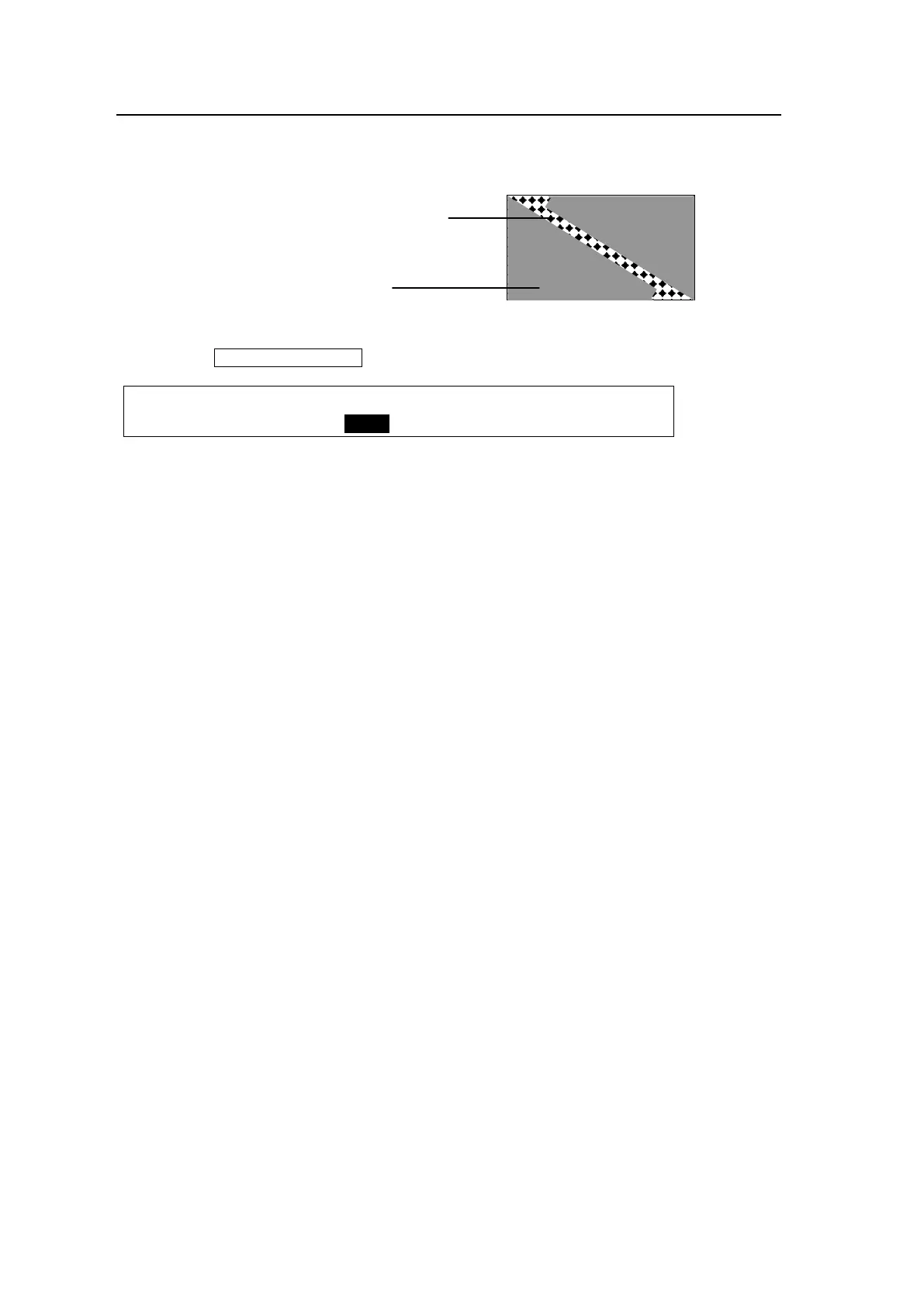
8-10-4. Background Layer of DVE images (Effect Background)
The effect background is the bottom layer placed below the DVE effects. It is used to
transition images with a 2Ch-DVE pattern.
(1) Press the TRANSITION RATE button to display the [TRANS] menu.
TRANS :BKGDTRS:EFF BGD: :BLK TRS: 1/4
BKGD/BLK: =30 : =MATT : : =30 :
(1) Select the DVE background image from MATT, AUX7 or AUX8.
If AUX7 or AUX8 is set, the currently selected image for AUX7 or AUX8 is used.
If MATT is set, go to the next page (PAGE 4) to specify the color for MATT. See section
5-10-1. "Setting the Matte Color" for color setting.



 To Next Page