18
WEB CONTROL
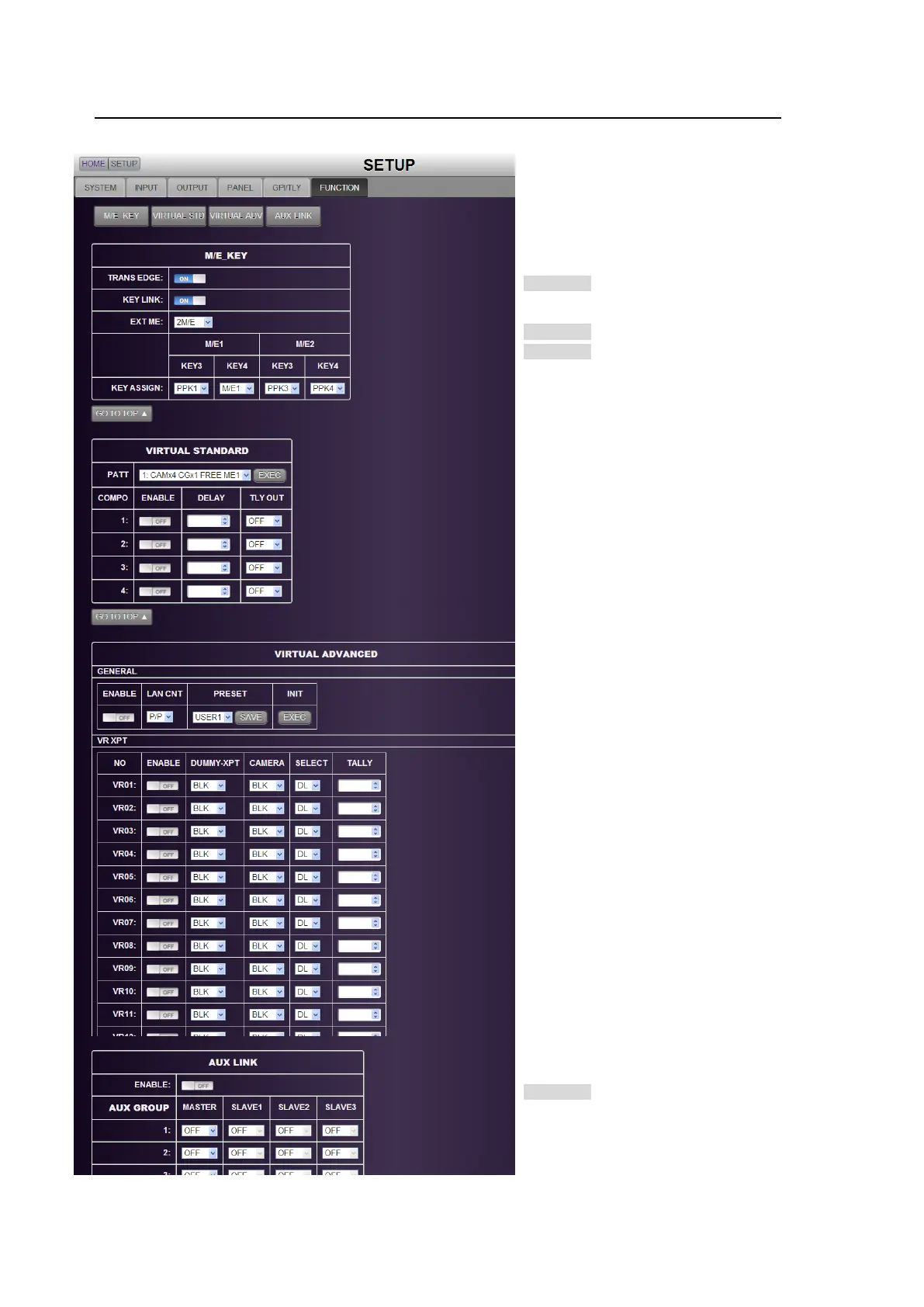
6-6. SETUP - FUNCTION
Click the FUNCTION tab to display and set the FUNCTION menu.
Click a button to go to the desired menu
block. See the operation manual main
pages for details on each function.
M/E KEY
>> Manual Sec. 8-10-3. "Endpoint
Processing for DVE
Transitions"
>> Manual Sec. 10-3-1. "Key Link"
>> Manual Sec. 10-9. "Where KEY3 and
KEY4 Appear"
VIRTUAL STANDARD
See "HVS-39VR Operation Manual."
VIRTUAL ADVANCED
See "HVS-39VR Operation Manual."
AUX LINK
>> Manual Sec. 6-8. "AUX LINK"



 To Next Page