41
WEB CONTROL
18. Pop-up Menu Operation
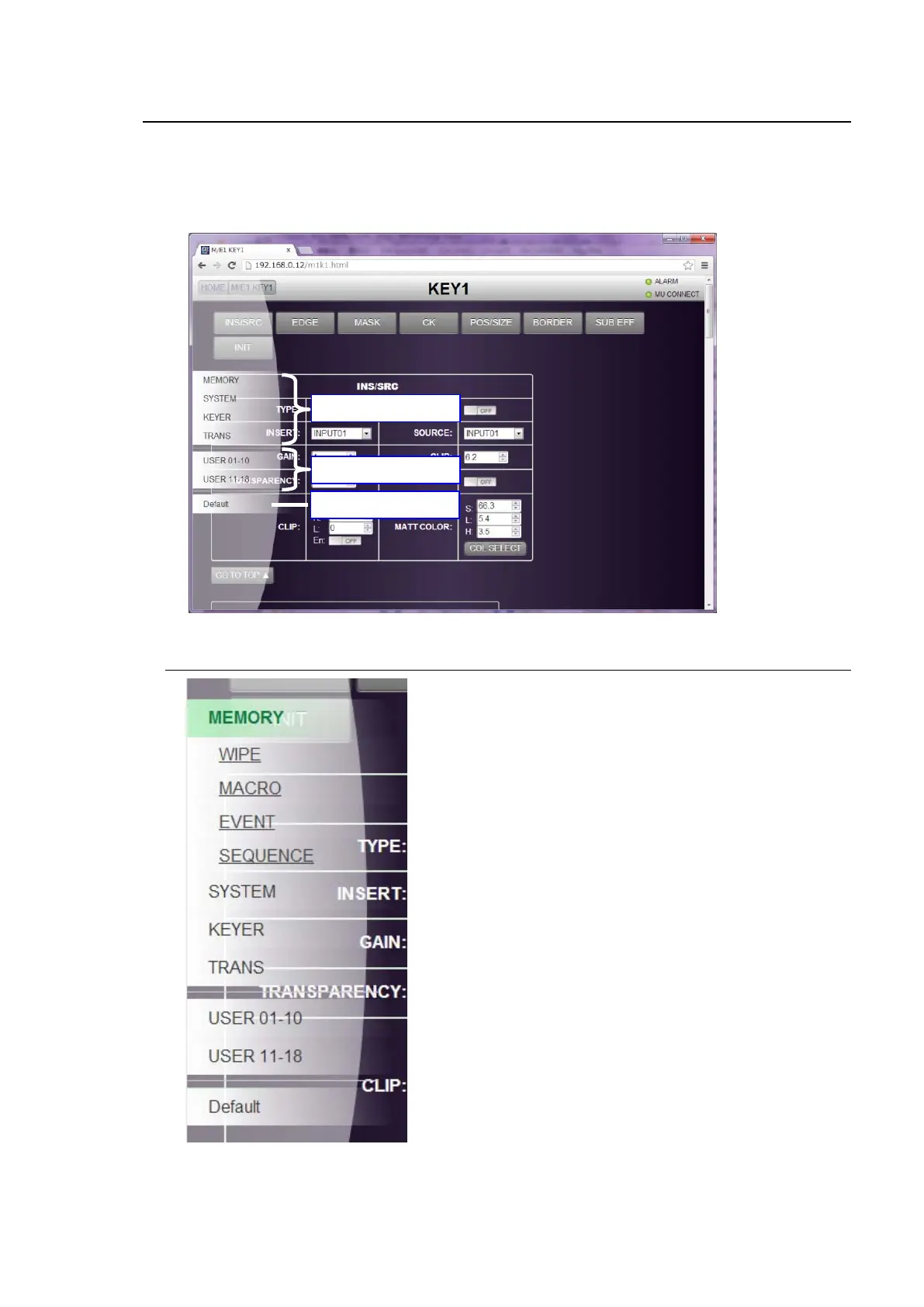
Holding down or hovering the mouse on the left edge of the GUI menu will bring up a pop-up menu
as shown below. The pop-up menu allows you to display menu shortcuts, execute user buttons and
set parameters to their default settings.
To close the pop-up menu, move the mouse or click on another area of the menu page.
18-1. Menu Shortcuts
Click on a menu shortcut in the pop-up menu. A detailed
menu will appear. Click a menu name to display the
menu page.



 To Next Page