210
26-2-6. Simultaneous Switching Using Take
Multiple crosspoints (destination/source pairs) can be switched simultaneously in the menu
using stored crosspoint data.
Setting Crosspoints
(1) Open the [SETUP - EXT I/F - ROUTER] (3/6) menu.
(2) Turn F1 to select a level.
(3) Turn F2 to select a destination channel. If a source to be paired has been set, the source
channel number is displayed.
(4) Turn F3 to select a desired source and then press F3 to save the destination / source pair.
(5) The source setting under SRC is applied, after the crosspoint preset on the router have
been changed.
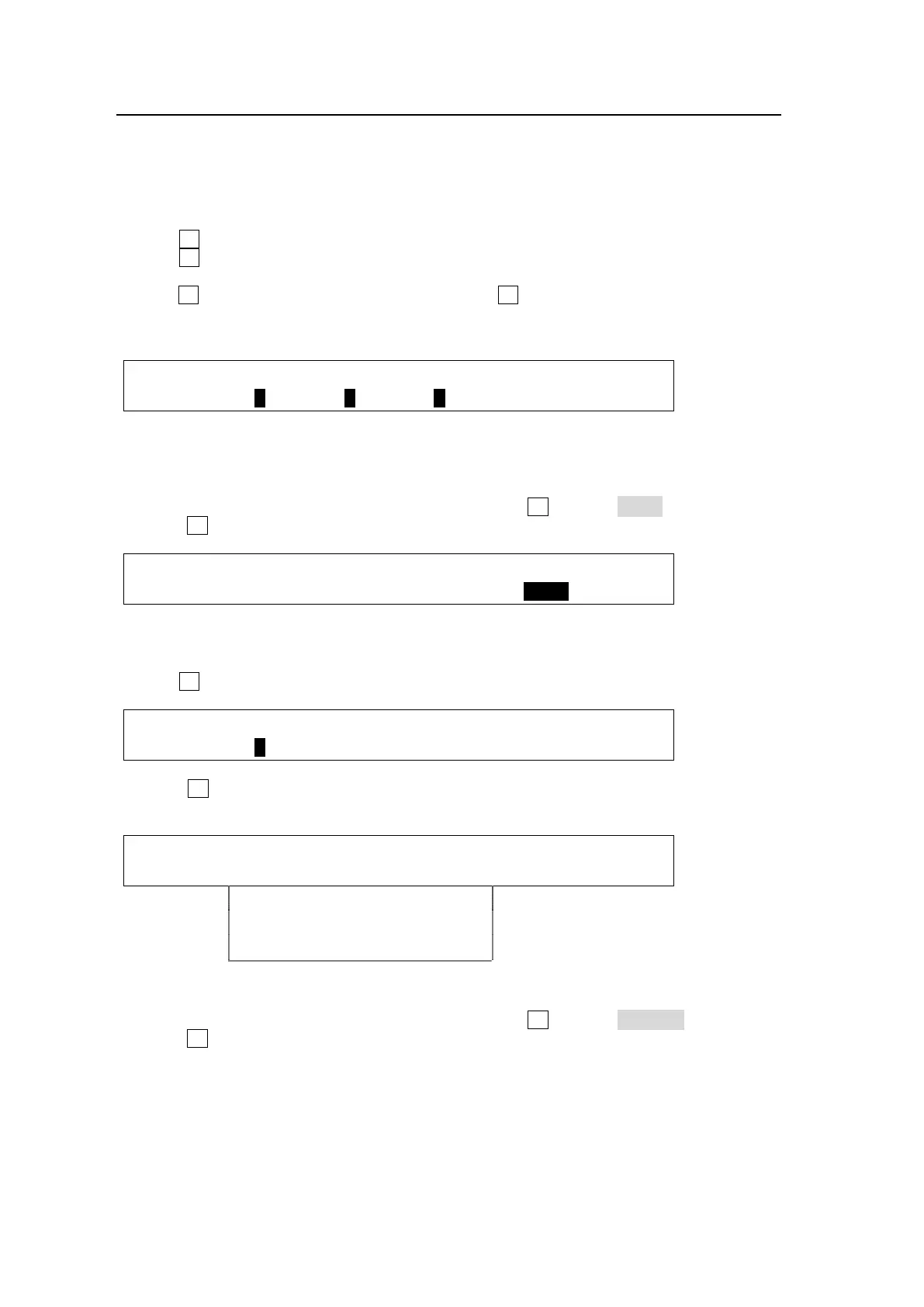
EXT I/F : LEVEL : DEST : SRC : TAKE : 3/6
ROUTER : =1 : =1 : =2 : >EXEC :
(6) Repeat steps (3) and (4) to set all destination / source pairs to be saved.
Executing Multiple Switches Simultaneously
(1) In the [SETUP - EXT I/F - ROUTER] (3/6) menu, turn F4 to select EXEC.
(2) Press F4 to execute multiple switches.
EXT I/F : LEVEL : DEST : SRC : TAKE : 3/6
ROUTER : =1 : =1 : =2 : >EXEC :
Displaying Preset Crosspoints
(1) Open the [SETUP - EXT I/F - ROUTER] (4/6) menu.
(2) Turn F1 to select a level.
EXT I/F : LEVEL : XPT :PRESET : : 4/6
ROUTER : =1 : > : > : :
(3) Press F3. The preset crosspoints are displayed. To move among menu pages, use the
page up and down buttons.
ROUTER : 1-1 2-2 3-3 : : 1/XX
XPT : 4-4 5-5 6-6 : >BACK :
7-7 8-8 9-9
10-10 11-11 12-12
| | |
Clearing the Preset Crosspoints
(1) In the [SETUP - EXT I/F - ROUTER] (3/6) menu, turn F4 to select CANCEL.
(2) Press F4 to clear the settings.



 To Next Page