161
19. File Operations
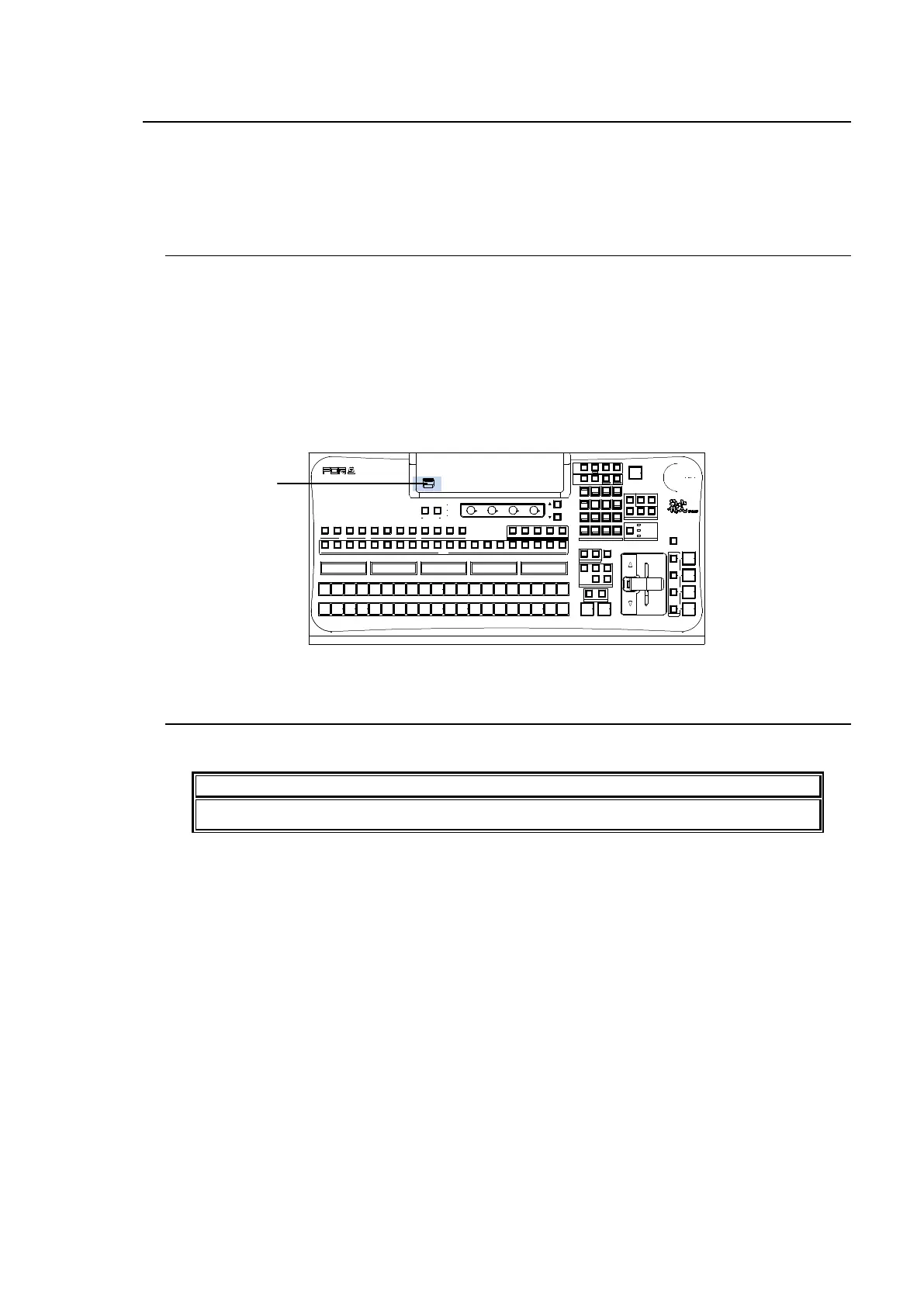
The switcher is capable of storing operational data to USB flash memory and of recalling and
downloading previously saved data for application to production operations. Operational data
including system settings, wipe settings, stills, bus settings and events can be all saved to and
downloaded from the USB flash memory.
19-1. USB Flash Memory
See "Factory Tested USB Flash Memory Drives" in Appendix 1 for available USB flash drives.
Inserting and removing of USB drives should be performed slowly and firmly.
The access lamp on the USB flash memory blinks while saving or reading data. Check
access to the USB flash memory before and while performing the operations. Do not remove
the USB flash memory while the access lamp is flashing. This could corrupt the stored data or
damage the USB flash memory device.
The remaining storage space on the USB memory device is displayed at the bottom
right-hand side in the FILE menu.
19-2. Supported Files
See "Appendix 1. Supported Files" for details on supported files.
To use USB memory sticks with the switcher, format them in FAT or FAT32 file system.
‚c‚u‚d
USB MEMORY
ALARM
POWER1
POWER2
USER B UTTON
1 2
F1
F2 F3
F4
PAGE
PGM PREV CLEAN MV1
201918171615141312111098
KEY/ AUX
AUX
87654321432
KEYER
1
1 2 3 4 5 6 7
PGM
1 2 3 4 5 6 7
PST
201918171615141312111098
AUTO C UT
MIX WI PE
TRAN SITI ON TYPE
NEXT TRA NSI TI ON
ON AI R
KEY 4
KEY 3
KEY 2
DVE
DVE
KEY 1
DVE
FADER LIMI T
KEY4KEY3
KEY2KEY1BKGD
DIRECTI ON
REV NOR/REV PATTERN
TRANSITI ON
RATE
WIPE C HANNEL
BKGD
KEY1
KEY2
SELECT / KEY PAD
5
2
RECALL
PASTE
4
1
6
3
DEC
BLACK
TRANS
SEQUENCEEVENTWIPE MACRO
CON TROL
MEM ORY
MENU USER BUTTON COPY/SWAP SEQ EDIT
987
ATTACH
INC
MENU
COPY
STILL MATT
SWAP NEW
FILE
INS
KEY4KEY3KEY2KEY1
DETTA CH
KEYER
(2D DVE)
ROTPOSWIPE POS
MEN U FINE DEF
JOY STI CK
ADDDELC UTPLAY
+/-
CLEAR
WIPE
ST OP
0
COPY
STO RE
ENTER
OVWR
HVS-390HS
DIGI TAL VIDEO SWITCHER
MV2
USB port



 To Next Page