53
6-2-3. AUX Video Switching with Effects
The background video displayed on an AUX bus can be easily switched using effects. The
auxiliary video can be changed using crossfade, horizontal or vertical wipe transitions. This
chapter explains how to switch AUX video using two operational examples.
Ex. 1: Changes the AUX1 video at 30 frames using a crossfade.
Ex. 2: Changes the AUX2 video at 60 frames using a horizontal wipe (diagonal)
Ex. 1
(1) Quickly press AUX1 twice in the BUS SELECT block to display the [SETUP - OUTPUT-
OUT XPT] (1/4) menu.
(2) Turn F1 to select AUX1.
(3) Turn F4 to select AUX TRS to ON.
OUTPUT :SELECT : XPT :INHIBIT:AUX TRS: 1/4
OUT XPT : =AUX1 : =IN01 : =OFF : =ON :
(4) Go to PAGE 2.
(5) Set TRS TYPE to MIX and RATE to 30.
OUTPUT :SELECT :TRS TYP: RATE :WP SOFT: 2/4
AUX TRS : =AUX1 : =MIX : =30 : =0 :
(6) Return to PAGE 1.
(7) Turn F2 to select the next video. The current video will fade out and a new image will fade
into the screen at 30 frames/sec..
OUTPUT :SELECT : XPT :INHIBIT:AUX TRS: 1/4
OUT XPT : =AUX1 : =IN05 : =OFF : =ON :
Ex. 2
(1) Quickly press AUX1 twice in the BUS SELECT block to display the [SETUP - OUTPUT-
OUT XPT] (1/4) menu.
(2) Turn F1 to select AUX2.
(3) Turn F4 to select AUX TRS to ON.
(4) Go to PAGE 2.
(5) Set TRS TYPE to HOR, RATE to 60 and WP SOFT to 30.
OUTPUT :SELECT :TRS TYP: RATE :WP SOFT: 2/4
AUX TRS : =AUX1 : =HOR : =60 : =30 :
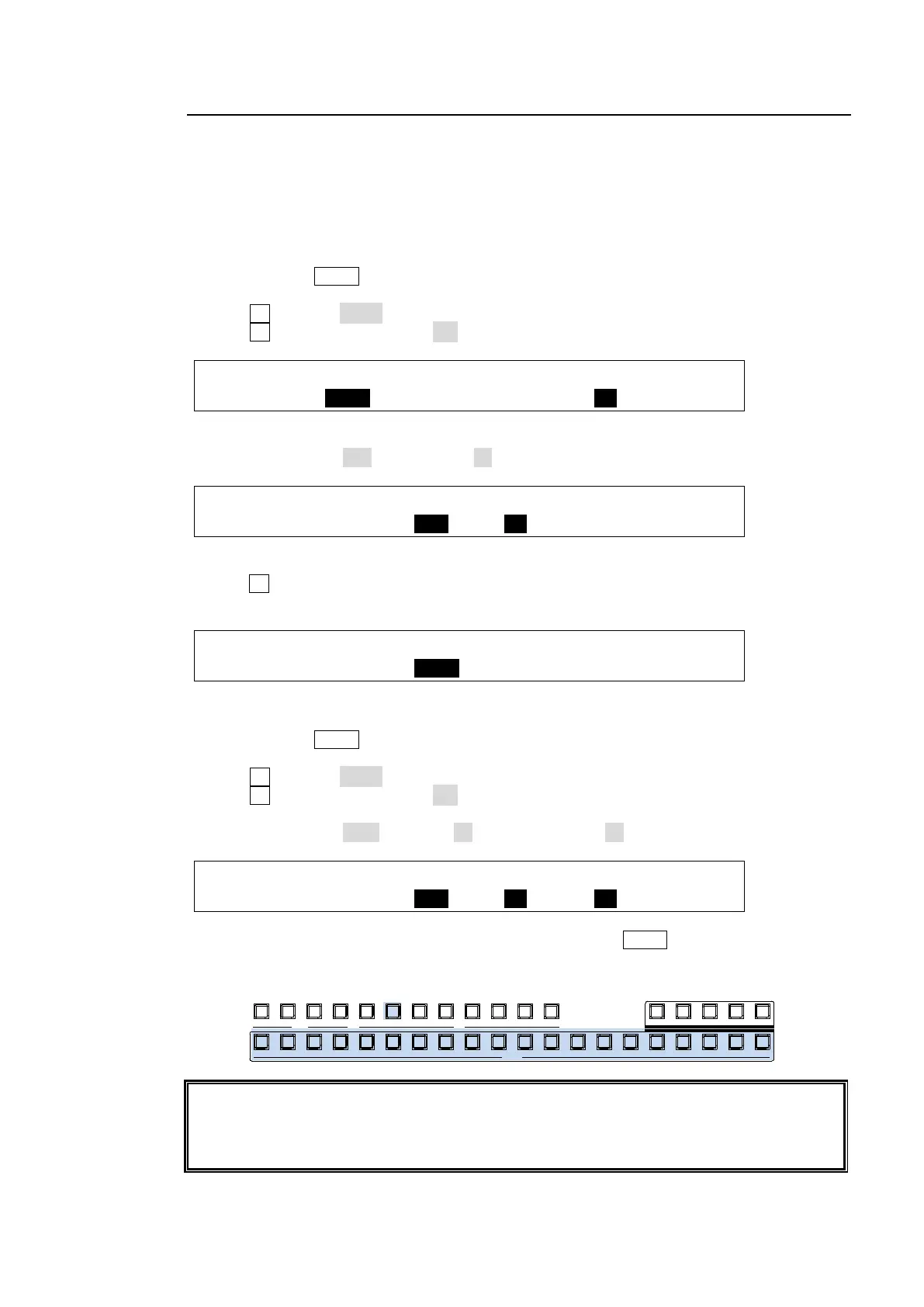
(6) Let's change the AUX 2 video on the control panel. Press AUX2 then select a video in the
KEY/AUX bus.
AUX bus transition effects are enabled only when video input, matte or still signals are
assigned to the AUX outputs. If M/E composite signals such as program, preview, clean, or
multi-view images are assigned to AUX buses, video streams are switched using CUT,
even if a wipe or other transition effect is set.
P GM PREV CLEA N MV1
201918171615141312111098
KEY/AUX
AUX
87654321432
KEYER
1
1 2 3 4 5 6 7
MV2



 To Next Page