293
Masterpiece
User Manual
How to Build a Shuffle Profile
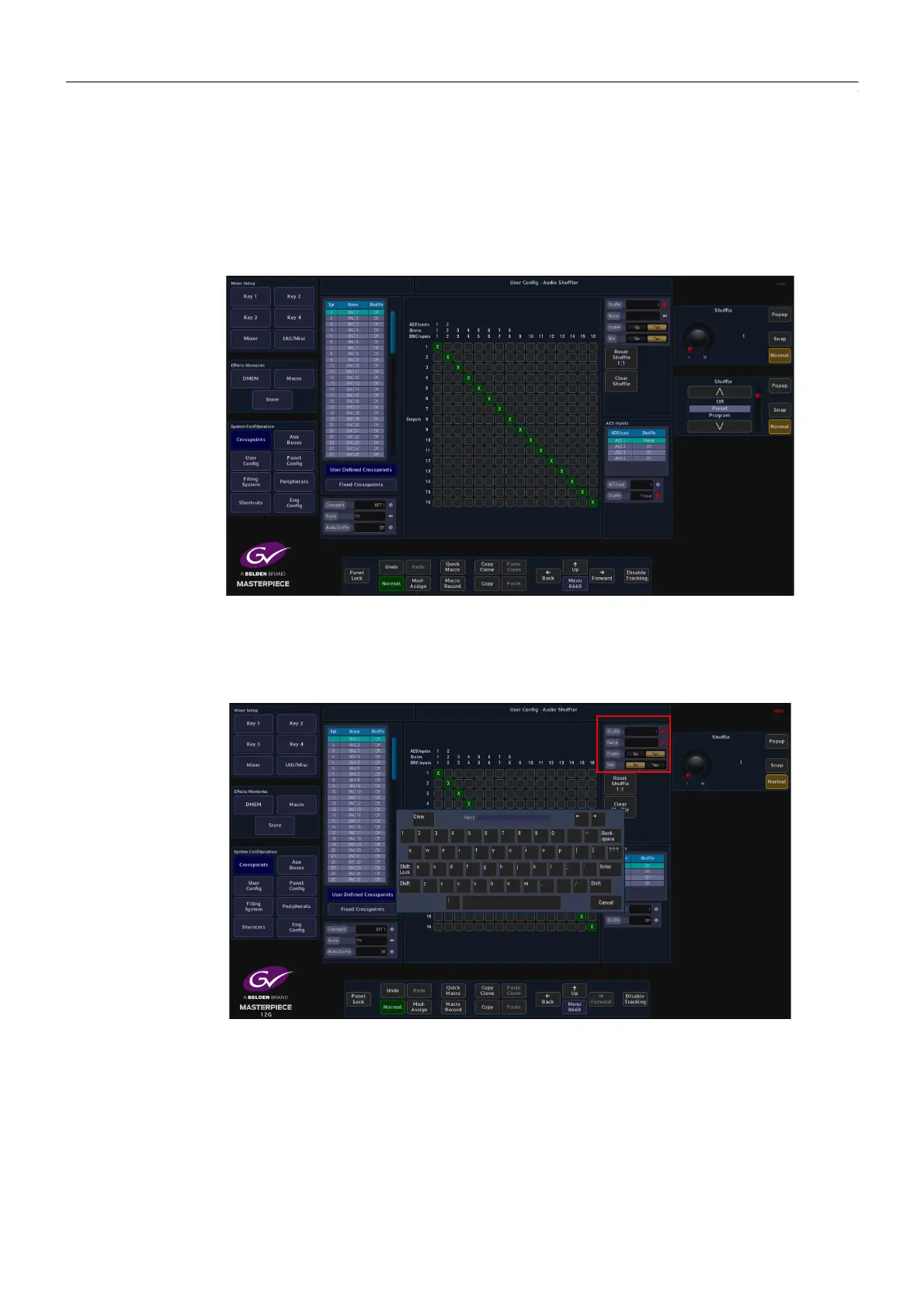
To build a shuffle profile, turn “Enable” and “Allow Mix” On, (allowing mixing will give you the
option to mix multiple inputs to the Grass Valleye output. It has the effect of summing the
signals together). In its default state, all the green shuffle indicator squares are in a one to one
state; Input 1 to Output 1 through to Input 16 to Output 16.
Notice that once enabled, the green shuffle squares now have a white “X” in them.
Using the “Audio Shuffle” parameter to select a Shuffle Profile number (1 to 50). Use the “Name”
parameter to give the shuffle profile a name.
To make a new Shuffle Matrix, just touch the matrix square where you want the new input to
output channels. The following menu diagram (on the next page) has had 12 inputs removed,
so that only 4 channels or 2 stereo pairs are being shuffled.



 To Next Page
 Loading...



