55
Masterpiece
User Manual
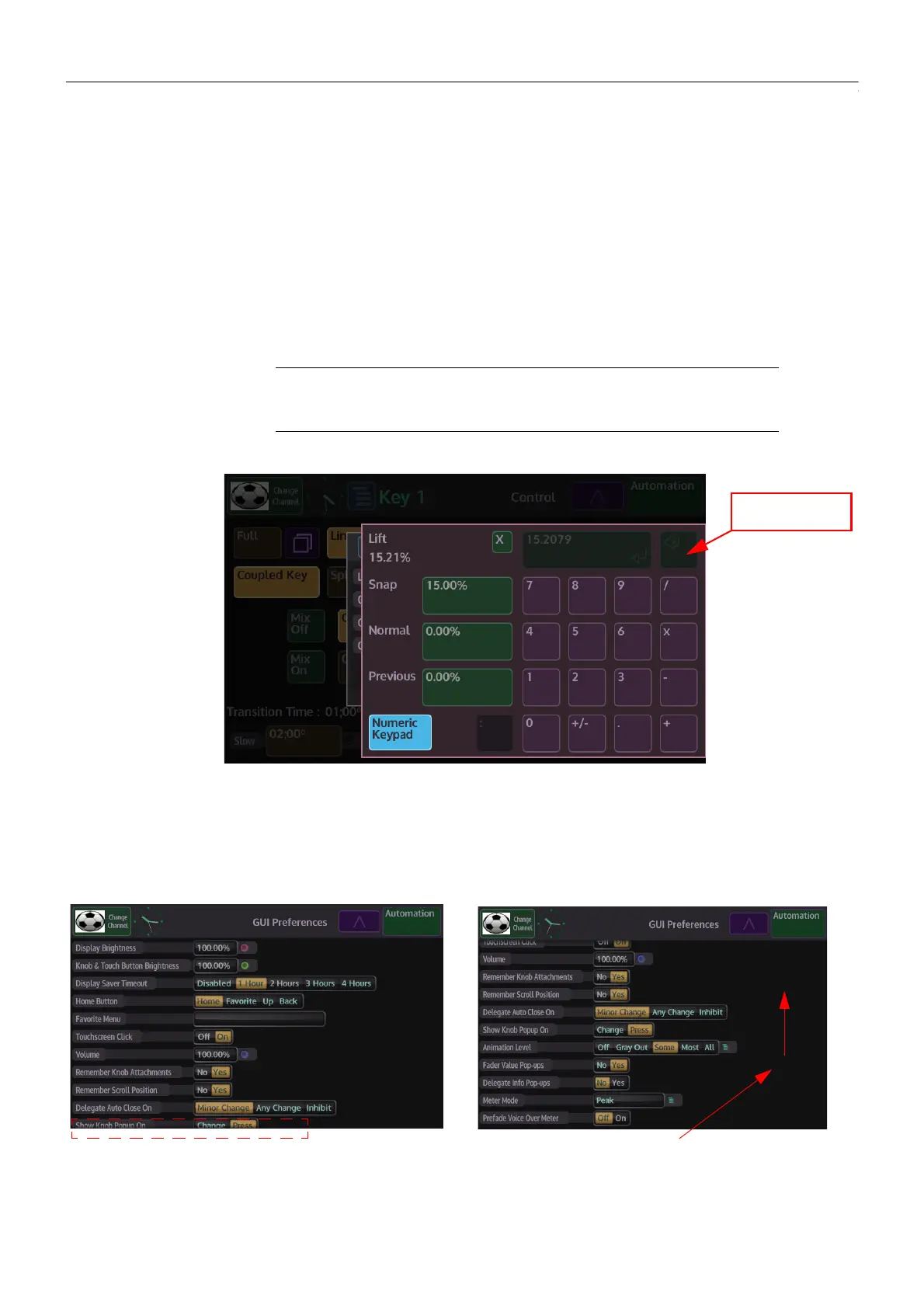
Snap - when pressed, notice that the parameter has jumped to an incremental value, normally
in steps of five or ten. The border of the button will turn red
Normal - when pressed, the parameter will revert back to its original default state, the border
of the button will once again turn Green.
Previous - this will return the parameter back to a previous user defined state.
Numeric Keypad
Pressing the {Numeric Keypad} button in the popup menu, will display the on-screen numeric
keypad.
The numeric keypad allows the user to directly enter values for the attached parameter.
It also has a second function as a calculator.
Scrolling Gesture Controls
Note: To empty the numeric keypad display, touch and hold the “return”
button.
To exit the numeric keypad, touch the “X” button.
Touch menu and with the Grass Valleye
movement swipe upwards










 To Next Page