143
Masterpiece
User Manual
Modulation
Overview
The modulation function enables the user to add modulation effects to transitions, wipes,
borders and DVE. The type of modulation applied to a function is selectable and can be added
to many different parameters, whether it is Global, Bus, I/O, DVE or User related.
The modulators are sorted into relevant Groups, determined by their subject matter:
Global Modulators - are used to modulate multiple parameters in a fixed relationship.
Mixer Bus Group - displays modulator parameters within a Bus function, such as Transition of
a Keyer.
Mixer Trans Group - displays the modulates parameters within the Transition functions.
User Config Group - displays modulated parameters within a User function, such as Mattes.
Global Modulators
Global modulators, as mentioned earlier are used to run modulators globally across the logical
switcher.
An example could be a DVE effect modulation that would affect all Keys globally.
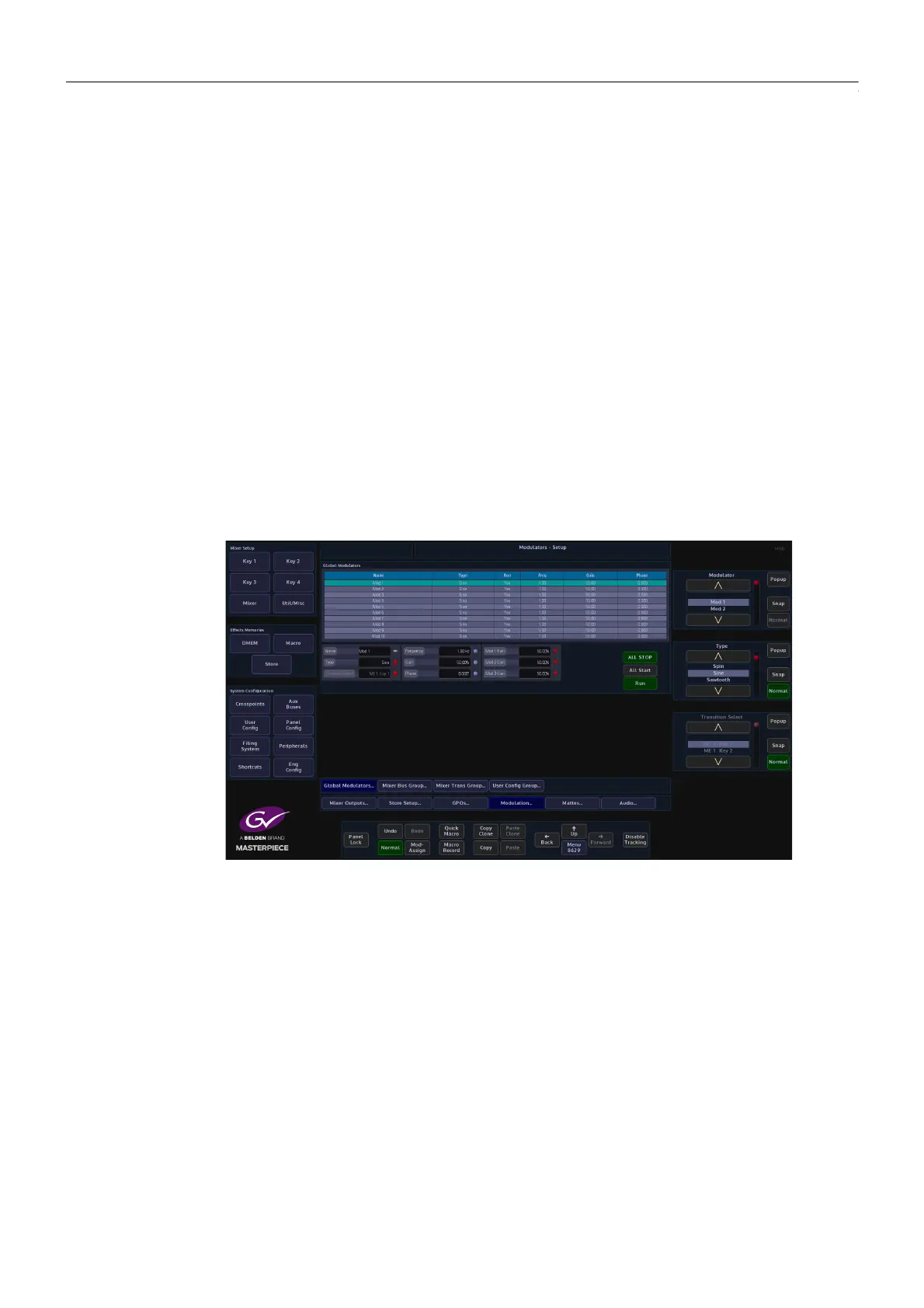
Global Modulators - Parameter Controls
Name - there are 10 individual modulation setup options in this column, each one can be
given a unique name, by selecting the required row using the Modulator parameter, then
typing the name into the Name attacher.
Type - this is the modulation effect used, either Spin, Sine, Sawtooth, Triangle, Square, Shake,
Linear Drift and Cubic Drift, Static, Bounce and Transition. Preset to start with a Sine wave
modulation.
Run - allows the modulation to run.
Frequency - adjusts the frequency of the modulation, range from 0Hz to 30Hz. Preset to start
at 1Hz
Gain - adjusts the gain of the modulation, range from -100% to +100%. Preset to start at +50%.



 To Next Page
 Loading...



