iPECS eMG80/100& eMG800 & UCP & vUCP
Administration and Programming Manual Issue 2.5
161
Table 3.3.6.1-1 SYSTEM ATTRIBUTES I (PGM 160)
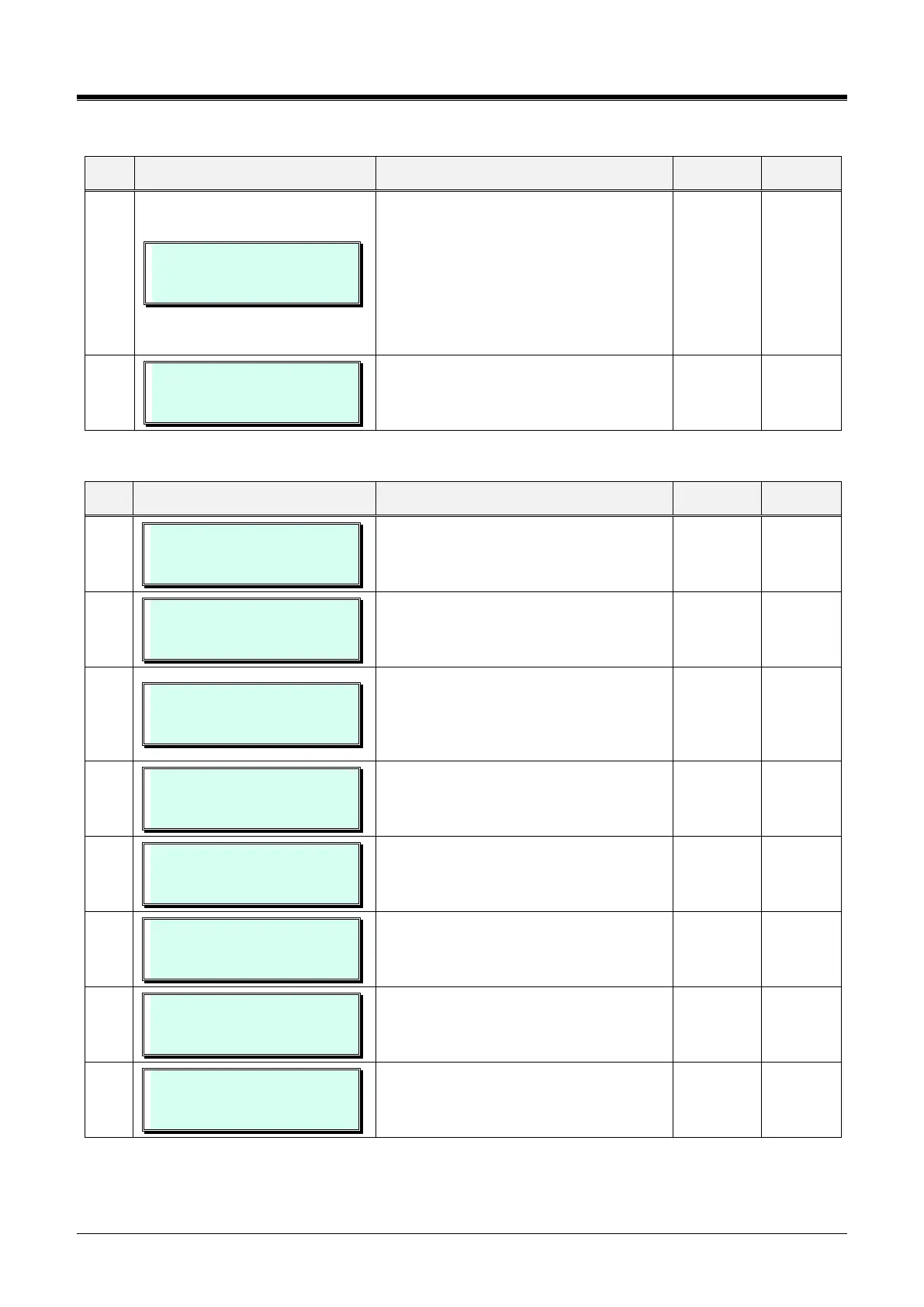
DIAL BY SYSNAME LIST
(0:ALL/1:ZONE) : OFF
If this value is set to "Accessible System
Speed Zone Only," the system speed dial
number of Accessiblesystemspeedzone
(System Speed Zone(232)) is displayed in
{Dial by Name}.
All,
Accessible System Speed Zone Only
NO CLI CALL LOG
(1:ON/0:OFF) : OFF
Leave system Call log even though there
is no CLI information if it is ON.
Otherwise, the Call log is not left.
Table 3.3.6.1-2 SYSTEM ATTRIBUTES II (PGM 161)
OFF-HOOK RING TYPE
(1:MUTE/0:BURST) : MUTE
An off-hook ring can be a single-tone
burst or muted normal ring.
PAGE WARN TONE
(1 : ON/ 0: OFF) : ON
A warning tone can be sent before a page
announcement.
AUTOMATIC PRIVACY
(1 : ON/ 0: OFF) : ON
Automatic Privacy can be disabled,
allowing stations to join an active CO/IP
call. A warning tone can be provided. See
button 4 below.
PRIVACY WARN TONE
(1 : ON/ 0: OFF) : ON
If desired, a warning tone can be provided
when privacy is overridden.
ACD PRINT ENABLE
(1 : ON/ 0: OFF) : OFF
ACD statistics can be periodically sent to
the assigned serial port., this entry must
be ON to provide periodic reports.
ACD PRINT TIMER(1sec)
(001 –255) : 001
This entry defines the time, in 10-second
increments, between the periodic ACD
reports.
CLEAR ACD DATABASE
(1 : ON/ 0: OFF) : OFF
When a periodic report is sent, the ACD
database can be cleared automatically if
“ON.”
OVERRIDE 1ST CO GRP
(1: ON/0: OFF) : ON
When a user dials ‘9’, the system can
search all CO/IP Groups for the first
available CO/IP line.



 To Next Page