iPECS eMG80/100& eMG800 & UCP & vUCP
Administration and Programming Manual Issue 2.5
177
4.3.6.10 Button LED Flash Rate – PGM 170
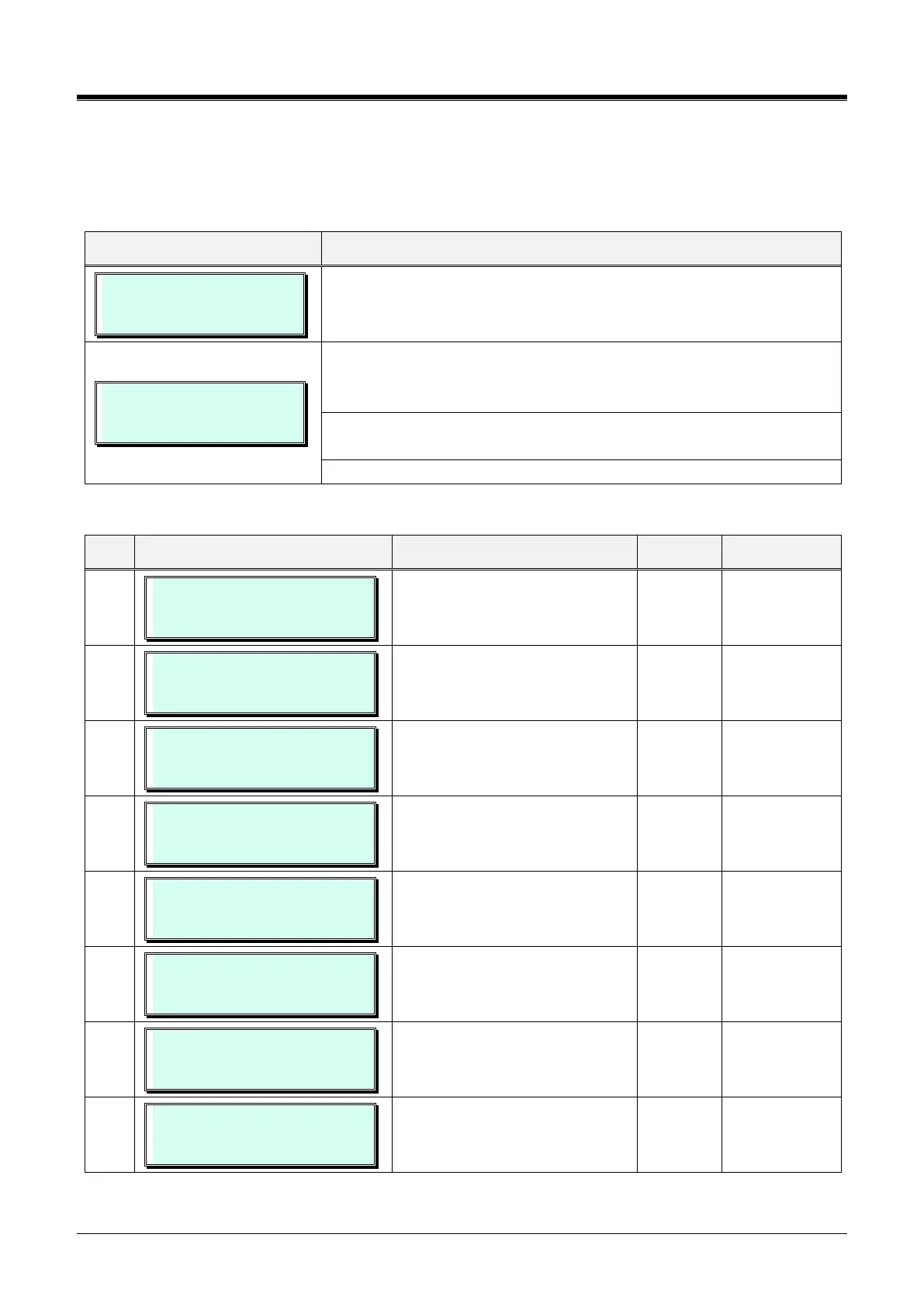
The LED flash rate for various functions and states can be assigned any one of the system’s 15 signals. The
various functions and states are shown in Table 3.3.6.10-1. The 15 flash signals available in the system are
shown in Table 3.3.6.10-2.
LED FLASHING RATE
PRESS FLEX_KEY (1-24)
Press the [PGM] button and dial 170.
LED FLASHING RATE
PRESS FLEX KEY (25-35)
Flex buttons represent 35 Flash rate entries. To access entries 25 to 35,
use the [VOL UP]/[VOL DOWN] buttons. Press the desired Flex button;
refer to Table 3.3.6.10-1.
Use the dial-pad to enter desired data for the flash rate. Refer to Table
3.3.6.10-1 and Table 3.3.6.10-2.
Press the [Save] button to store the Flash Rate data entry.
Table 3.3.6.10-1 BUTTON LED FLASH RATE (PGM 170)
CO button Incoming ring flashing
rate.
COL XFER RING
FLASH 120 IPM
CO button transfers ring flashing
rate.
COL QUE RING
FLASH 240 IPM FLUTTER
CO button queue calls back ring
flashing rate.
COL RCL RING
FLASH 480 IPM FLUTTER
CO button recalls ring flashing
rate.
COL I HOLD RING
FLASH 30 IPM WINK
CO button I hold flashing rate.
COL SYS HOLD RING
FLASH 60 IPM
CO button system holds flashing
rate.
COL EXC HOLD RING
FLASH 120 IPM
CO button exclusive hold flashing
rate.
COL OUT DISABLED
FLASH 240 IPM FLUTTER
CO button out going disabled
flashing rate.



 To Next Page