iPECS eMG80/100& eMG800 & UCP & vUCP
Administration and Programming Manual Issue 2.5
186
Table 3.3.6.15-2 OUTPUT FUNCTION TCP PORT (PGM 175)
DEBUG (1-9999)
TCP PORT(NULL)
Define the TCP port used for the Debug
output.
ACD PACK (1-9999)
TCP PORT(NULL)
Define the TCP port used for Unified
Messages.
I-SMDR (1-9999)
TCP PORT(NULL)
Define the TCP port used for I-
SMDR(Interactive-SMDR)
4.3.6.16 Break/Make Ratio – PGM 176
For Pulse dial CO Lines, the system supports 10pps, and the percent break/make ratios of 66/33 or 60/40.
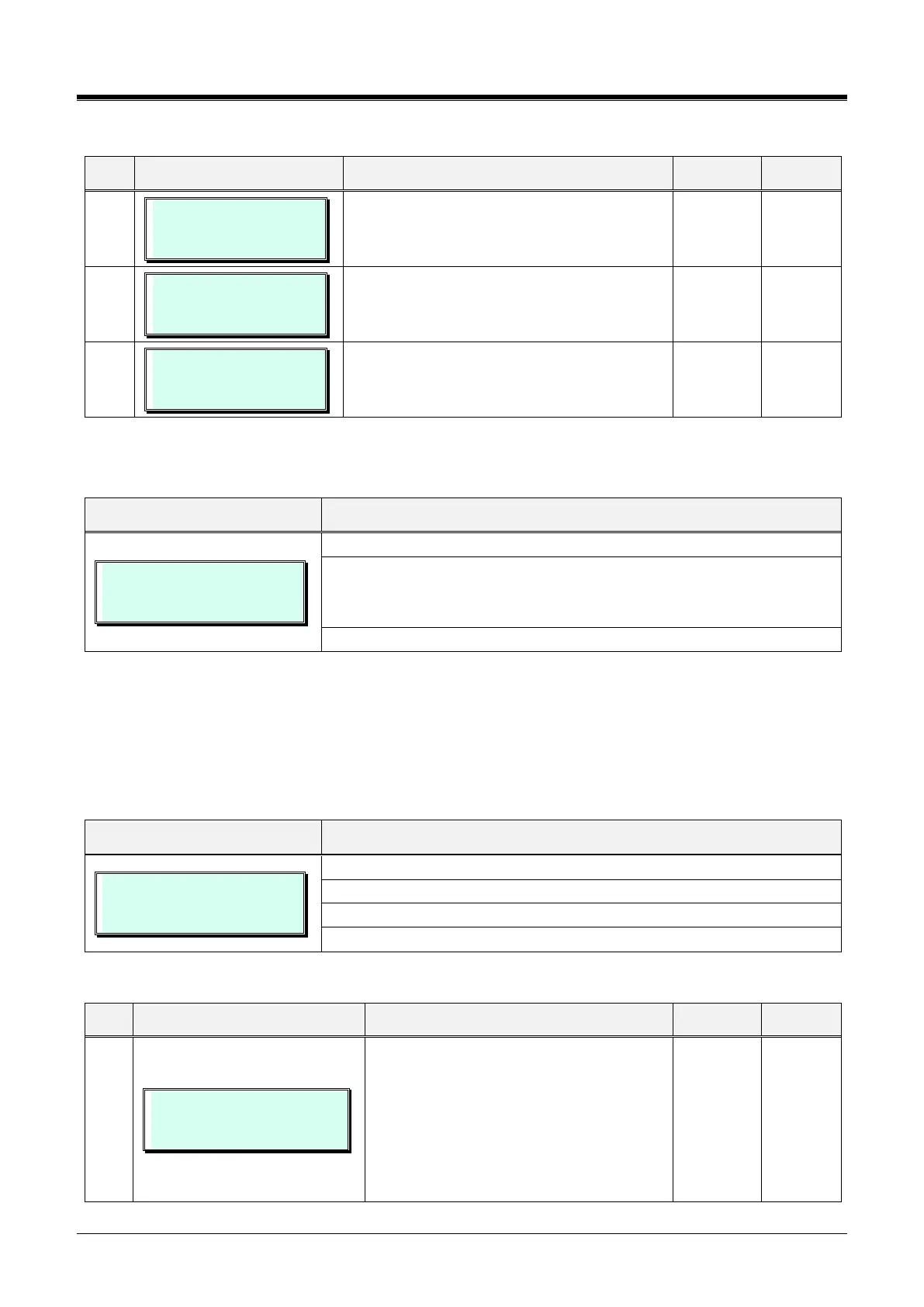
BREAK/MAKE RATIO
(1:66/33 / 0: 60/40): 60/40
Press the [PGM] button and dial 176.
Dial the digit (1 or 0) for the desired Break/Make ratio:
- 1: 66/33
- 0: 60/40
To save Break/Make ratio data, press the [Save] button.
4.3.6.17 SMDR Attributes – PGM 177
Station Message Detail Recording (SMDR) is an ASCII output of details on incoming and outgoing calls.
Various SMDR attributes can be assigned, including; output records for all calls or LD only, call cost per pulse
when using call metering, etc. Refer to Table 3.3.6.17-1 for a description of each Attribute, LCD displays, and
the data entries required.
SMDR ATTRIBUTES
PRESS FLEX KEY (01-24)
Press the [PGM] button and dial 177.
Press the desired Flex button; refer to Table 3.3.6.17-1.
Use the dial-pad to enter the desired data. Refer to Table 3.3.6.17-1.
To save SMDR Attribute data, press the [Save] button.
Table 3.3.6.17-1 SMDR ATTRIBUTES (PGM 177)
SMDR SAVE
(1:ON/0:OFF) : OFF
The system can store all outgoing calls
(ON) or only calls that exceed the SMDR
Timer (OFF).
The later allows PSTN call set-up times to
be removed from the recorded call time.
For SMDR Timer settings, refer to button
12 below.



 To Next Page