iPECS eMG80/100& eMG800 & UCP & vUCP
Administration and Programming Manual Issue 2.5
193
4.3.6.19 Multi-Language – PGM 179
The VMIU and VMIB support multiple languages; up to six languages may be supported simultaneously.
Once the prompts are downloaded to the VMIU/VMIB, the caller receives the Language selection
announcement for DISA and CCR calls and proceeds with a Hunt Group guaranteed announcement or the
DID error announcement.
The language selection announcement will only affect the language prompts enabled for use.
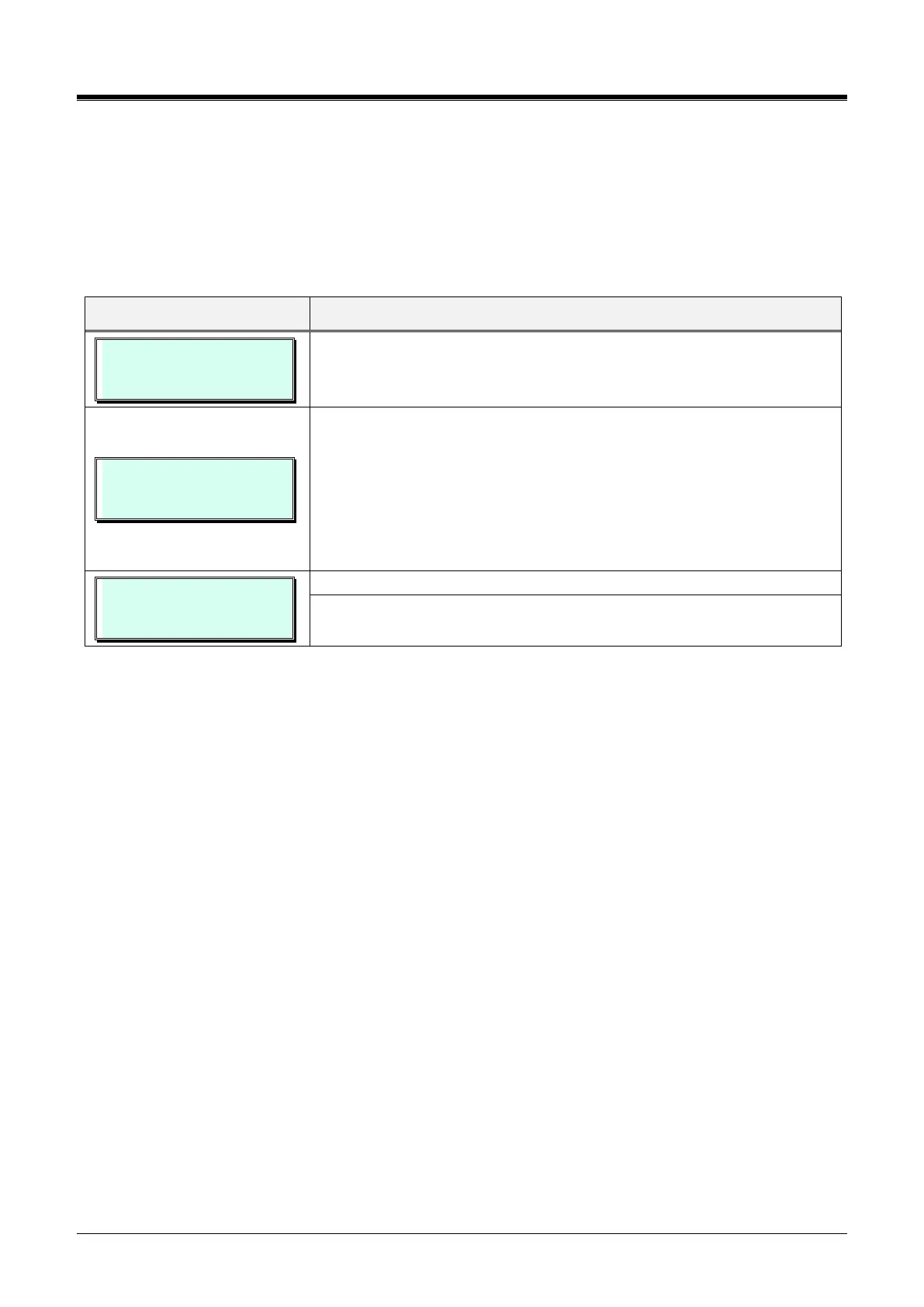
SET SYSTEM MULTI LANG
ENTER SEQ NO (001 -300)
Press the [PGM] button and dial 179 (e.g., enter 015). eMG800 sequence
number range is 0001-2890.
SET 015 SYS MULTI LANG
PRESS FLEX KEY (1-6)
Select Flex button,
- Button 1: N. AMERICA Prompt Usage
- Button 2: UNKNOWN Prompt Usage
- Button 3: UNKNOWN Prompt Usage
- Button 4: UNKNOWN Prompt Usage
- Button 5: UNKNOWN Prompt Usage
- Button 6: UNKNOWN Prompt Usage
N.AMERICA Prompt Usage
(1:ON/0:OFF) : OFF
Us the dial pad to enable or disable the desired language prompts.
Press the [Save] button to store the data entry.



 To Next Page