iPECS eMG80/100& eMG800 & UCP & vUCP
Administration and Programming Manual Issue 2.5
203
4.3.6.24 CRR Attributes – PGM 252
The system can reroute the incoming call to CO. If the call number is matched with compare digits of Table
252, the call is routed to the Rerouting number.
CRR ATTRIBUTES
PRESS FLEX KEY (1–3)
Press the [PGM] button and dial 252.
Press the Flex button 1~3 for the desired setting. Refer to Table 3.3.6.24-
1.
For Flex button 1 enable or disable CRR. For Flex button 2, press the
[Save] button to reset the CRR table. For Flex button 3, dial the table bin
number to input data.
For Flex button 3, Enter the bin number. Refer to Table 3.3.6.24-1.
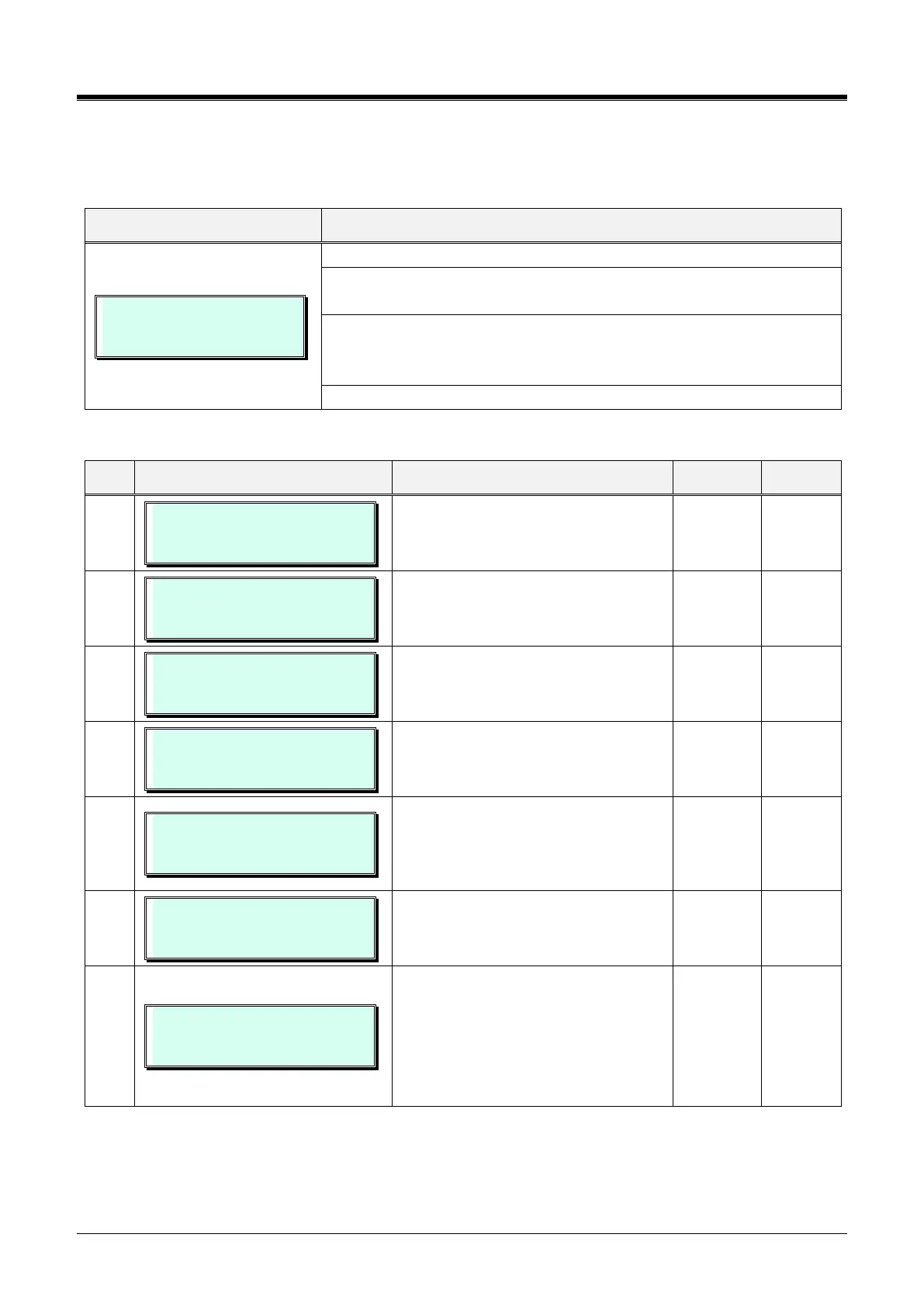
Table 3.3.6.24-1 CRR ATTRIBUTES (PGM 252)
ENABLE CRR
(1:ON/0:OFF) : OFF
This field is used to enable or disable
CO Call Rerouting.
INIT CRR
PRESS [Save] KEY
This field is used to initialize the CRR
table.
CRR ATTRIBUTES
ENTER BIN NO(000-169)
CRR 001 COMPARE CO GRP
GRP NO (01-20) : 01
Compared Co group should be
matched with incoming CO group.
CRR 001 RECEIVE DGTS
. . . . . . . . . . . .
Incoming digit numbers should be
matched with these digits. An “*” may
be entered as a wild-card to indicate
insertion of the compared number.
CRR 001 CO+TEL NUMBER
. . . . . . . . . . . . . . . . . . . . . . . . .
This field defines the CO line, CO
group, or CO access code plus
telephone number.
CRR 001 TYPE
. . . . . . .
If you chose ‘1’ for NET type, you could
use transit out code for CO to CO
rerouting. If you chose ‘2’ for the DISA
type, you could access the station
number as DISA mode. In other cases,
you should not use this type.



 To Next Page