iPECS eMG80/100& eMG800 & UCP & vUCP
Administration and Programming Manual Issue 2.5
205
4.3.6.26 Personal Group – PGM 260
Several stations can share the same station number. That means Personal Group is an extended feature of
Linked Pair. A Personal Group is composed of a master station and several member stations. A master station
and all member stations share the master station‘s number.
By using this shared number, almost all features (Call To xxx / Call From xxx / SMDR / Message Wait…) can
be activated. But, some features can be chosen by PGM 261 attribute about all station activating or individual
station working. In PGM 260, Personal group master and member can be assigned. In PGM 261, the Personal
group attribute can be set.
PERSONAL GRP ASSIGN
ENTER GRP NUM (01–70)
Press the [PGM] button and dial 260.
And Enter Group number (eMG80/100:1~7 /eMG800:1~600)
PERSONAL GRP 01
F1: MASTER STA F2: MEM
Press Flex button 1, then register Master station.
Press Flex button 2, then register Member stations.
Use the dial-pad to enter the desired data.
Press the [Save] button to store the data entry.
4.3.6.27 Personal Group Attribute – PGM 261
In PGM 261, the Personal group attribute can be set.
PERSONAL ATTRIBUTE
ENTER GRP NUM (01–70)
Press the [PGM] button and dial 261.
And Enter Group number.(eMG80/100:1~70 /eMG800:1~600)
PERSONAL GRP 01
PRESS FLEX KEY (1-3)
Press the Flex button 1~4 for the desired setting. Refer to Table 3.3.6.27-1.
Use the dial-pad to enter the desired data. Refer to Table 3.3.6.27-1.
Press the [Save] button to store the data entry.
Table 3.3.6.27-1 PERSONAL GROUP ATTRIBUTES (PGM 261)
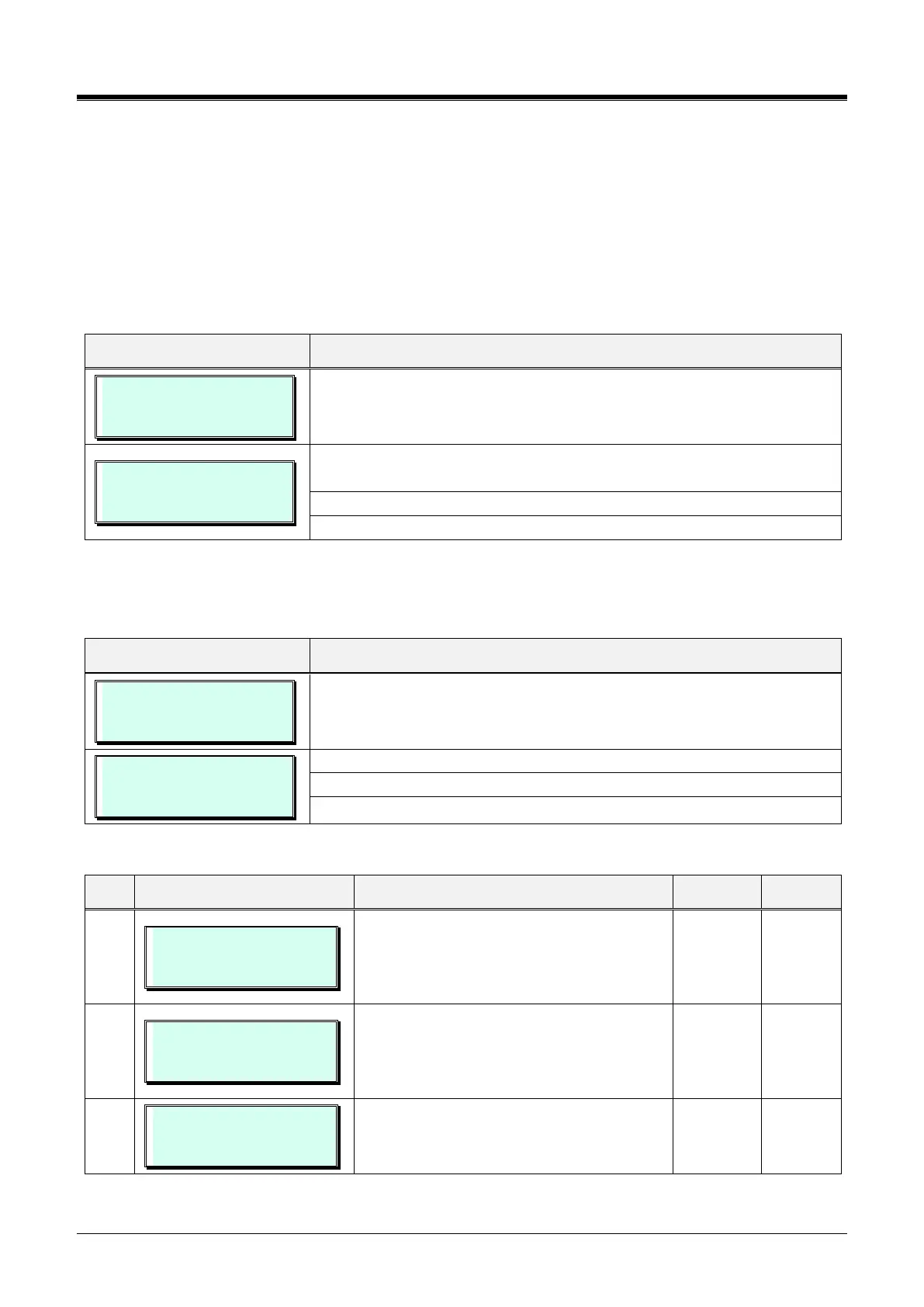
01 USE MASTER WAKEUP
(1:ON/0:OFF) : OFF
If this value is set to ON, all members wake
up, followed by master wake up.
If this value is set to OFF, individual wake-up
is worked by each station.
01 USE MASTER DND
(1:ON/0:OFF) : OFF
If this value is set to ON, DND setting affect
to Master and all member.
If this value is set to OFF, individual DND is
worked by each station.
01 SET LINKED PAIR
(1:ON/0:OFF) : OFF
If this value is set to ON, Master, and
Member Stations are linked, and only one
station can be activated.



 To Next Page