Features
385
System functions and features as of R4.1
syd-0570/1.2 – R4.1 – 08.2016
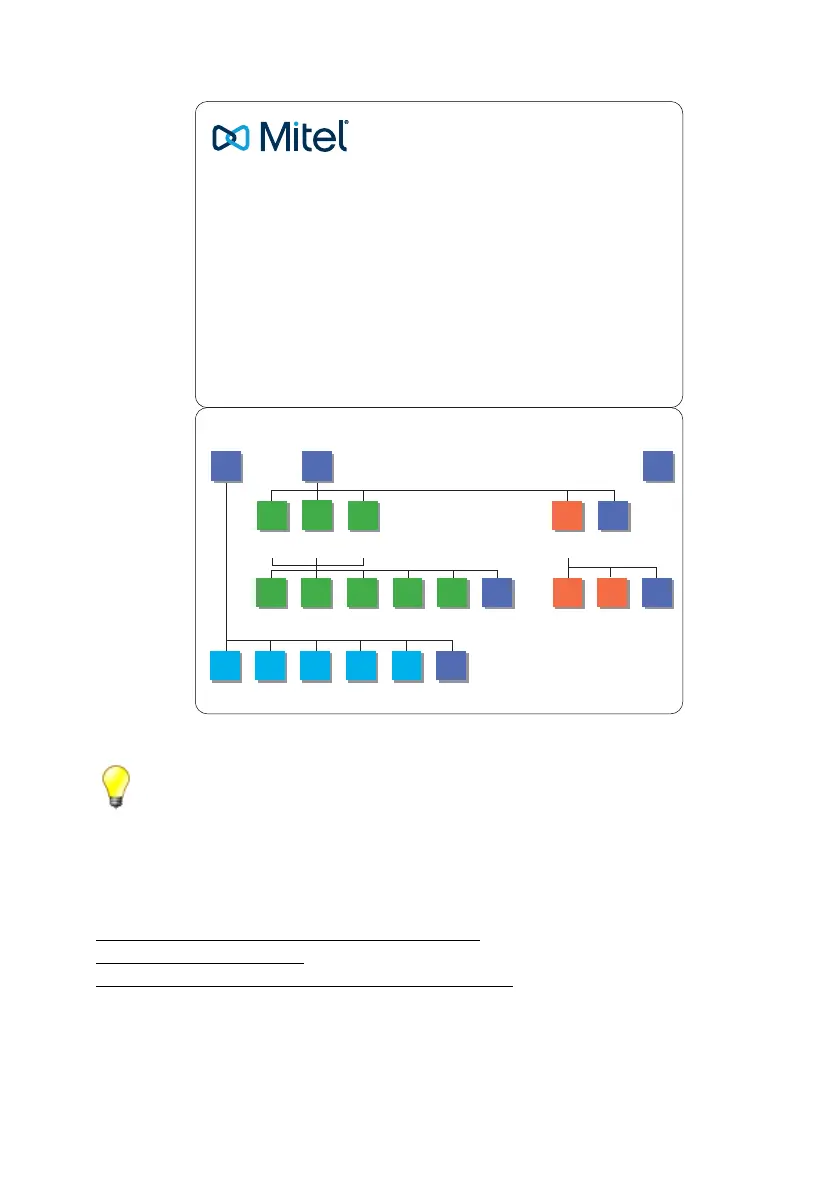
Fig. 208 Quick User's Guide
Tips:
– You can skip the Audio Guide information using the #-key.
– The voice mail menu is also available when retrieving messages from the voice mailbox with
your own phone (using function code *#94 or by calling the number of the voice mail sys-
tem).
Reference to Other Features
"Sending and reading text messages", page 407
"Call recording", page 438
"Organising absences on the workstation", page 351
1
2
39
1
1
79
39
123489
2
189
34
3
System
greeting
Back
Back
Listen ListenRecord Activate ActivateDeacti-
vate
Next
message
Repeat For-
ward
Forward
and delete
Delete Back
Delete Back
Back
Listen to
messages
Greetings
Note:
You can skip the information from the
Audio Guide using the # key.
Valid as of SW version R4.0
Personal
greeting 1
Personal
greeting 2
Personal
greeting 3
Start remote retrieval:
1. Dial your own call number.
2. Activate DTMF mode, if required (dependent on your
phone type).
3. During the greeting press the -key, enter your own PIN
and complete with the #-key.
4. The greeting stops and the audio guide informs you about
the possibilities on the top level of the voice mail menu.
Quick User’s Guide
MiVoice Oce 400
Voice mail system
Voice mail menu



 To Next Page