Features
356
System functions and features as of R4.1
syd-0570/1.2 – R4.1 – 08.2016
9. 5. 2 Hold (enquiry call)
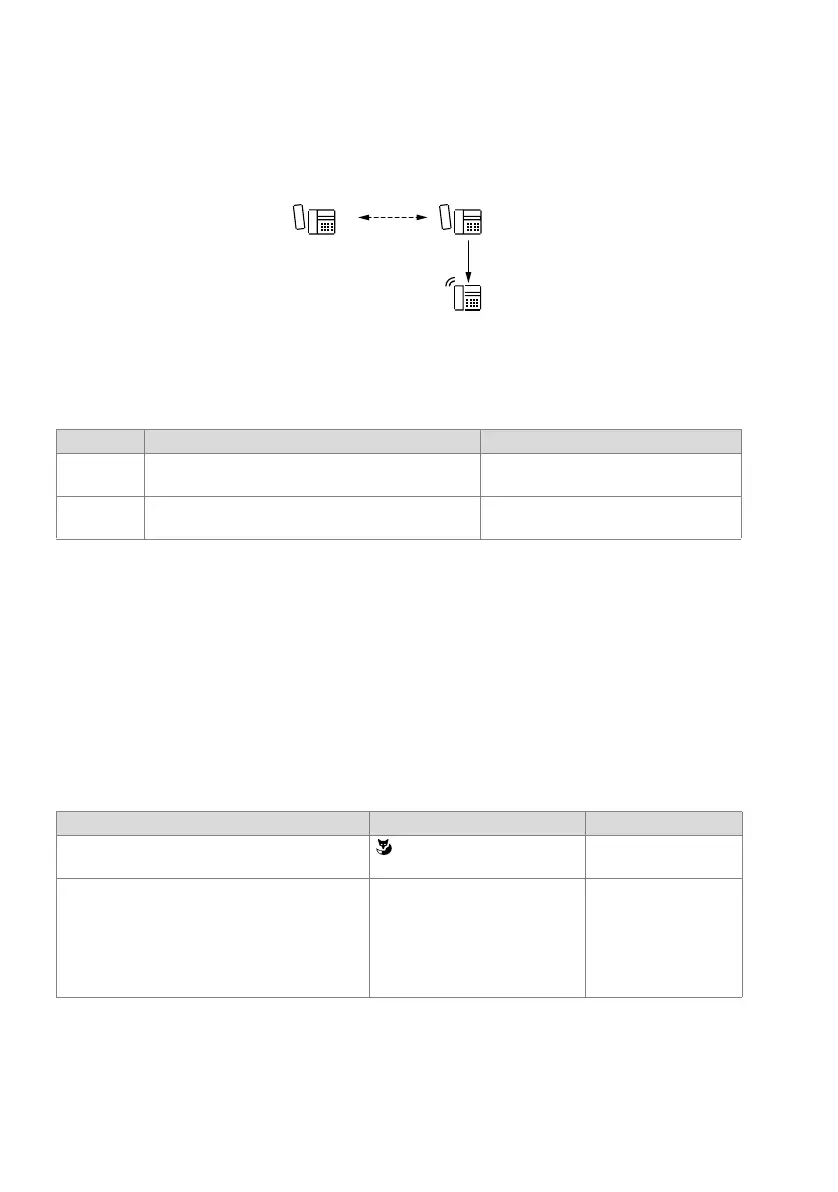
An A–B connection is put on hold if one of the callers, e.g. user B wants to set up an
enquiry call connection with C.
Fig. 197 Putting a call on hold
Detailed Description
Tab. 154 Hold (enquiry call)
If A is on hold and B hangs up before setting up a ringing or call connection to C, B's
terminal will ring continuously for 10 seconds. As soon as B picks up the handset, he is
again connection with A.
If A is on hold and B waits for more than 10 seconds before setting up a ringing or call
connection to C, B will obtain the busy tone. The return to the initial connection is not
automatic.
Suffix dialling functions
Tab. 155 Hold (enquiry call): Functions
End point Operating sequence / signalling on terminal Scope
A Music on hold is played to user A, who is on hold
1)
1)
With hold in the public exchange, the signalling depends on the network provider.
Possible interfaces:
internal, external, PISN
C Possible interfaces:
internal, external, PISN
Functions System phones Analogue terminal
Set up internal enquiry call with or without call preparation R <User No.>
(R = control key)
Set up enquiry call to a user of the up-circuit com-
munication server.
(Requirement: The user’s own communication
server is analogously connected down-circuit and
the existing call connection already seizes a trunk
line to the up-circuit communication server)
via function key with function com-
mand "I" to seize the line (macro
"I*42")
R*42 <User No.>



 To Next Page