Features
386
System functions and features as of R4.1
syd-0570/1.2 – R4.1 – 08.2016
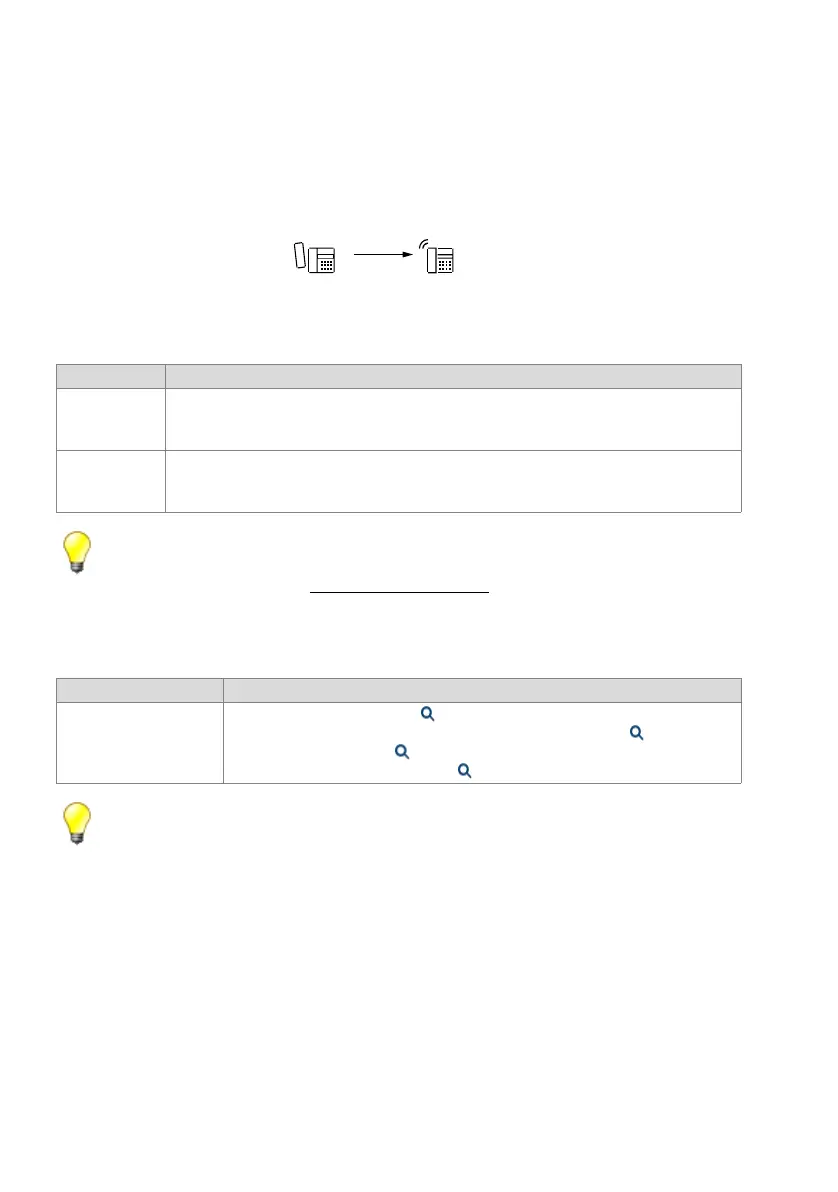
9. 6. 2 Dialling by name
Instead of entering user B’s phone number, user A can dial user B’s name. The com-
munication server supports "dialling by name" and "dialling with quickdial". Please refer
to the Operating Instructions of the system phones for more details.
Fig. 209 Dialling by name
Tip:
The name of a PISN user can be configured in a PINX user configuration, provided the user’s
number is entered in full (see "Numbering plan", page 54).
System configuration
Tab. 190 Dialling by name: System configuration
Tip:
An external directory can also be connected to the communication system via OIP. To browse
the directory, you need to initiate dialling by name with the 0 key or the *-key.
9. 6. 3 End-of-selection signal
The input of an external number can be completed with the character #. The communi-
cation server (or network system) interprets this as the end of selection and immedi-
ately switches through.
End point Scope
A Requirement:
The name must be stored on the caller's communication server: in the abbreviated dialling list, in
the phone book, in the UG configuration or in the user configuration.
B Possible interfaces:
• User: internal, external, PISN
• User group (UG)
Parameter Parameter
Name Name in the user configuration ( =th)
Name in the abbreviated dialling contacts in the public phone book ( =th)
Name with the PISN users ( =gv)
Name in the user group configuration ( =2t)
%$
KD]DD[[D
60,7+
-2+160,7+



 To Next Page