Features
460
System functions and features as of R4.1
syd-0570/1.2 – R4.1 – 08.2016
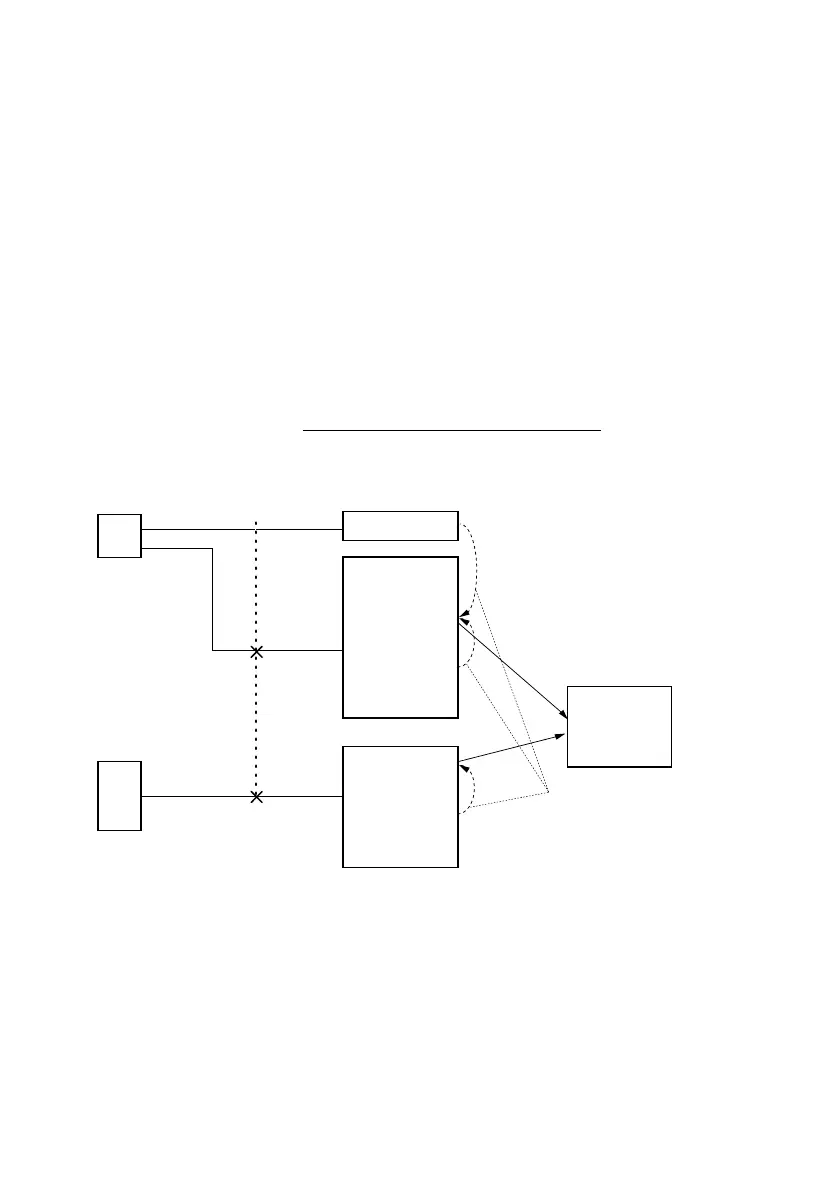
UG 1 (Private) contains users A, B, C and D. User D is also in UG 2, along with user E
(carpentry workshop). Home Alone is activated in both UGs.
1. An incoming outside call to the business number is answered by Mrs. Smith at the
office (user D).
2. All other internal and outside calls to UG 1 and UG 2 will obtain a busy tone.
3. Mr. Smith (user E) can still be reached by his staff from the outside via DDI.
9. 7. 11 Switching switch groups
Switch groups defined in the system configuration can be selected by user A using
switch contacts or a function code from the terminal.
The switchover can also be carried out automatically using time-controlled functions in
the System Configuration (see "Time-controlled functions", page 475
)
Fig. 242 Switching switch groups
.
.
.
01
02
20
Phone: F key
General:
*85xx 1 T
*85xx 2 N
*85xx 3 W
Phone: F key
General:
*8501 1 T
*8501 2 N
*8501 3 W
Switch
group no.
Display only if a function
key (F key) has been
dened (recommended)
LED on
system
phone
Display state
HW entries
Switch on pos. 1,
2, 3 per switch
group
User authorization
Yes/No



 To Next Page