Features
430
System functions and features as of R4.1
syd-0570/1.2 – R4.1 – 08.2016
9. 6. 24. 2 Accepting the connection
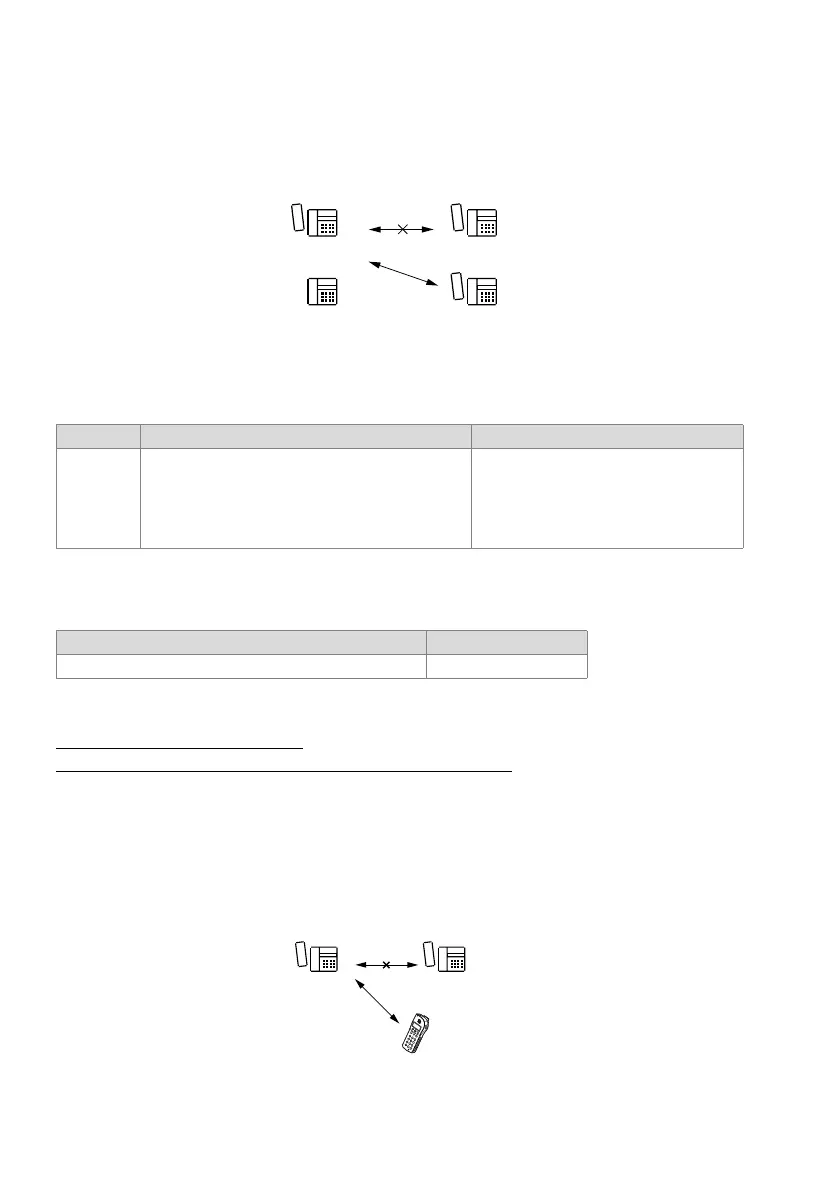
A user C can take over an existing call or data connection A-B if D has prepared the
takeover.
Fig. 232 Taking over an active connection
Detailed Description
Tab. 255 Taking over an active connection
Function in prefix dialling
Tab. 256 Taking over an active connection: Function
Reference to Other Features
"Take (taking a call)", page 430
"Fast Take (pick up a call or a call connection)", page 431
9. 6. 25 Take (taking a call)
The Take function allows users to take over a call connection of another user without
interrupting the connection or having the connection put through to them. The example
below illustrates how to accept a call connection from a user with a cordless phone.
Fig. 233 Take (taking a call)
End point Operating sequence / signalling on terminal Scope
B User B obtains the busy tone once C has taken the
connection to A.
Possible interfaces:
Internal
Restriction:
Only simple connections can be accepted,
not conferences, users on hold, etc.
Function Function code
Take over call / data connection *88 #



 To Next Page