Features
390
System functions and features as of R4.1
syd-0570/1.2 – R4.1 – 08.2016
9. 6. 5 Intrusion
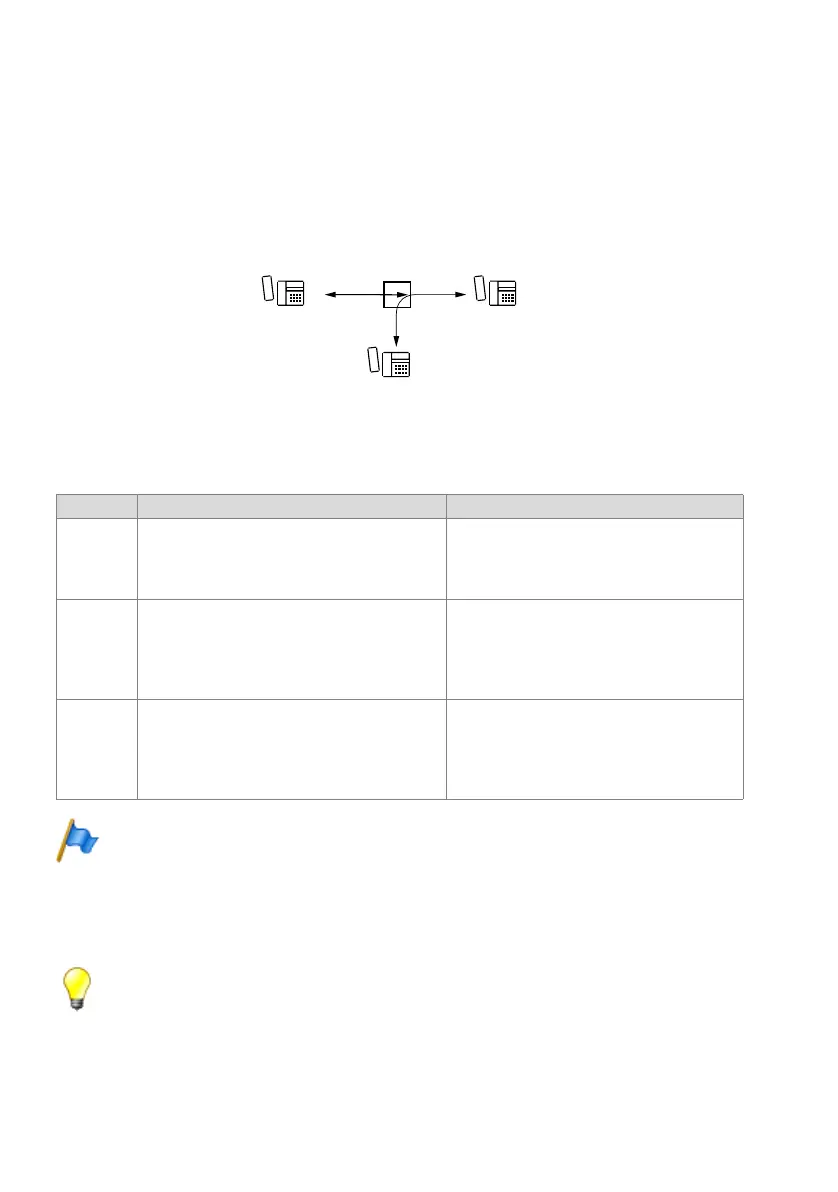
If the called internal user B is busy, the internal user C has the possibility of intruding
into the current call. User C hears the current call and has the possibility of talking to
user B into whose call C has intruded. User A is not normally aware of this.
User B can choose to take C’s call (and put the original call on hold, end the original
call, set up a three-party conference) or reject it.
Fig. 213 Call intrusion
Detailed Description
Tab. 195 Call intrusion
Note:
If the conference tone is deactivated in the system configuration, user B will not hear an atten-
tion tone. The national terms and conditions for data protection need to be observed in this
respect.
If B is making an exchange all, intrusion will only work if this feature is also enabled for
exchange calls, throughout the system.
Tip:
If intrusion is disabled, it is possible to send a text message to an intruded user if he has a sys-
tem phone with display, and to do so even during a call.
End point Operating sequence / signalling on the terminal Scope
A If B is connected analogously and/or the handset
volume on B is set to loud, A hears C’s intrusion
and may even be able to hear what C has to say to
B.
B The intrusion tone and the system phone display
signal user B that, in addition to the current call, he
also has an internal call to intruded user C.
Requirement:
• B has allowed intrusion on his set.
• B is not an Mitel SIP or SIP terminal.
• B is not in the process of setting up a call, in an
enquiry call or in a conference.
C C will obtain the busy tone if intrusion is not enabled
or not available and if B rejects the intrusion.
Possible interfaces:
• Internal
Requirement:
• C has the authorization to intrude.
• C is not an ISDN Mitel SIP or SIP terminal.
KD]DD[[D
&
$



 To Next Page