Features
407
System functions and features as of R4.1
syd-0570/1.2 – R4.1 – 08.2016
9. 6. 13 Sending and reading text messages
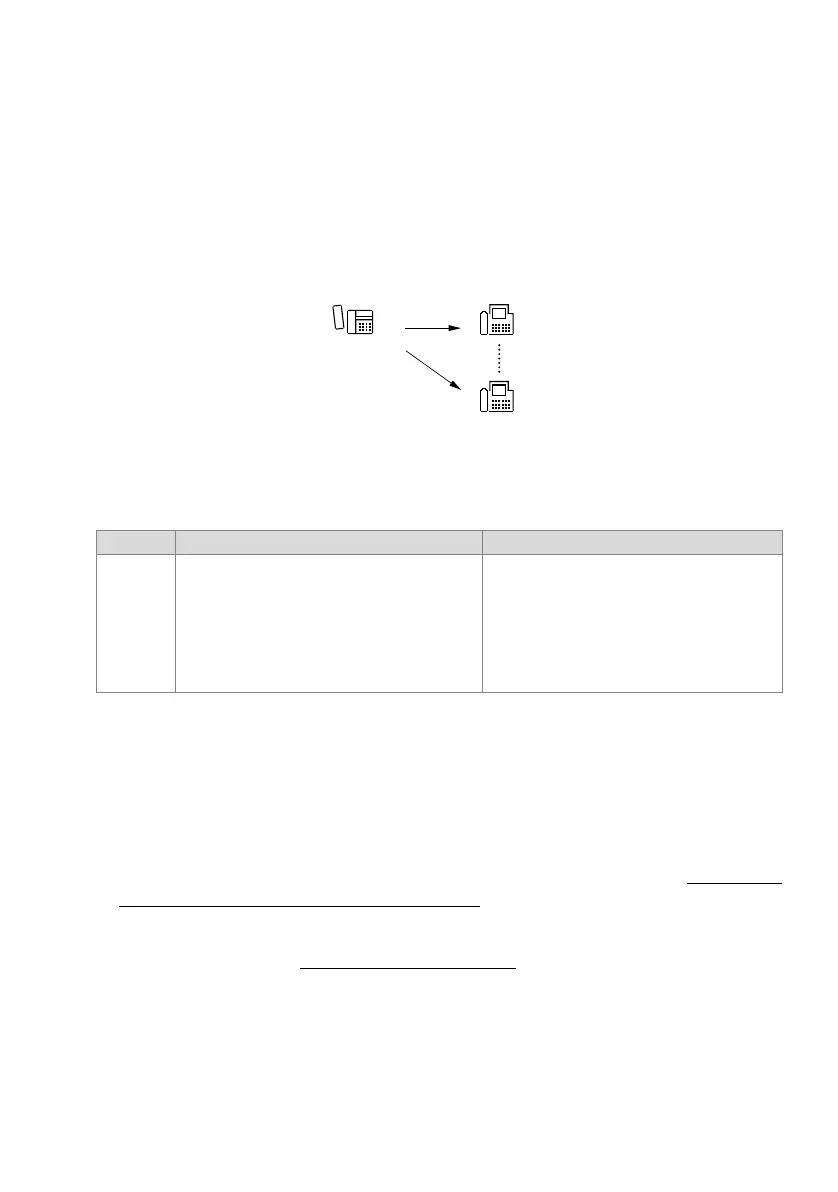
This feature provides a means of sending a text message within the system. Potential
destinations include:
• One internal user
• One message group
• All internal users
Fig. 220 Sending and reading text messages
Detailed Description
Tab. 218 Sending and reading text messages
Message groups for text messages:
• It is possible to define up to 16 (Mitel 415/430) or 50 (Mitel 470) groups.
• Each group can consist of up to 16 users.
• Group 8 (Mitel 415/430) or Group 16 (Mitel 470) is reserved for system event mes-
sages.
• The message groups are also used for the Announcement feature (see "Normal an-
nouncement to one or more users", page 394).
The text of a text message is either user-definable or can be selected from 16 prede-
fined text messages (see "Text messages", page 411
). In addition 5 personal text mes-
sages can also be stored on the Office 45.
A text message can contain up to 160 characters.
Predefined text messages can be sent with or without additional text (parameters).
End point Operating sequence / signalling on the terminal Scope
B When a text message is received, the destination
user's terminals obtain an attention ringing tone.
Possible destinations (internal only):
•User
• Message group (user groups are not permitted)
• All internal users
Requirement:
Destination users are equipped with a system
phone with alphanumerical display.



 To Next Page