Features
409
System functions and features as of R4.1
syd-0570/1.2 – R4.1 – 08.2016
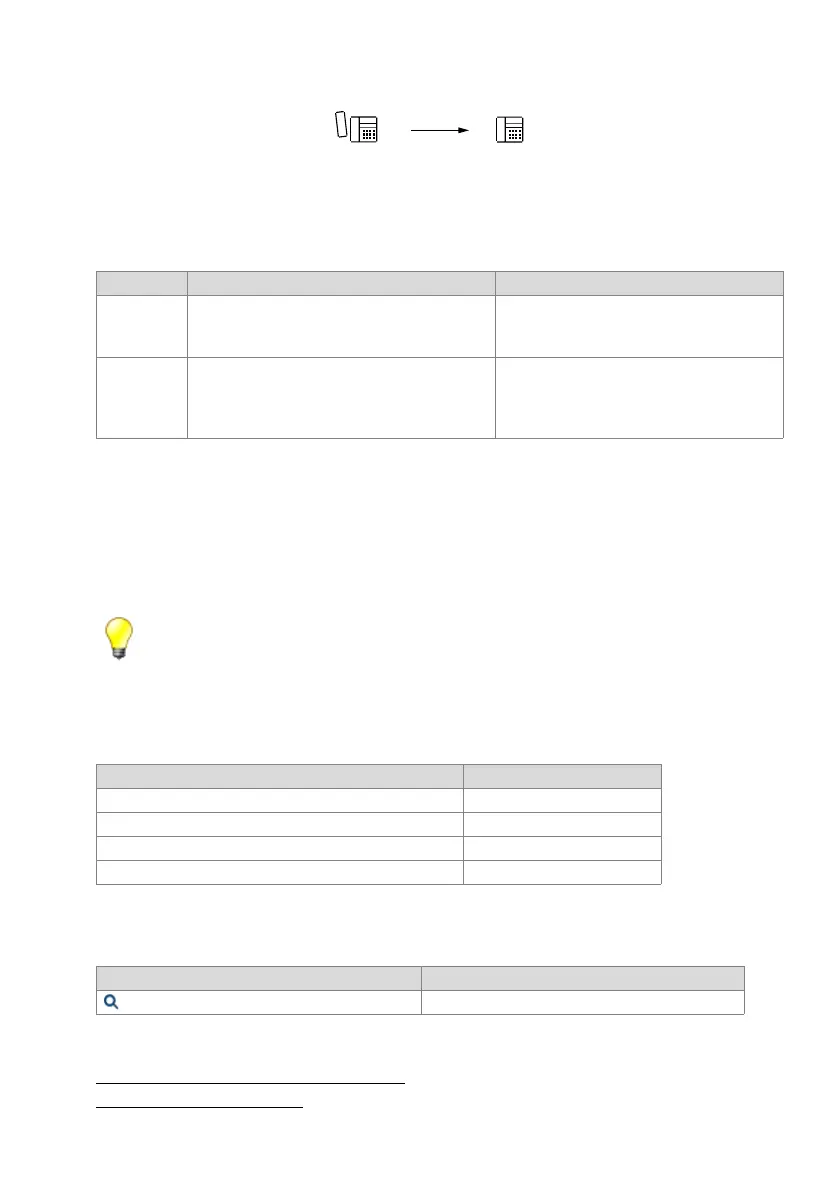
Fig. 221 Activate MESSAGE
Detailed Description
Tab. 221 Activate MESSAGE
Number of callback requests:
The number of callback requests that can be stored depends on the system phone
type.
Display priority:
External alarm messages have maximum priority. Callback requests are displayed with
a higher priority than voice mail notifications and text messages.
Tip:
With the MESSAGE function a user has the possibility of activating several callbacks simultane-
ously, depending on his system phone.
Functions in prefix dialling
Tab. 222 Activating MESSAGE: Functions
System configuration
Tab. 223 MESSAGE: System configuration
Reference to Other Features
"Callback if user busy / free", page 416
"Wait until free", page 419
End point Operating sequence / signalling on the terminal Scope
A Once the callback function has been executed, A
obtains the acknowledgement tone.
Requirement:
The activating user A must be authorized to use
this function.
B • System phones with display: Text messages,
attention tone, LED display
• Office 10: LED display only
Possible interfaces:
Internal
Requirement:
System phone
Functions Function codes
Activate MESSAGE *38 <User No.>
Answer MESSAGE (trigger callback) *#38
Clear MESSAGE on the destination phone #38 #
Clear MESSAGE on the executing phone #38 <User No.>
Parameter Remarks
Activate callback message / message LED User's permission set



 To Next Page