Features
492
System functions and features as of R4.1
syd-0570/1.2 – R4.1 – 08.2016
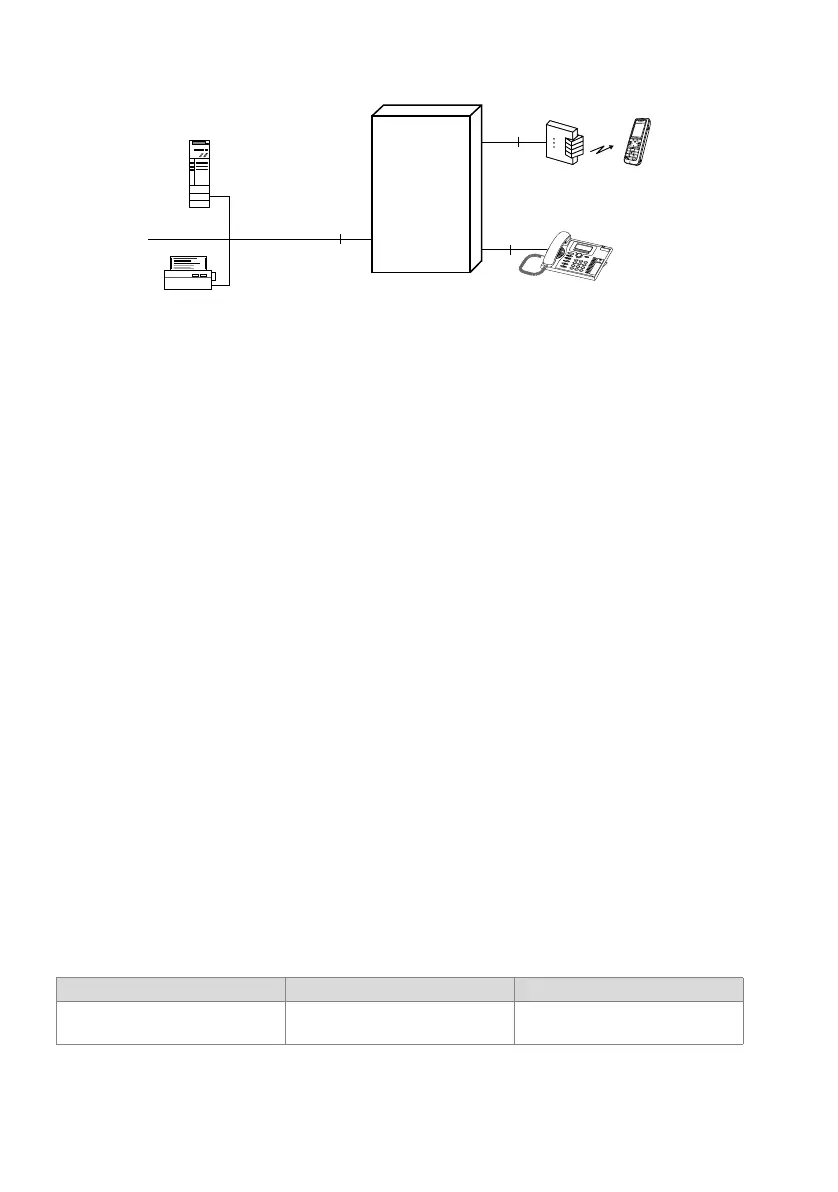
Fig. 252 Connection via Ethernet
Function Redkey
On each system phone one or more function keys can be configured as Redkeys. De-
pending on the application an alarm can then be triggered, a heating system switched
on, a process controlled, etc., with the aid of the ATAS protocol on an ATAS server. The
message sent contains the user number and additional parameters (max. 32 charac-
ters/digits).
• The configuration is set for each phone and can only be made via WebAdmin.
• The function can be stored on any configurable keys of the system phones.
• Several keys on each phone can be configured as Redkeys.
• The Redkey function can be triggered regardless of the operating state (idle, dial-
ling, call, ringing) of the system phone.
• If the Redkey is configured on a function key, a distinction can be made between
single and double click due to a different assignment of the number memories.
• Once a Redkey has been configured, it can only be reconfigured via WebAdmin.
• The application on the ATAS server can acknowledge that a function has been trig-
gered by a Redkey by sending a message to the phone’s display (with or without a
prompt to acknowledge the message).
Redkey as function code
To be able to perform the Redkey function also on third-party terminals (analogue ter-
minals, SIP terminals etc.), a */# function code is available. Possible applications are
analogue terminals in retirement homes, door intercom systems, lift telephones etc.
Tab. 328 Trigger Redkey function: Function
Function Function code Note
Trigger Redkey function *73 <Parameter> # The parameter can contain a maxi-
mum of 28 digits.
LAN
DSI
DSI
Ethernet
Communica-
tion server



 To Next Page