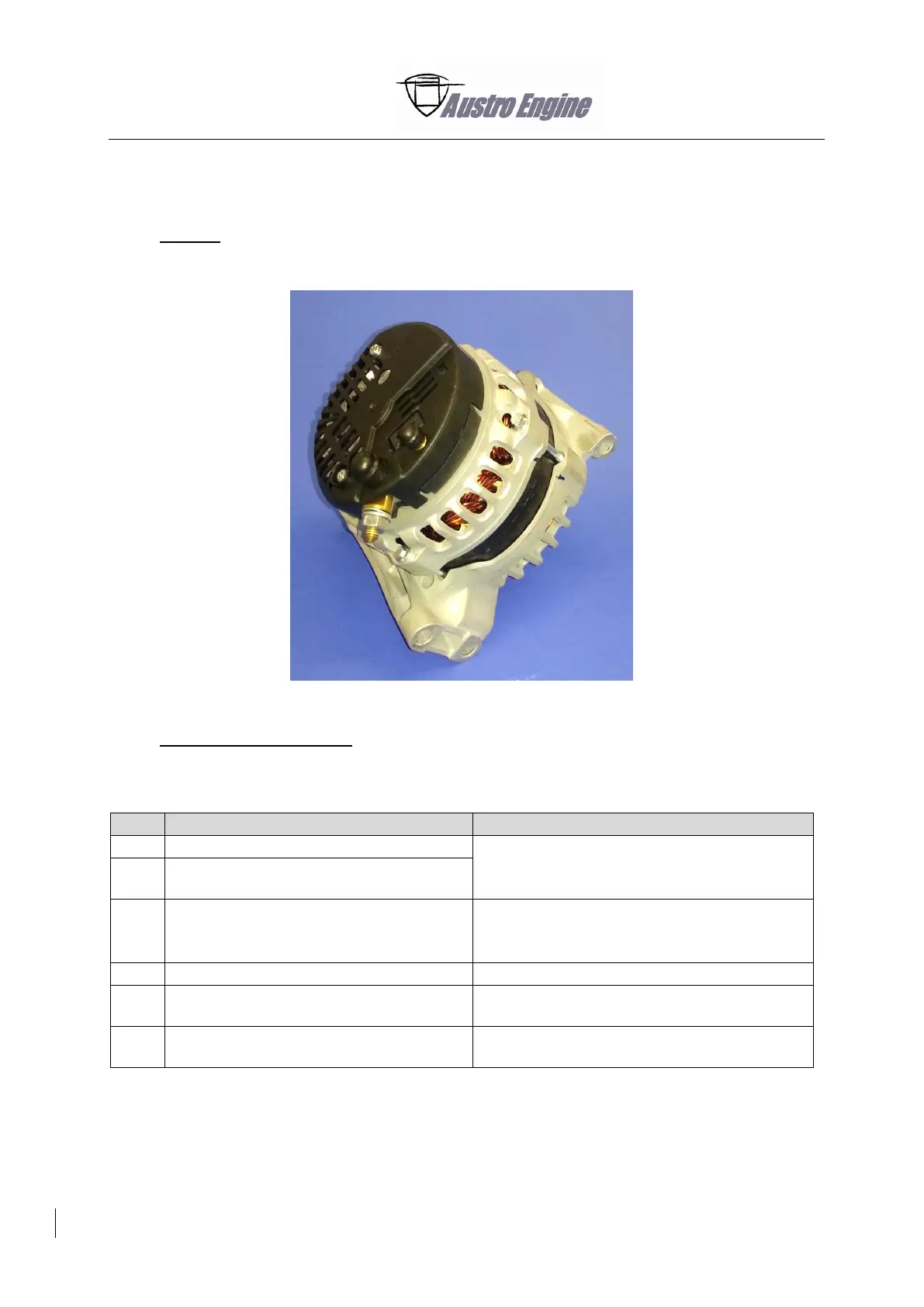
24-31-00 Alternator E4A-91-400-000
1. General
This section contains the procedures how to remove/install and examine Alternator E4A-91-400-000.
Fig. 24 - 27 Alternator E4A-91-400-000
2. Maintenance Procedures
A. Remove the Alternator
Refer to the applicable Aircraft Maintenance
Manual.
Disconnect the power line from the B+
terminal.
Disconnect the excitation line marked with
“GEN/G2”.
Keep the lock nut and the plastic cover for
installation.
Refer to Fig. 24 - 29 and Fig. 24 - 30.
Remove the V-Ribbed belt.
Refer to Section 85-40-00 Paragraph 1.A.
Remove the screws that attach the
alternator bracket to the engine.
Remove the alternator from the alternator
bracket



 To Next Page