181
If Menu Shortcut is Set:
Turn F2 to select TYPE to MENU and press F2. Then turn F3 to select a menu page and press
F3. Once the menu shortcut is assigned to a User button, pressing the button opens the
assigned menu page.
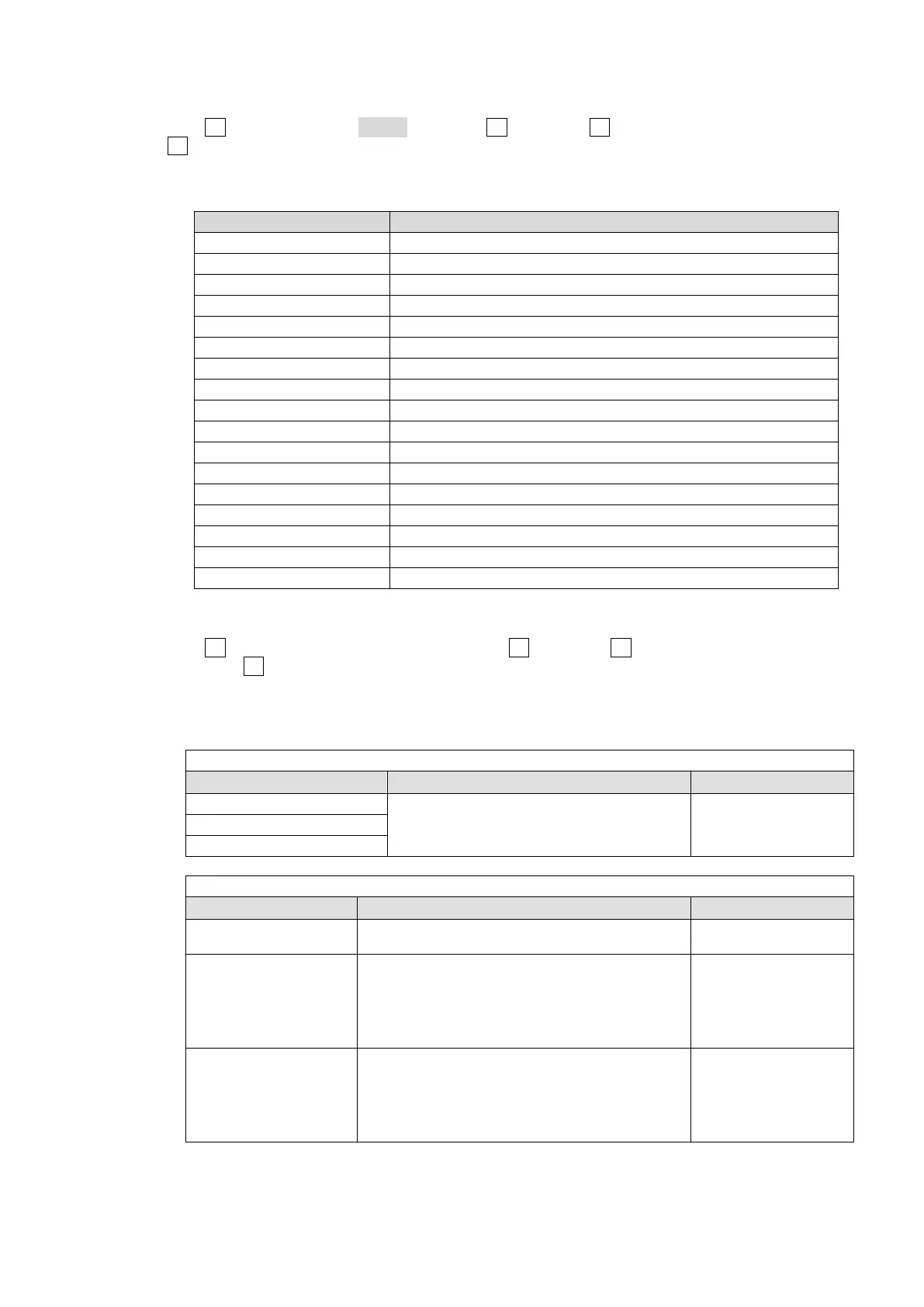
Assignable Menu Page
Menu Setting (Accessed menu page)
FILE FILE-TOP, FILE - LOAD, FILE - SAVE
SET UP SYSTEM-FORMAT MENU
SET UP EDITOR MENU
SET UP MV1 MENU, MV2 MENU
SET UP STATUS MENU
KEY KEY1-2 EDGE
KEY KEY1-2 AUTO CK
KEY KEY1-4 MATT
KEY KEY1-4 GAIN/CLIP
KEY KEY1-4 POS/SIZE
KEY KEY1-4 CROP
KEY KEY1-4 BORDER
KEY KEY1-4 SUB EFF
STILL STILL
MATT MATT
EXT I/F VTR / VDCP
FADER LIMIT TRANS-FADER LIMIT
If Function Type is Set:
Turn F2 to select the type of function and press F2. Then turn F3 to select a function to be used
and press F3. Once the function is assigned to a User button, pressing the button switches the
assigned function On and Off. If a function is assigned, it can also be a menu shortcut
(accessible by pressing the button twice quickly).
Assignable Functions
When MARKR (Marker) is selected for TYPE:
Setting Function Button Indication
AUX1 -6 ENABLE
Pressing the button shows a safety area
marker for the output.
ON: Lit orange,
OFF: Unlit
SLOT-C CH1, CH2 ENABLE
SLOT-D CH1, CH2 ENABLE
When GPIO (GPI In/Out) was selected for TYPE:
Setting Function Button Indication
GPI IN ENABLE Pressing the button enables GPI IN.
ON: Lit orange,
OFF: Unlit
GPI OUTPUT1-16
(PUSH)
The GPI OUTPUT function (1-16) represents the
ON/OFF setting for each GPI OUTPUT (1-16)
assigned to a GPI IN/TALLY OUT connector pin that
is set at the menu.
The function is enabled whenever the relevant
USER button is pressed.
Lit when pushed,
unless unlit.
GPI OUTPUT1-16
(TGLE)
The GPI OUTPUT function (1-16) represents the
ON/OFF setting for each GPI OUTPUT (1-16)
assigned to a GPI IN/TALLY OUT connector pin that
is set at the menu.
The function is enabled or disabled each time the
relevant USER button is pressed.
ON: Lit orange,
OFF: Unlit



 To Next Page