178
IP Connectivity and Operation
IP Input Menus
Spigot Menu
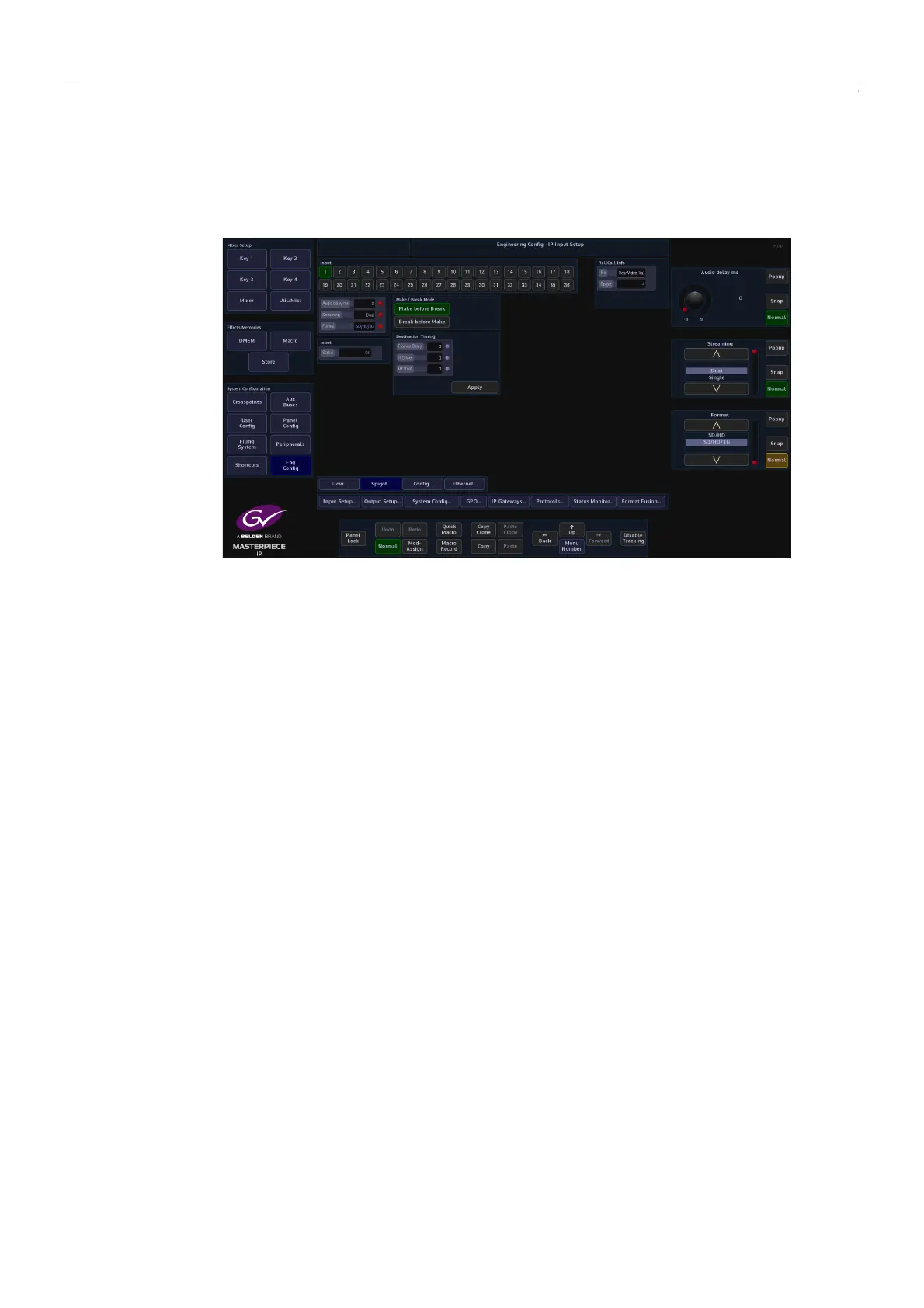
In the Spigot menu, the user is able to set the video standard for individual Spigots (inputs)
using the “Format” parameter. By touching one of the Spigots, setting this parameter will allow
more or less spigots to be used, depending on the type of format that is selected for the spigot.
The “Streaming” parameter will set whether there are “Dual” or “Single” QSFP cages being
used on the selected IP Fin.
The “Audio Delay” parameter can be adjusted, if for instance the “Lip Sync” is out between
audio and video signals.
Make before Break - this sets up the new flow before breaking the old one. It should be noted
that this will use extra bandwidth as the new flow is established.
Break before Make - this simply breaks the old flow before setting up the new one. This will
not result in a clean cut but will not use anymore bandwidth.



 To Next Page
 Loading...



