305
Masterpiece
User Manual
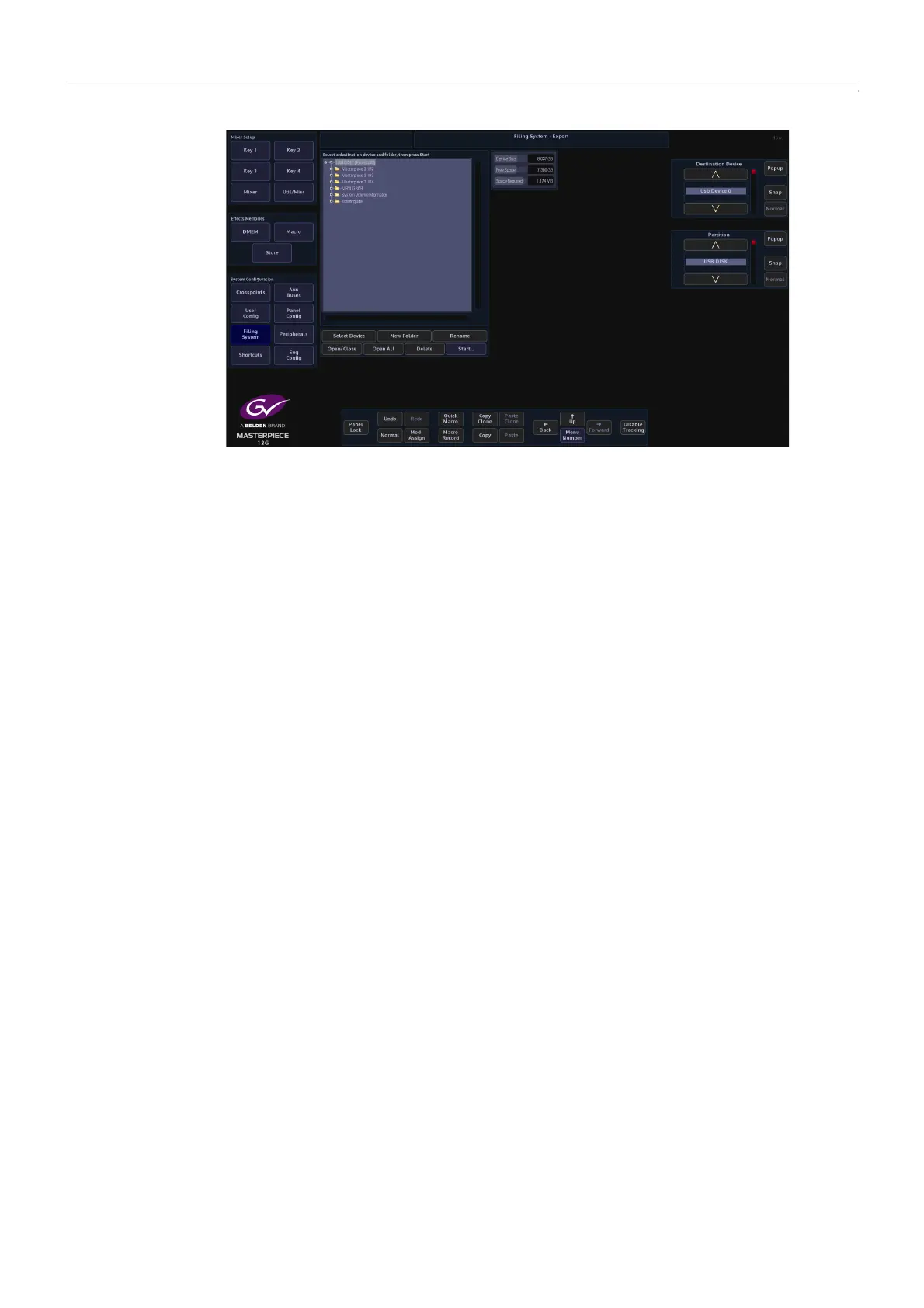
Use the Destination Device parameter to select the memory device and press {Select
Device}. The menu will now display the contents of the device.
Select a folder where the DMEM file or files will be exported to, or press the {New Folder} and a
New Folder will be created on the memory device. Press the {Rename} button and the on-
screen keyboard will appear allowing the user to give the “New Folder” a name.
Finally, press {Start} and the selected information will be placed on the memory device.
Copy to Button - is a quick way to copy a DMEM to one of the OLED buttons
Delete - to delete a DMEM, use the File parameter to select the DMEM, then press {Delete}. A
dialog box will appear asking if the user wishes to Continue or Cancel.
Lock - each DMEM can be locked to prevent them from being over-written or deleted. This is
indicated by the Pad Lock symbol next to the DMEM.
Load - the {Load} button is used to load a selected DMEM.



 To Next Page
 Loading...



