390
Peripherals
Peripherals - Others
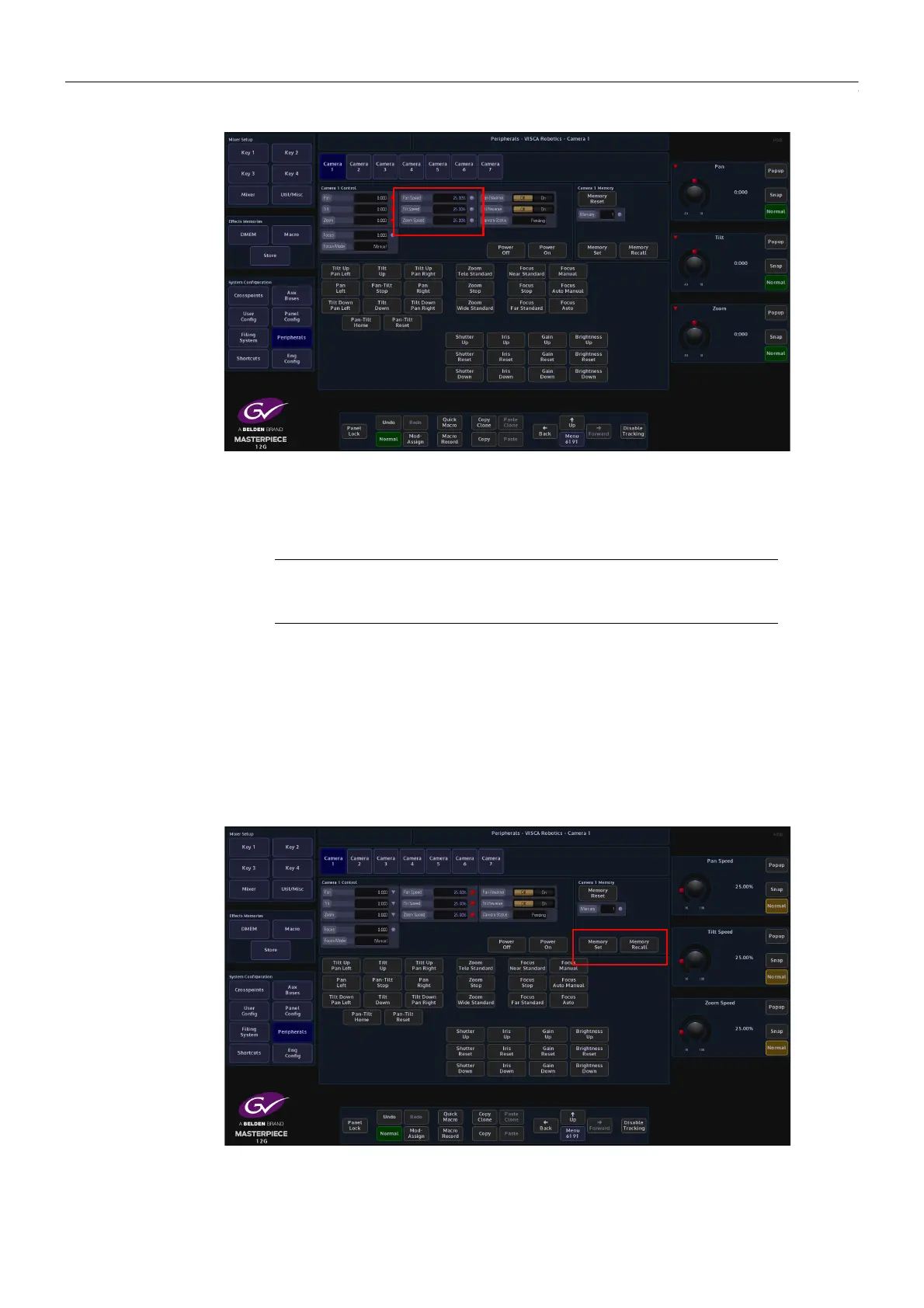
Pan Speed and Tilt Speed parameters are only available when controlling the camera with pre-
defined commands. When panning left or right, adjust the Pan Speed parameter using the GUI
rotary control knob and the camera head will speed up or slow down. The Grass Valleye action
is defined when using the Tilt Speed parameter.
Saving Camera positions into the Camera Memory
The camera is able to store up to 16 different camera memory positions.
Move the camera to the required position, use the Memory parameter to select a memory
position and then press Memory Set. If the memorized camera position is required in the
future, select the memory location and then press Memory Recall and the camera will move to
the memorized position.
Note: Pan, Tilt, Zoom and Focus can be used when using the pre-defined
commands, but they will override the current Pan/Tilt/Zoom/Focus type
commands










 To Next Page