BOARDS
C267 3-4 SM
3.3 BOARDS
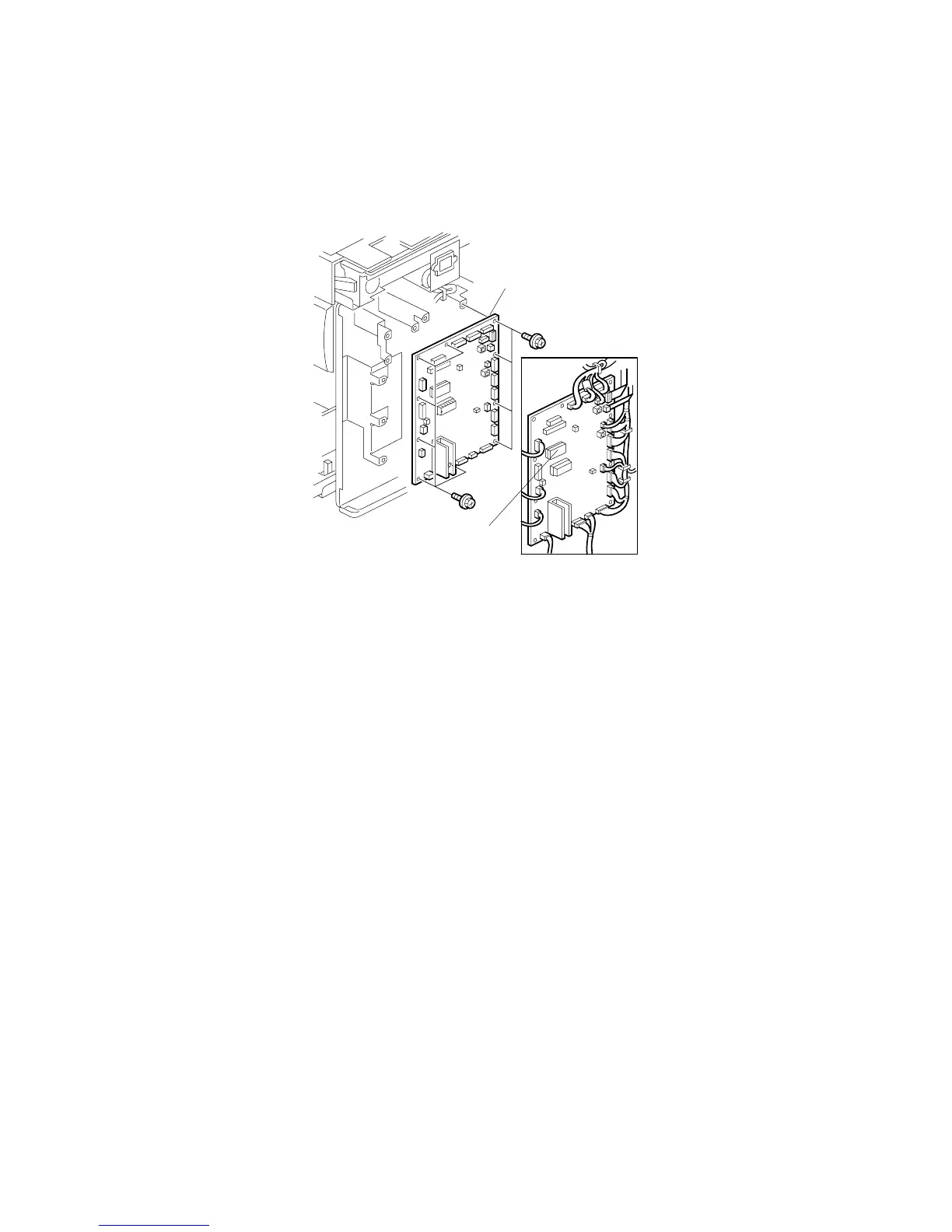
3.3.1 MPU
• Rear cover ( 3.2.3)
[A]: MPU ( x 10, x 18, 2 ribbon cables)
NOTE:
1) Take the NVRAM [B] from the old board and put it in the socket on the
new board.
2) Adjust the master end sensor ( 3.5.4) after installing the new MPU.
3) Adjust the ink detection ( 3.9.6) after installing the new MPU.
4) If you must replace the MPU RAM, you must then do the image
adjustments after you install the new RAM (see section 5.7.7. for the
procedure).
C267R007.WMF
[A]
[B]



 To Next Page