ProSYS Installation and Programming Manual 101
Utility Output: Pattern of Operation
Quick Keys Parameter Default Range
33
44
11
Pulse N/C
05 seconds 01-90 seconds
The Utility Output is always Activated (N/C) before it is triggered (pulled down
to negative).
When triggered, it deactivates for the Pulse Duration specified below and then
reactivates automatically.
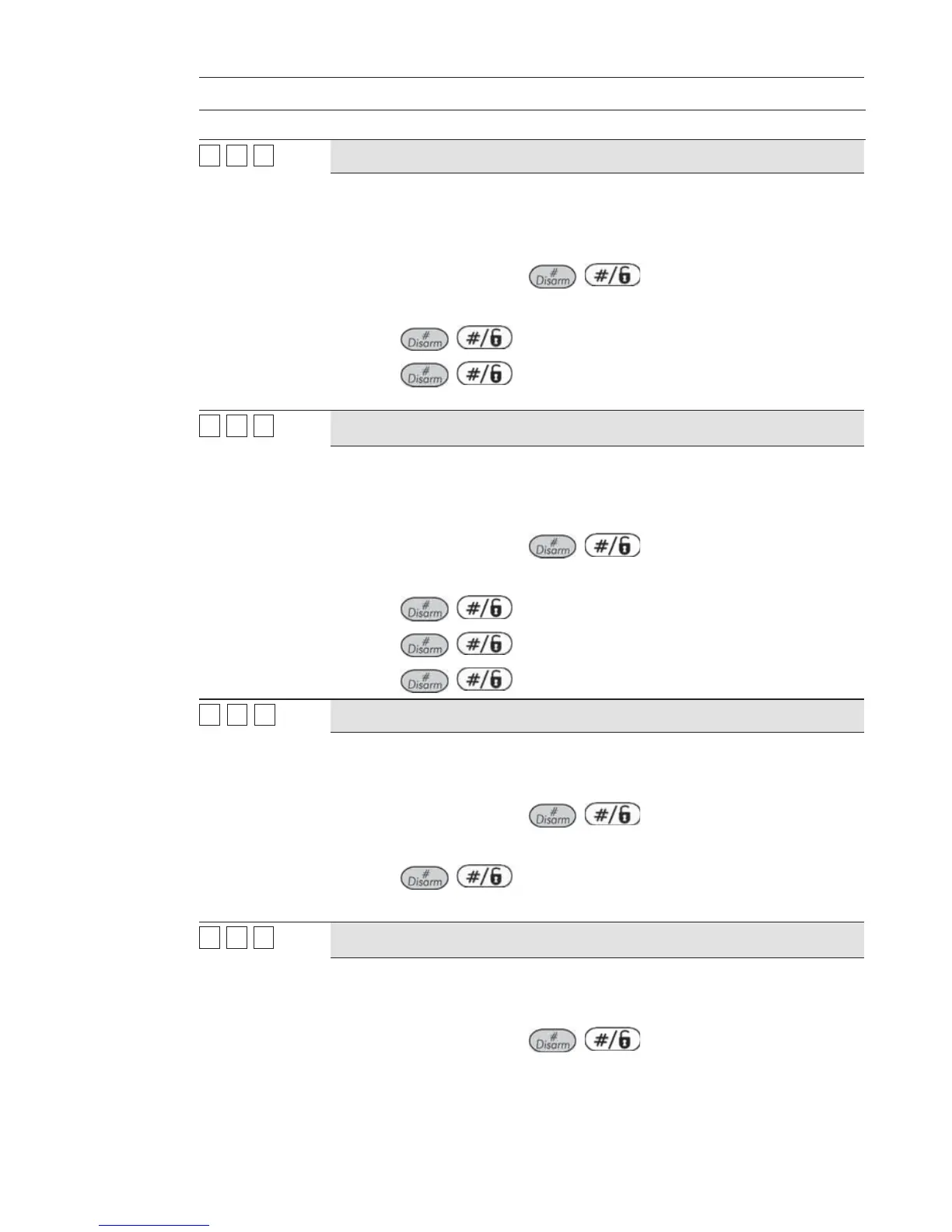
1. Press [1] and then press / .
2. Choose the desired Pulse Duration, between 01-90 seconds.
3. Press
/ and set the activation by choosing ALL or ANY.
4. Press
/ and select a label for the UO (refer to the note
below).
33
44
22
Latch N/C
The Utility Output is always Activated (N/C) before it is triggered (pulled down
to negative).
When triggered, it deactivates and remains deactivated (latched) until the
operation is restored.
1. Press [2] and then press
/ .
2. Choose a label for the UO (refer to the note below).
3. Press
/ to set the activation by choosing ALL or ANY.
4. Press
/ and set the deactivation by choosing ALL or ANY.
5. Press
/ and choose a label.
33
44
33
Pulse N/O
05 seconds 01-90 seconds
The Utility Output is always Deactivated (N/O) before it is triggered (pulled up).
When triggered, it activates (pulled down) for the Pulse Duration specified
below, then deactivates automatically.
1. Press [3] and then press
/ .
2. Choose the desired Pulse Duration, between 01-90 seconds
3. Press
/ .
4. Select a label for the UO (refer to the note below).
33
44
44
Latch N/O
The Utility Output is always Deactivated (N/O) before it is triggered (pulled up).
When triggered, it activates (pulled down) and remains activated (latched) until
the operation is restored.
1. Press [4] and then press
/ .
2. Choose a label for the UO (refer to the note below).



 To Next Page