148 ProSYS Installation and Programming Manual
Report Codes: Disarm Codes
Quick Keys Parameter Default
66
77
22
Keyswitch Disarmed
00
Code to report system disarm via a keyswitch.
NOTE:
No specific user identification is possible.
66
77
33
Auto Disarmed
00
Report Code used when the system is Auto Disarmed by a previously
scheduled event.
NOTE:
No specific user identification is possible. Refer to the ProSYS User's Manual for
additional details.
66
77
44
Remote Disarmed
00
Report Code for Remote Disarming by the MS using its Upload/Download
software.
66
77
55
Wireless Button Disarmed
00
Code to report disarming with this device.
66
88
Report Codes: Miscellaneous
The Miscellaneous menu contains codes that enable the reporting of miscellaneous events to
the MS.
To access the Miscellaneous menu:
1 Access the Report Codes menu, as described on page 137.
2 From the Report Codes menu, press [8] to access the Miscellaneous menu options.
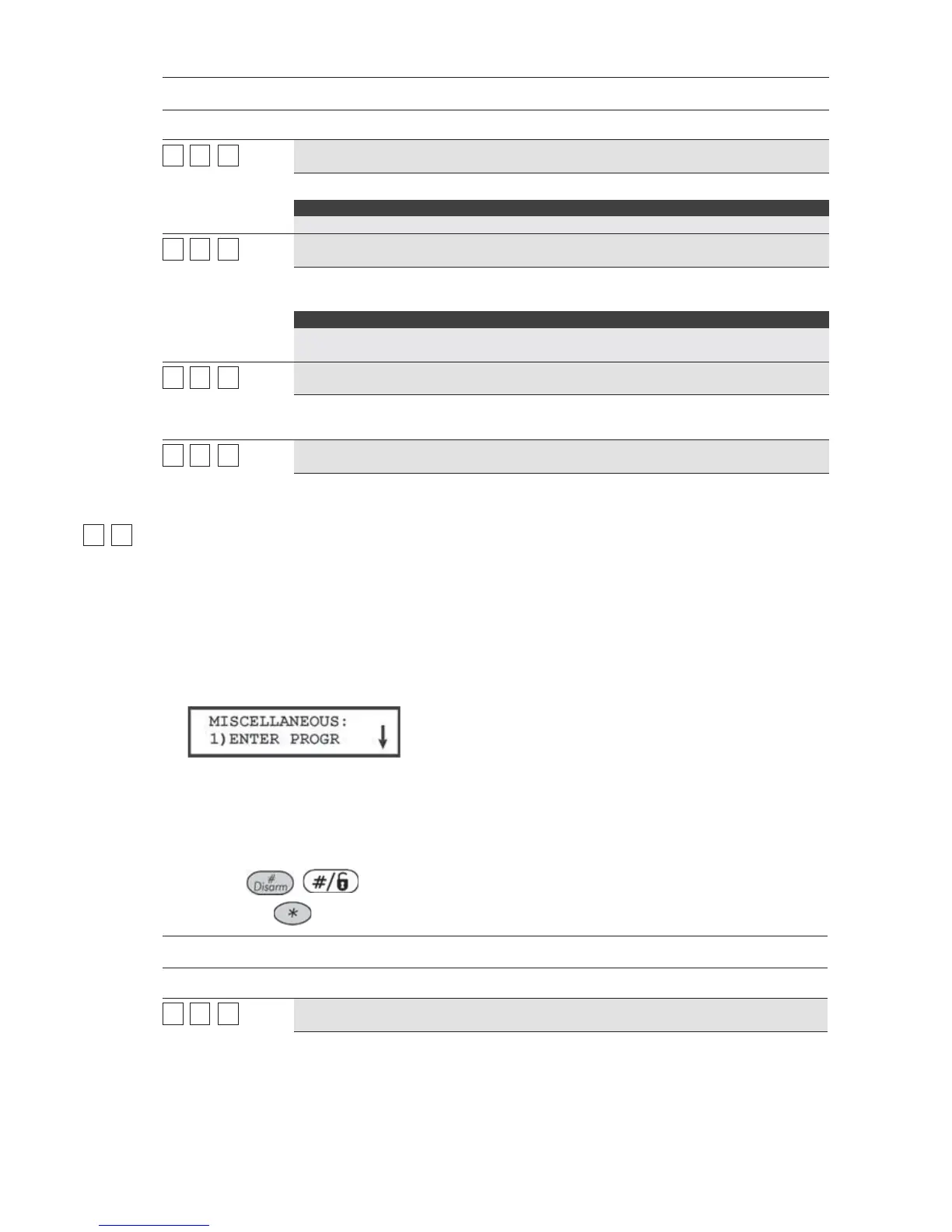
The following display appears:
3 Access and configure the parameters in the Miscellaneous menu, shown in the table
below, as follows:
O Press the number of the event to be programmed, meaning enter programming, call
back request, and so on.
O Enter the 2-digit code representing the event.
O Press
/ .
O Press the
key to return to the previous programming level.
Report Codes: Miscellaneous
Quick Keys Parameter Default
66
88
11
Enter Programming
00
Report Code for entering the Installer Programming mode, either locally (via
the LCD keypad) or remotely (via the Upload/Download software).



 To Next Page