84 ProSYS Installation and Programming Manual
Zones: Maintenance
Quick Keys Parameter
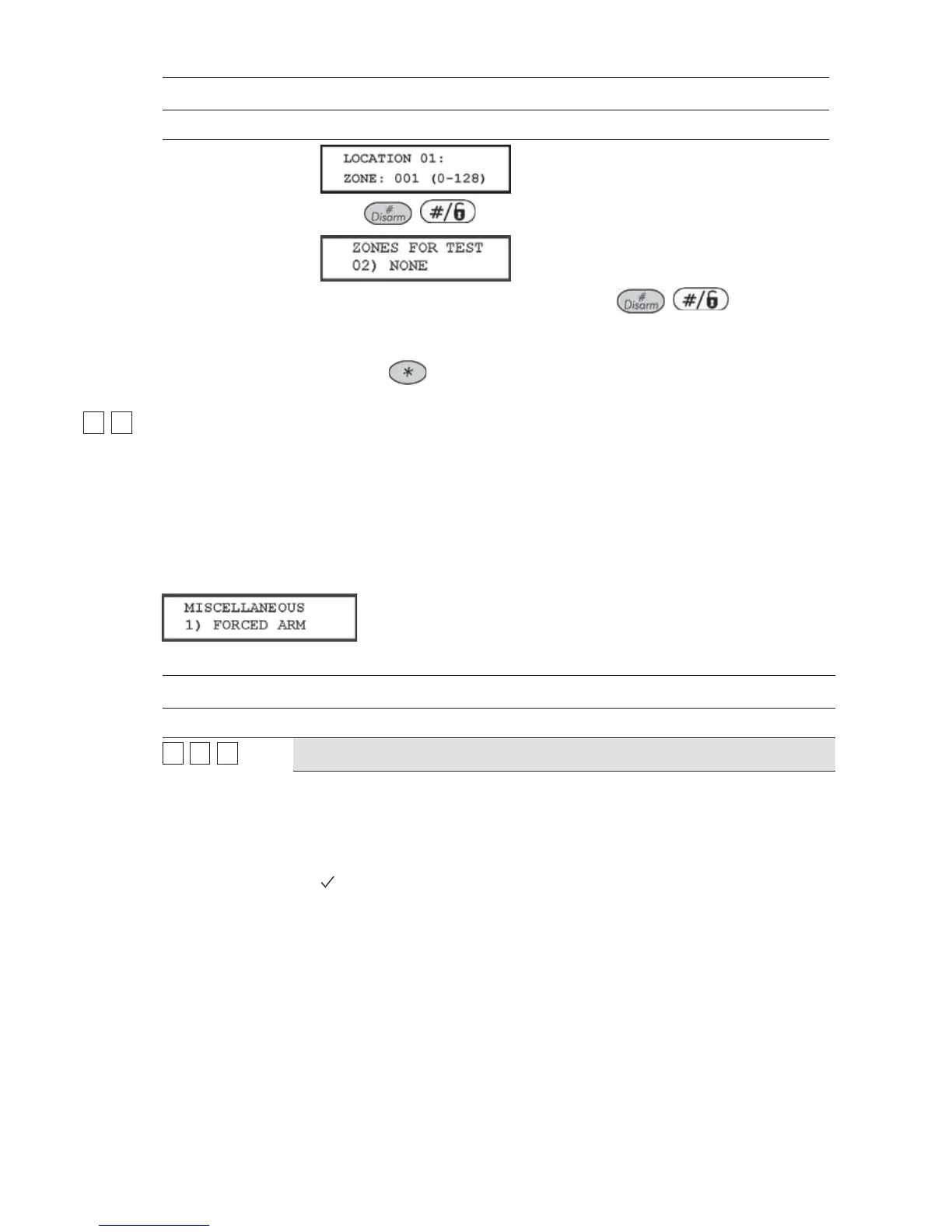
4. Press / .
5. To add a second zone for Soak Test, press / and repeat
the procedure above,
-OR-
Press the
key to return to the previous menu.
22
00
Zones: Miscellaneous
The Miscellaneous menu enables you to enable or disable the forced arming option, to define
number of pulses for a zone and define the parameters of BUS zones.
To access the Miscellaneous menu:
Access the Zones menu, as described on page 62.
1 From the Zones menu, press [0] to access the Miscellaneous menu options. The following
display appears:
2 Access and configure the parameters in the Miscellaneous menu, as follows:
Zones: Miscellaneous
Quick Keys Parameter Default Range
22
00
11
Forced Arming
DISABLED ENABLED/DISABLED
This option enables or disables the use of forced arming for each of the
system's zones, as follows:
If forced arming is enabled for a particular zone, it allows the system to be
armed even though this zone is faulted.
When a zone(s) enabled for forced arming is faulted, the keypad's READY/
LED blinks during the disarm period.
After arming, all zones enabled for forced arming are bypassed at the end of
the Exit Delay time period.
If a faulted zone (one enabled for force arming) is secured during the armed
period, it will no longer be bypassed and will be included among the
system's armed zones.



 To Next Page