70 ProSYS Installation and Programming Manual
22
44
Zones: Zone Sound
The Zone Sound menu contains parameters that enable you to program the sound produced
when a system zone triggers an alarm. Reports to the MS are not affected by any of the
options in this menu.
To access the Zone Sound menu:
1 Access the Zones menu, as described on page 62.
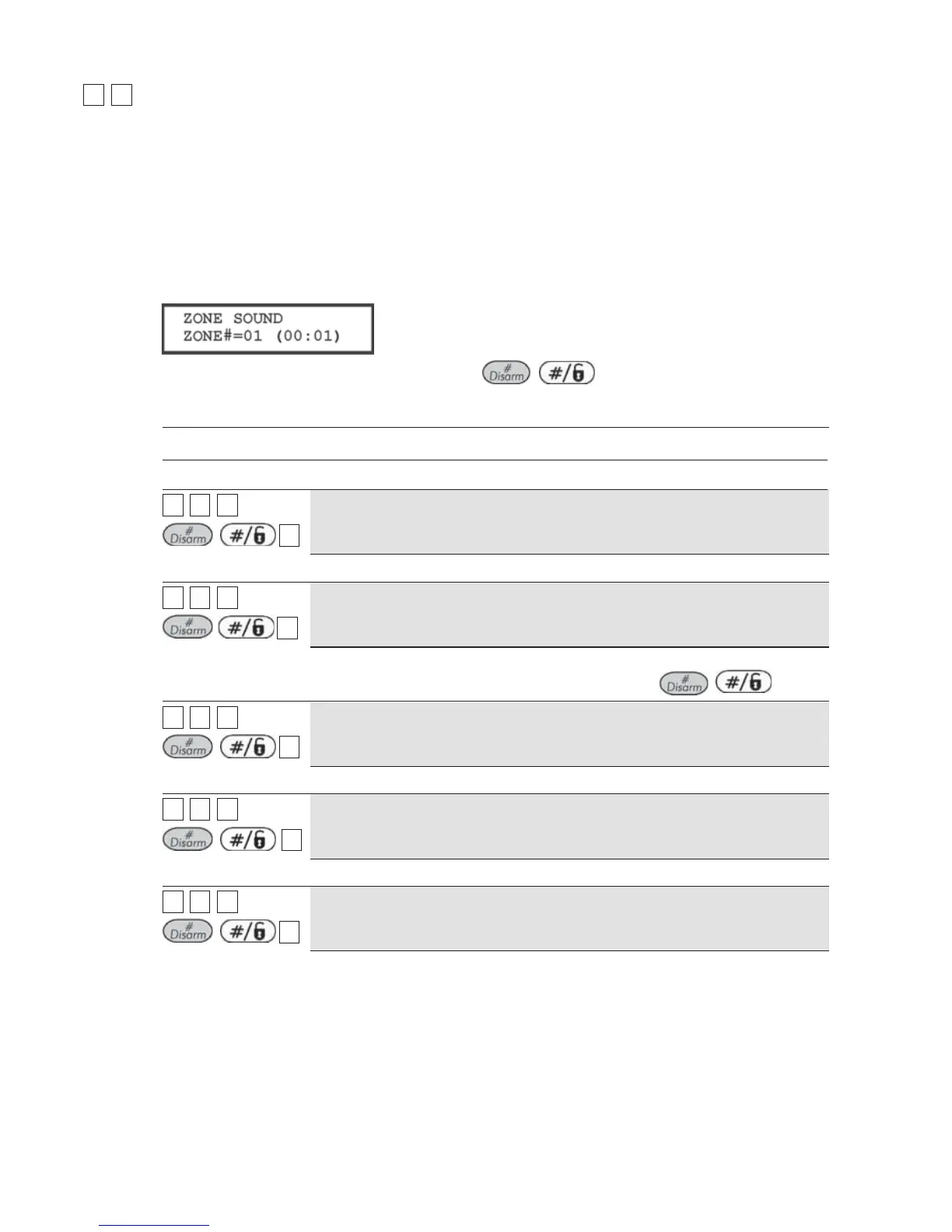
2 From the Zones menu, press [4] to access the Zone Sound menu options. The following
display appears:
3 Specify a two-digit zone number and press
/ .
4 Access and configure the parameters in the Zone Sound menu, as follows:
Zones: Zone Sound
Quick Keys Parameter Default
22
44
ZZZZ
+
/
11
Silent
Produces no sound.
22
44
ZZZZ
+
/
22
Bell Only
Activates the bell sounders for the duration of the Bell Timeout period, or
until a User Code is entered, followed by use of the
/ key.
22
44
ZZZZ
+
/
33
Buzzer Only
Activates each keypad's internal piezo buzzer.
22
44
ZZZZ
+
/
44
Bell + Buzzer
Default for all zones
Activates the bell sounders and the keypads' buzzers simultaneously.
22
44
ZZZZ
+
/
55
Door Chime
The Door Chime parameter is used as an audible sounder to indicate the
violation of a zone(s), as follows:
If the system is DISARMED, the system's keypad buzzers make three
momentary sounds whenever the zone is violated.
If the system is ARMED, only the bell sounders will produce the alarm.



 To Next Page