196 ProSYS Installation and Programming Manual
3 You are now in the Play/Record menu and can access the required voice messages,
as described in the following sections.
Maintenance: Voice Message
Quick Keys Parameter Range
99 44 22 11
Common Message
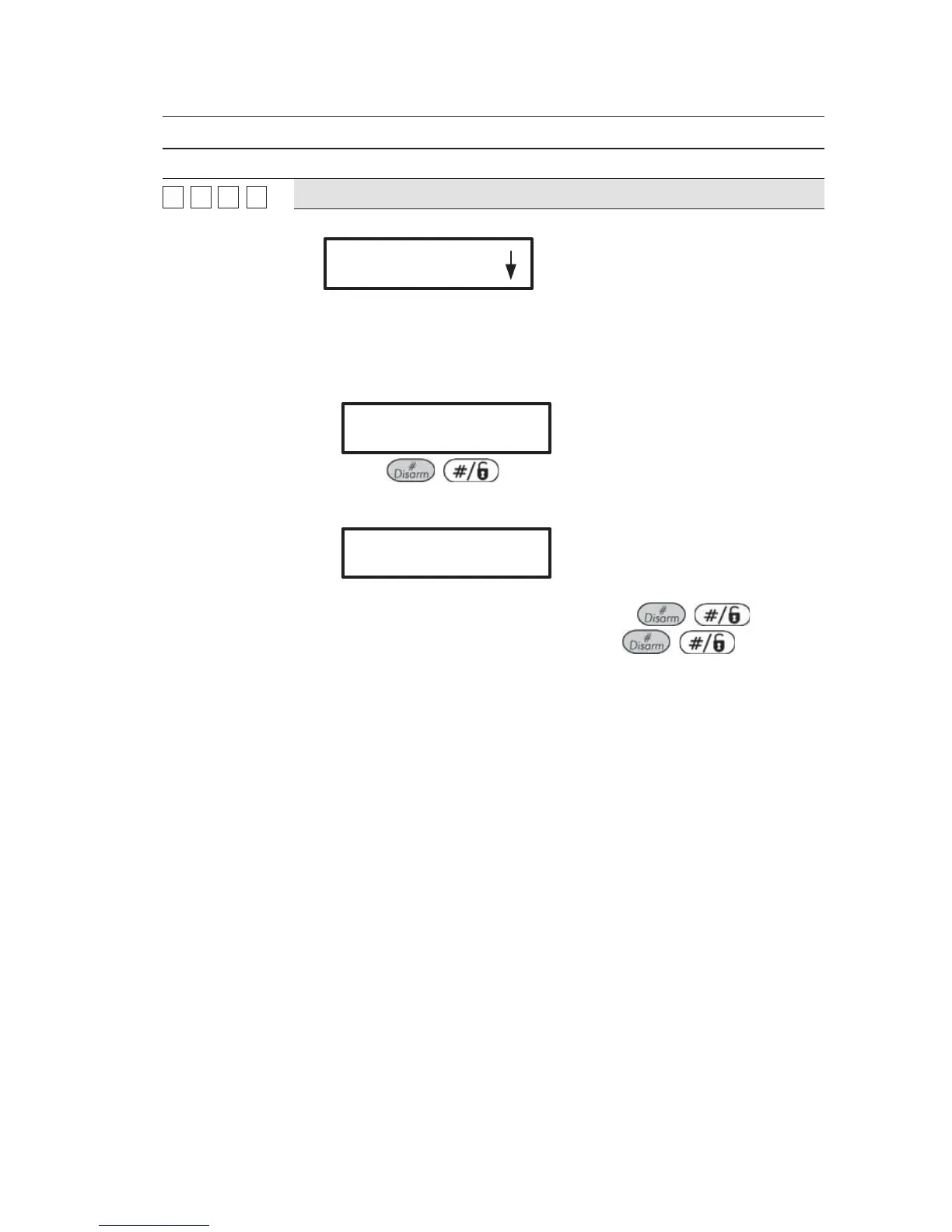
1. Press [1]. The following display appears:
COMMON MSG:
1)PLAY
2. Press the required option as follows:
Press [1] to play the common message.
Press [2] to record a new message. The following display
appears:
PRESS # TO START
MESSAGE RECORD
Press
/ and speak your message into the
microphone. The counter in the display counts down the seconds
remaining until the recording will stop.
PRESS # TO STOP
REC. TIME:10
Recording stops automatically after 10 seconds. If you finish your
message in 9 seconds or less press the
/ key to
stop recording. Note that not pressing
/
immediately after you finish recording your message might result
in a message containing unwanted noises or a silent period.



 To Next Page