ProSYS Installation and Programming Manual 59
/
To enter a completed label into the system, press Enter.
The number of allowed characters for each type of label varies, as follows:
♦ Zone Label: Up to 15 characters
♦ Partition Label: Up to 12 characters
♦ Programmable Output Label: Up to 12 characters
♦ Message to the User Label: Up to 12 characters
♦ Service Information Label: Up to 16 characters
♦ Service Name Label: Up to 16 characters
♦ System Global Label: Up to 16 characters
♦ User Label: Up to 10 characters
To access the System Labels menu:
1 Access the System menu, as described on page 46.
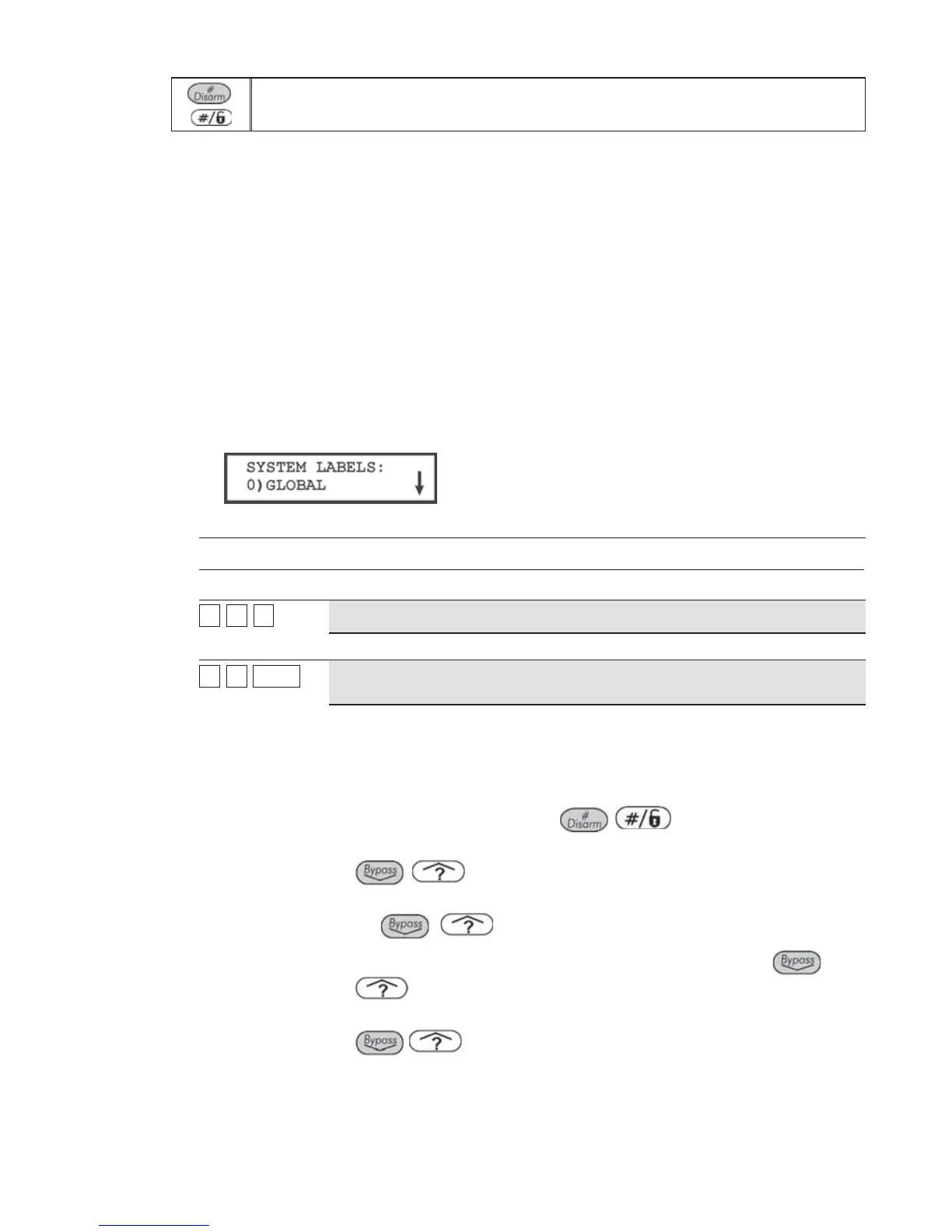
2 From the System menu, press [5] to access the System Labels menu options. The
following display appears:
3 Access and configure the parameters in the System Labels menu, as follows:
System: System Labels
Quick Keys Parameter Default Range
11
55
00
Global
Security System Any 16 characters
Edits the global (system) label for viewing during Download sessions.
11
55
1 to 81 to 8
Partitions 1 through 8
Partitions 1
through 8
Any 12 characters
Partitions 1 through 8.
Example: The example below describes how to edit each partition label.
TO ASSIGN THE JONES'S NAME TO PARTITION 1, FOLLOW THE STEPS
BELOW:
Press [1] for partition 1 and press
/
.
1. Press the [2] key repeatedly until a T appears in the display; press the
/
key once to move the cursor to the right.
2. Press the [4] key repeatedly until an h appears in the display; again, press
the
/ key to advance the cursor.
3. Press the [4] key repeatedly until an e appears and press the
/
key to advance the cursor.
4. Press the [6], [7], [8], [9], or [0] key to create a space and press the
/
key to advance the cursor.
5. Press the [1] key until a J appears.
6. Use the elements of this procedure to assign the remaining Partition Labels
as described in Entering a New Label Using the LCD Keypad, page 58.



 To Next Page