COPIER (A229)
A229 3-12 SM
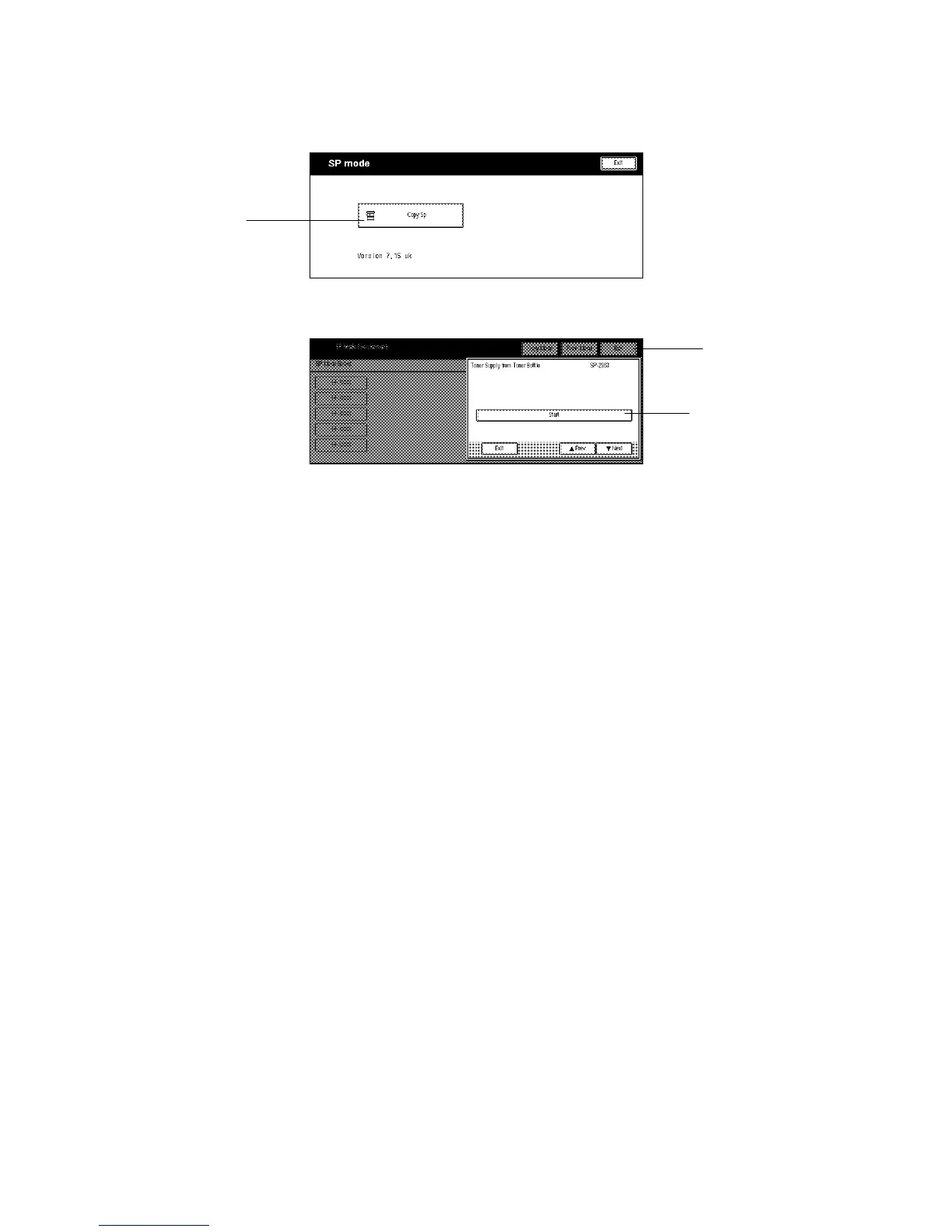
29. Select “Copy SP” [A] on the LCD, and perform the initial setting as follows:
1) Enter “2963” using the numeric keys.
2) Press the “Enter” key.
3) Press the “Start” key [B] on the LCD.
NOTE:
This SP mode performs the TD initial setting, then the forced toner
supply. It will stop automatically when both procedures have finished.
30. Initialize the mechanical counter using SP7-825.
31. If necessary, select the correct display language (SP5-009).
32. Press the “Exit” key [C] on the LCD to exit SP mode.
33. Change the paper size for all paper trays to suit the customer’s requests. (See
section 3.3 “Paper Size Change” for details.)
34. Attach the appropriate paper size decals, which are included as accessories, to
each paper feed tray.
35. Check copy quality and machine operation.
A229I522.TIF
A229I523.TIF
[A]
[B]
[C]









 To Next Page