SERVICE PROGRAM MODE
4-51
SM A229
Service
Tables
4.2.3 TEST PATTERN PRINTING (SP2-902)
NOTE:
Do not operate the machine until the test pattern is printed out completely.
Otherwise, an SC may occur.
1. Access the SP mode which contains the test pattern you need.
2. Press exit, then touch the “Copy Mode” key on the operation panel to access
the copy mode display.
3. Select the paper size.
4. Press the “Start” key to print the test pattern.
5. After checking the test pattern, exit copy mode by touching the “SP Mode” key.
Reset the test pattern to 0.
6. Exit the SP mode.
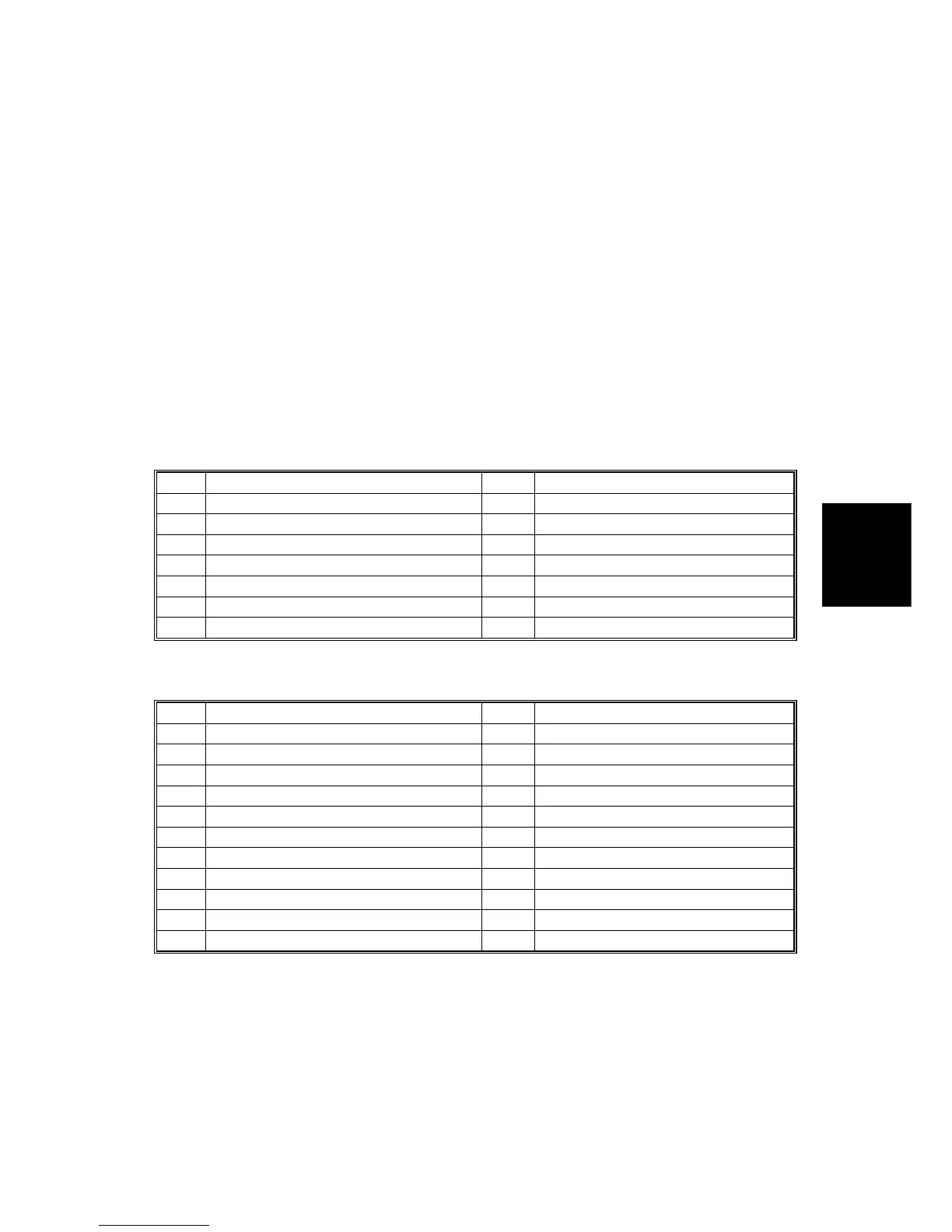
Test Pattern Table (SP2-902-2: Test Pattern Printing – IPU)
No. Test Pattern No. Test Pattern
0 None 7 Vertical Lines (1-dot)
1 Grayscale 1 8 Vertical Lines (2-dot)
2 Grayscale 2 9 Hatch Pattern
3 Grayscale 3 10 Cross Pattern
4 Grayscale 4 11 Slant Pattern
5 Grayscale 5 12 Cross Stitch (400 dpi)
6 Vertical Lines (256-greyscale) 13 Cross Stitch (600 dpi)
Test Pattern Table (SP2-902-3: Test Pattern Printing – Printing)
No. Test Pattern No. Test Pattern
0 None 11 Argyle Pattern
1 Vertical Line (1-dot) 12 16 Grayscales (Horizontal)
2 Horizontal Line (1-dot) 13 16 Grayscales (Vertical)
3 Vertical Line (2 dot) 14 16 Grayscales (Vert./Hor.)
4 Horizontal Line (2-dot) 15 16 Grayscales (Vert./Hor Overlay)
5 Grid Pattern (Single-dot) 16 Not used
6 Grid Pattern (Double-dot) 17 Horizontal Line (1-dot)
7 Alternating Dot Pattern 18 Grid Pattern (Single-dot)
8 Full Dot Pattern 19 Grid Pattern (Double-dot)
9 Black Band 20 Alternating Dot Pattern
10 Trimming Area 21 Blank Page
Rev. 6/3/99









 To Next Page