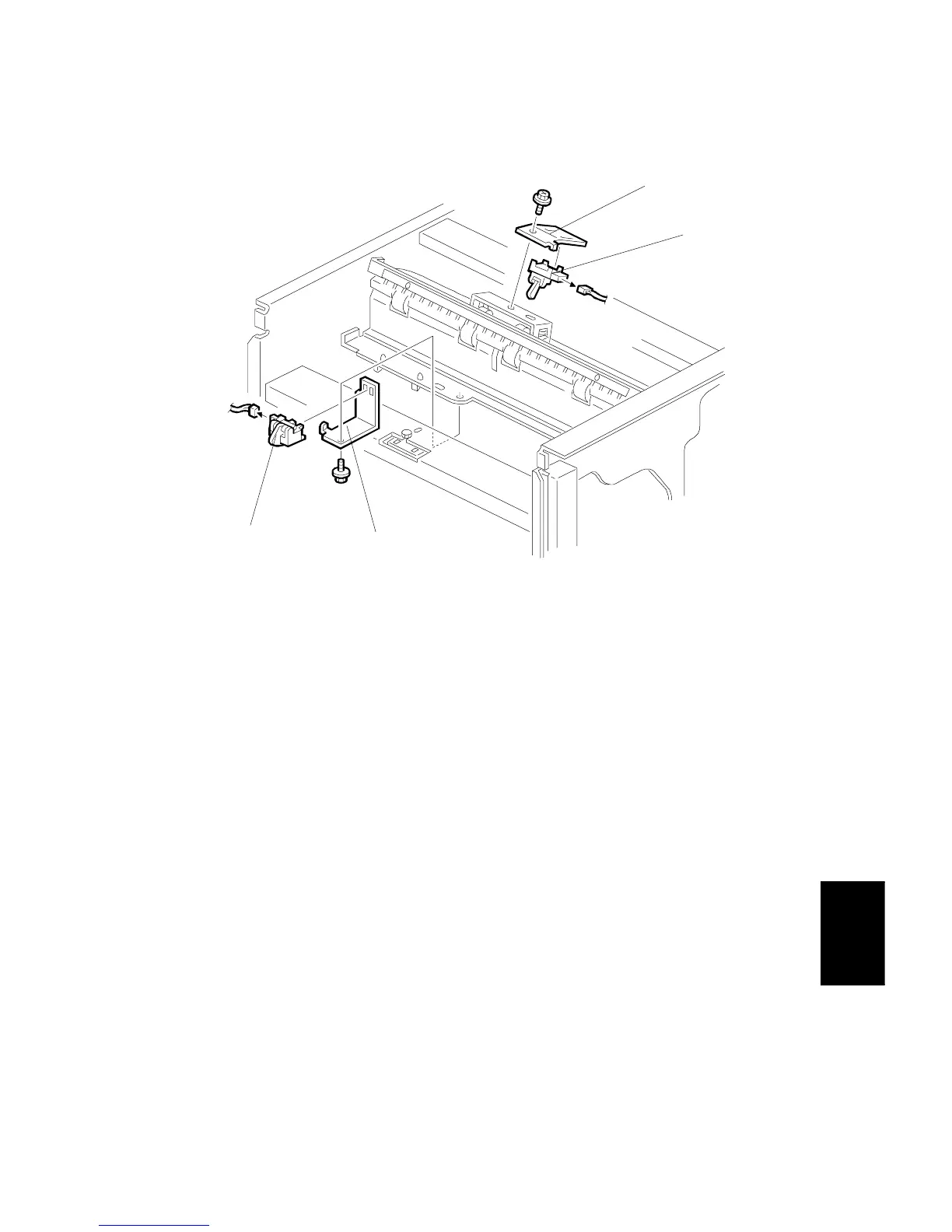
SENSOR REPLACEMNT
SM 7-27 A229
Finisher
A697
4.4.2 UPPER TRAY PAPER LIMIT AND EXIT SENSOR
1. Remove the upper left cover.
2. Remove the upper cover.
Upper Tray Paper Limit Sensor
3. Remove the sensor bracket [A] (1 screw).
4. Replace the upper tray paper limit sensor [B] (1 connector).
Upper Tray Exit Sensor
3. Remove the sensor bracket [C] (1 screw).
4. Replace the upper tray exit sensor [D] (1 connector).
A697R504.WMF
[A]
[C]
[D]
[B]









 To Next Page